
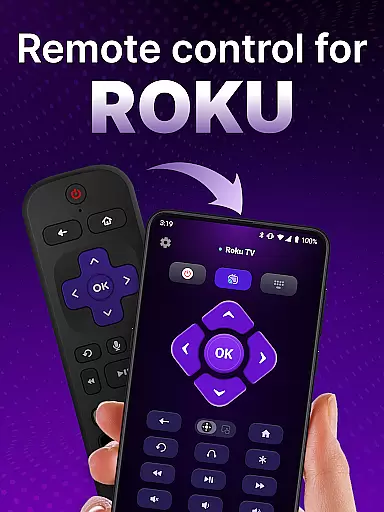
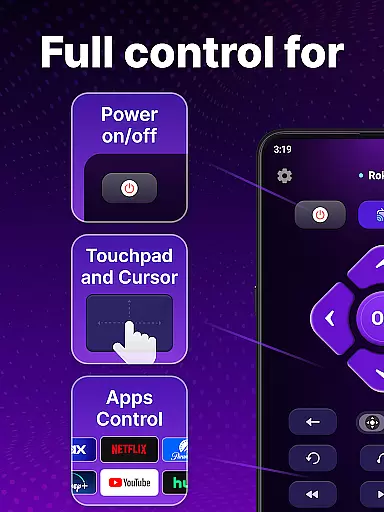
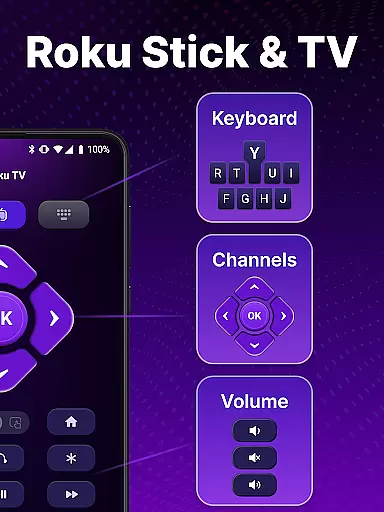
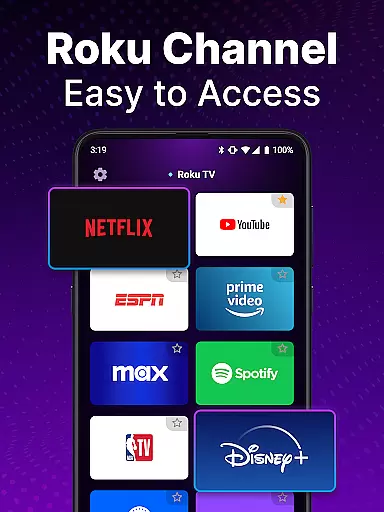
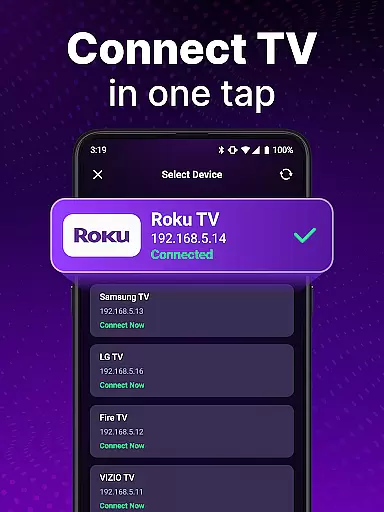
TV Remote control for Roku TV is a universal remote application that allows users to conveniently manage their Roku TV devices directly from their smartphones. The app connects to the same Wi-Fi network as your Roku TV, enabling you to perform essential functions such as turning the TV on and off, adjusting volume, browsing content, streaming channels, and launching applications.
This universal remote app offers advanced features like automatic device detection, voice control, smooth touchpad navigation, and keyboard input for quick searches. It eliminates the need for a traditional physical remote by providing a more portable and versatile solution right on your mobile device. Whether you want to streamline your entertainment experience or simply can't find your regular Roku remote, this app delivers a reliable and user-friendly alternative.
The practicality of having a virtual Roku remote on your phone makes it an ideal tool for enhancing convenience in home entertainment setups. With its intuitive interface and comprehensive functionality, the app ensures you can effortlessly control all aspects of your Roku TV experience without interruption.
TV Remote control for Roku TV stands out with its robust feature set tailored for seamless device management. One of its key capabilities is automatic detection, which identifies Roku TV devices connected to the same Wi-Fi network, simplifying the setup process significantly. This ensures that users can start controlling their TVs almost immediately after installation without complicated configurations.
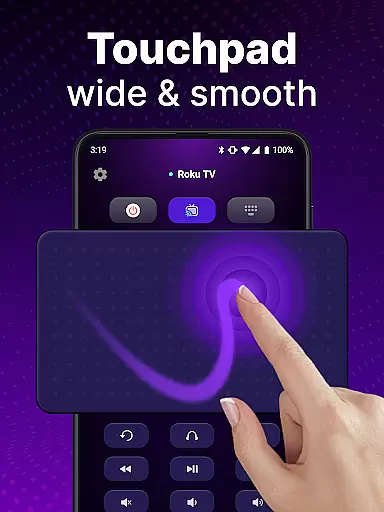
The app also supports rapid Roku remote functionalities, including instant access to controls for power, volume, channel navigation, and even voice commands. Its simple navigation system incorporates a touchpad interface that allows smooth scrolling and swiping gestures, mimicking the natural feel of a physical remote while offering enhanced precision. Additionally, the integrated keyboard input feature enables swift text entry, making it easier to search for shows or movies quickly.
Another notable advantage is the ability to customize your viewing experience through personalized settings within the universal remote app. Users can enjoy hands-free operation using voice search functionality, eliminating tedious manual inputs associated with traditional remotes. By consolidating all these powerful tools into one accessible platform, TV Remote control for Roku TV provides an innovative solution that enhances usability and convenience for Roku TV owners.
In the realm of remote control applications, ensuring core function accuracy and effectiveness is paramount for a seamless user experience. The TV Remote control for Roku TV app excels in this area by providing precise control over your Roku TV through an intuitive interface.
This universal remote app offers automatic detection of Roku TV devices on the same Wi-Fi network, enabling effortless setup and connection. Once connected, users can expect instant access to their Roku TV's functions, including power on/off, volume adjustment, channel launching, and content streaming, all replicating the capabilities of a physical remote with enhanced efficiency.
Moreover, the app incorporates voice control and keyboard input features that significantly boost its functional accuracy. Users can perform swift text inputs and searches, accessing their favorite shows rapidly without the hassle typically associated with traditional Roku remotes.
The precision and reliability afforded by this app not only simplify but also enrich the television viewing experience, demonstrating its commitment to delivering accurate and effective core functionalities.
A remote control app must boast an interface that marries simplicity with intuitiveness to ensure users can operate their devices without unnecessary complexity. The TV Remote control for Roku TV app achieves this by offering a straightforward and instinctive user interface that makes controlling your Roku TV a breeze.
Upon installation, users are greeted with a clean layout designed for ease of navigation. The touchpad feature facilitates smooth scrolling and swiping actions akin to using a smartphone, which simplifies movement within the Roku environment and enhances overall usability.
Additionally, the app eliminates tedious options found in typical Roku remotes by introducing voice input functionality. This allows for hands-free operation where users can search for shows simply by speaking, thus streamlining the interaction process between the user and their Roku TV.
By focusing on an uncluttered design philosophy coupled with smart features like voice commands, the TV Remote control for Roku TV app ensures that even those who are less tech-savvy can enjoy a hassle-free and intuitive control experience over their entertainment system.
User-friendly interface
Voice command support
Automatic device detection
Swift text input
Comprehensive remote functions
Requires Wi-Fi connection
Not officially affiliated with Roku
Limited to Roku devices
Potential connectivity issues
No physical buttons

Change your GPS location instantly. Simulate routes anywhere in the world.
 4.90
4.90
A convenient photo, video, and file recovery tool.
4.00
Save any video in HD - paste the link, download fast and watch offline.
4.4
Universal TV remote control all TVs, Roku, LG, Samsung, Fire, Vizio, Sony, TCL.
4.40
A non-root local ADB shell client. READ BELOW!
3.40
PC precision for mobile gaming: dominate with keyboard and mouse!
4.30
Planner and Tracker for Stardew Valley
4.60
Fast Video Downloader, Movie Downloader, Torrent Downloader & Adblock Browser
4.70
Clean up your phone, find files, play media, and share files offline
4.50
Navigate with Ease and Style
4.90
Creation, Learning, Entertainment & More — The All-in-One AI Search Engine
4.70
Play your X-Box games remotely in 1080p with any controller and zero latency
4.60
Screen Mirroring for Roku Sticks, Roku TCL TV and Roku Hisense TV
4.50
Button mapper, mouse toggle, sleep timer and a lot of another features
4.50
Signal Strength, Mobile, Wifi, Speed Test, Bad Signals, Cellular, 5G, LTE, 4G
4.20
View detailed information about your Nissan Leaf the dealer never shows you.
4.10
Detect hidden spy camera with advanced scanning {{ Premium version }}
4.00
1-Click close all background apps on Android TV
3.90
card-reader app
2.20


User Reviews