
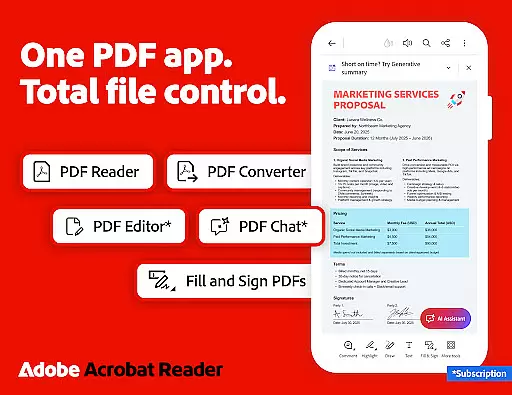
Adobe Acrobat Reader is a leading productivity application that revolutionizes the way users interact with PDF documents. This powerful tool allows you to view, create, edit, sign, and share PDFs with ease, making document management seamless across multiple platforms.
The app's standout feature is the Adobe Acrobat AI Assistant, which enables users to work smarter by utilizing AI-driven functionalities such as cited answers from document content, voice commands, and instant summaries. With over 635 million installs, this trusted solution supports advanced editing, cloud storage integration, and extensive collaboration tools, ensuring maximum efficiency for both personal and professional use.
Ideal for business professionals, students, and anyone dealing with PDFs, Adobe Acrobat Reader enhances productivity by providing comprehensive tools in one intuitive interface. Whether you're annotating documents, converting file formats, or managing large volumes of data, this app delivers exceptional value for users seeking an all-in-one PDF solution.
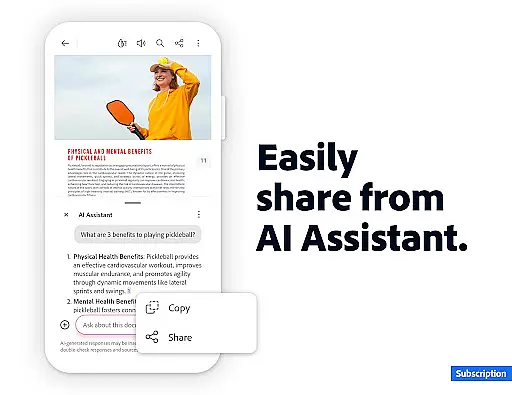
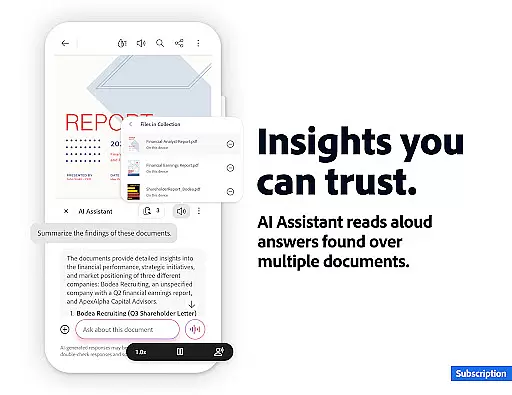
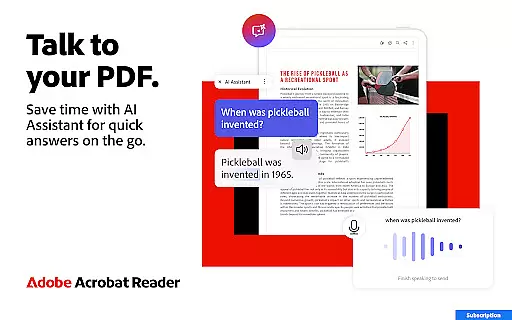
Adobe Acrobat Reader stands out with its robust set of features designed to maximize productivity. One of the key highlights is the AI Assistant, which allows users to interact with PDFs using voice or text prompts, generate instant summaries, and extract critical information from charts and graphs through Figures Q&A. This functionality streamlines workflows and saves valuable time.
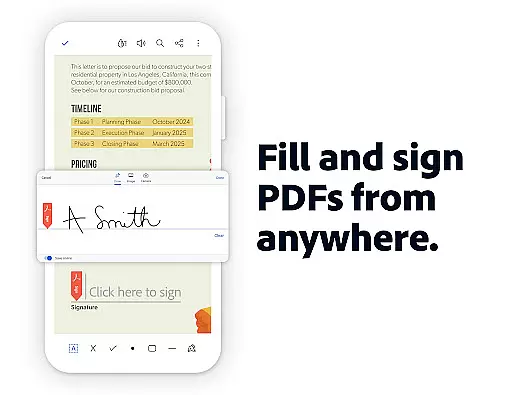
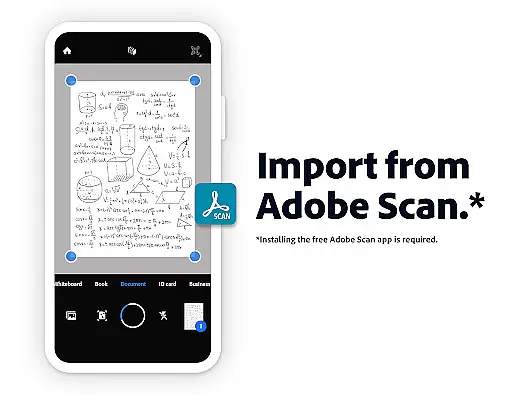
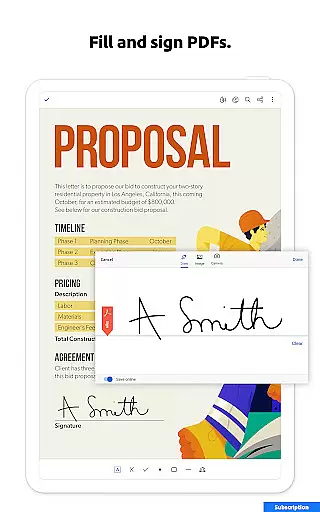
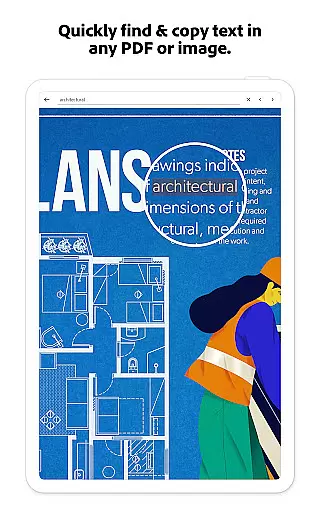
In addition to AI-powered tools, the app provides advanced PDF editing capabilities, enabling users to modify text, images, and pages directly within their documents. Optical Character Recognition (OCR) further enhances usability by converting scanned PDFs into editable text. Collaboration is made effortless with shared workspaces, real-time notifications, and integrated cloud storage options like Google Drive and Dropbox.
Security and accessibility are prioritized, offering features such as password protection, file compression, and read-aloud modes. These innovations ensure that users can manage their documents safely while enjoying a flexible and optimized reading experience on any device.
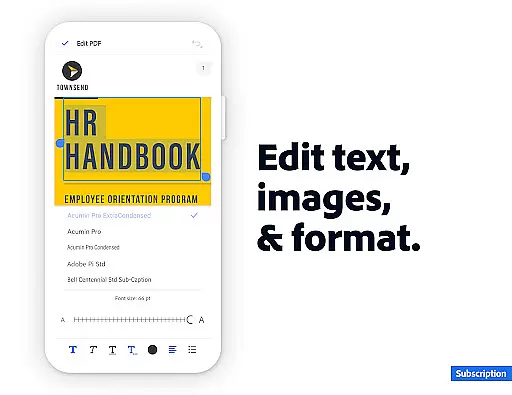
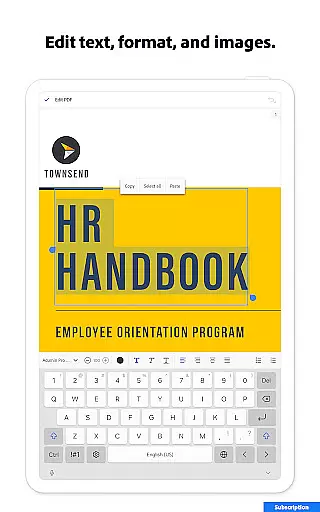
Adobe Acrobat Reader excels in core task management by offering a comprehensive suite of tools designed to handle PDFs efficiently. The application allows users to edit text and images directly within PDFs, fix typos, add paragraphs, and manage images with ease.
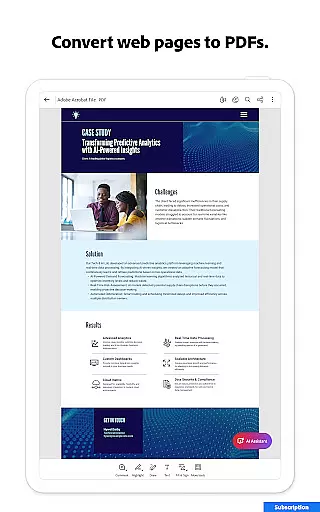
One of the standout features is its ability to merge, organize, and convert PDFs. Users can split or combine multiple files into one PDF, reorder pages, and even convert web pages or other file types into PDF format. This ensures that all necessary information is compiled neatly into manageable documents.
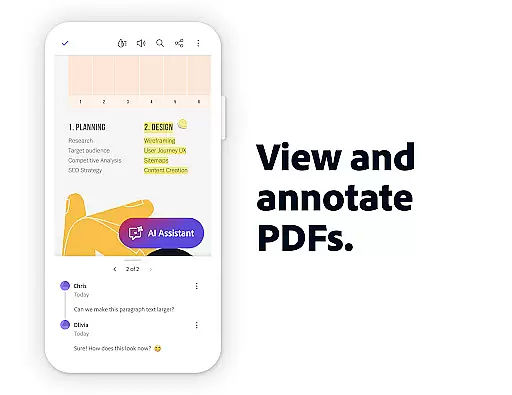
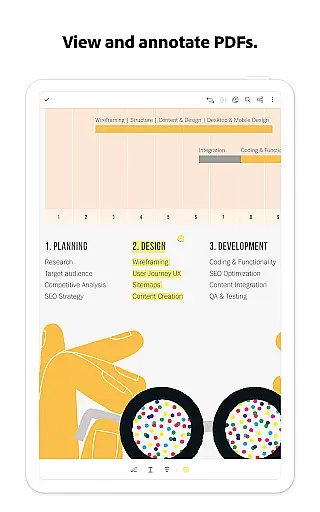
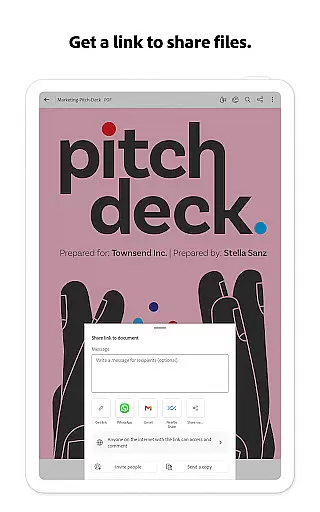
The app also provides robust collaboration features. With the ability to share files for commenting, utilize @mentions, and manage all comments in one place, teams can work together seamlessly. This functionality enhances productivity by streamlining communication and document handling.
Furthermore, the inclusion of Adobe's AI Assistant adds another layer of efficiency. By using voice or text prompts, users can quickly retrieve cited answers from their documents, generate summaries, and get content for various uses like emails or blogs. This integration of AI not only saves time but also improves the accuracy and relevance of the extracted information.
Cross-device synchronization is a critical feature for maintaining workflow continuity, and Adobe Acrobat Reader delivers reliable performance in this area. Users can store their files online and access them from any device, ensuring that important documents are always at hand, whether on a mobile phone, tablet, or desktop computer.
The app supports integration with popular cloud storage services such as Microsoft OneDrive, Dropbox, and Google Drive. This compatibility allows users to link their online storage accounts directly within Acrobat Reader, providing a centralized location for all their PDFs. As a result, users can easily manage and retrieve files without switching between different applications.
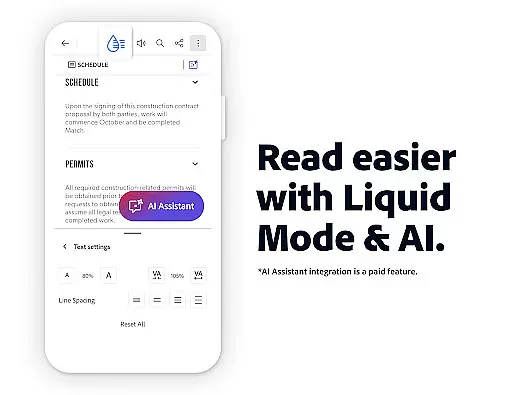
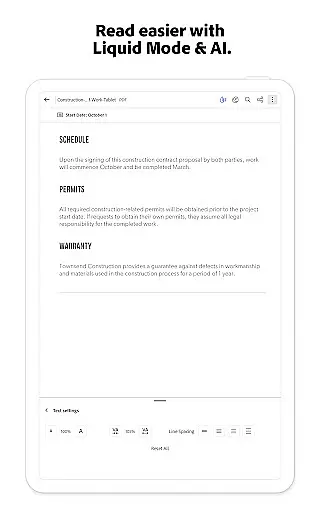
Another advantage is the ability to have PDFs read aloud, which is particularly useful for those who prefer auditory learning or need to multitask. The feature supports both free and high-quality voice options, making it versatile for various user needs. This ensures that users can listen to their documents on the go, enhancing accessibility and convenience.
Additionally, the app's design caters to enterprise environments where Enterprise Mobility Management (EMM) is crucial. Its reliable synchronization capabilities ensure that corporate users can securely access and manage their documents across devices, maintaining data integrity and compliance with organizational policies. This makes Adobe Acrobat Reader a dependable choice for both individual and enterprise-level use.
Trusted PDF solution
AI-powered assistance
Comprehensive editing tools
Cloud integration
Collaboration features
Paid AI features
Limited free trial
Advanced tools costly
Complex for beginners
Subscription required

 4.20
4.20
AI Video AI Image Private LLM AI Browser Llama Gemma Ollama Connect LLM Studio
4.0
Direct Chat without saving contacts & Dual WA Account on Single Device
4.70
Mind Map and brainstorm, note taking and idea collection
4.80
IP Camera Viewer - Android TV : RTSP Surveillance camera viewer for Android TV
4.2
Customizable calendar widget for seamless event sync, planning & scheduling.
4.00
Make apps & sites with natural language prompts
4.10
Activate Two Factor Authentication (2FA or Multi OTP), Password manager and more
4.10
This small app MUST BE INSTALLED after purchase, else license won't work
4.40
Understand anything with a personalized AI research assistant
4.80
QuickBooks Workforce lets teams view pay info and track time in one place.
4.70
Client for Nextcloud Deck
4.60
Absolutely the best CNC machinist speed and feed calculator around. fswizard.com
4.60
PDF scanner & converter for files, photos, lottery, QR codes. One swipe away!
4.50
A Pixel Art watchface inspired by other iconic 90s designs for Wear OS devices!
4.40
Device's storage information in a simple and clear graphical form (infographics)
4.10
Experience real multitasking on your Android!
4.00
A Revolutionary All-in-One Artificial Intelligence Tools
3.80
Auto-shutoff Alarm with Sunrise, Sunset & Fixed Options.
3.50


User Reviews