
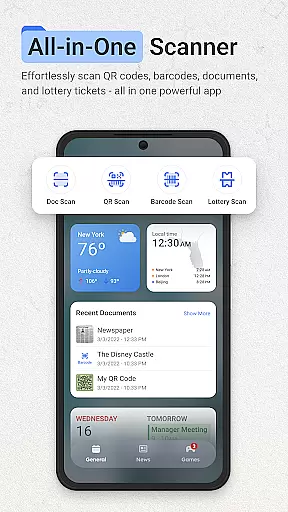
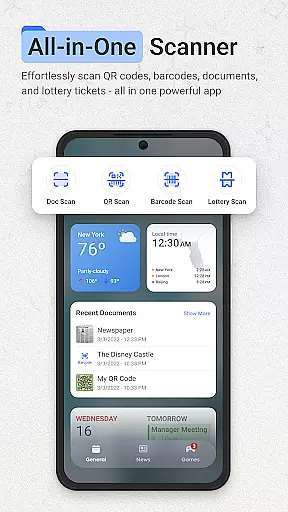
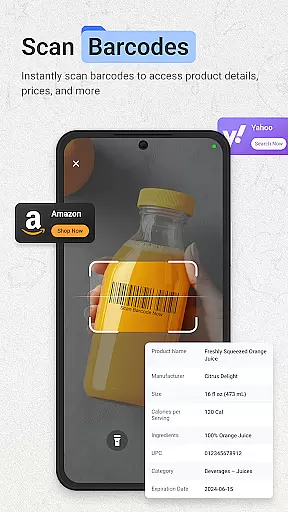
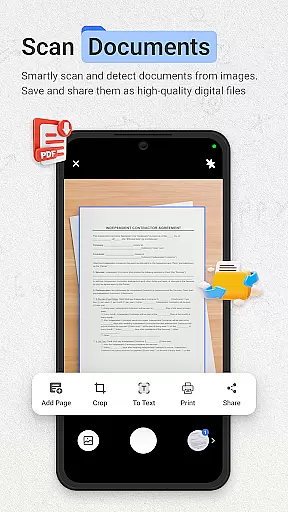
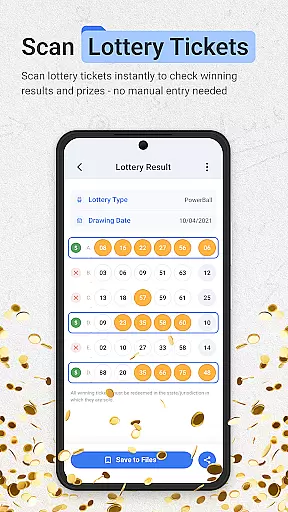
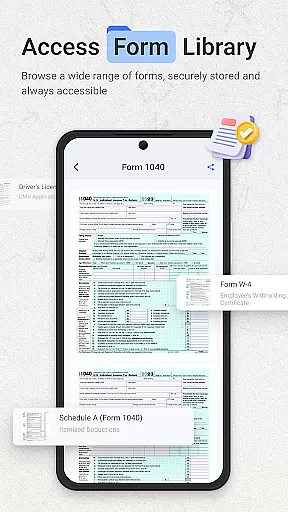
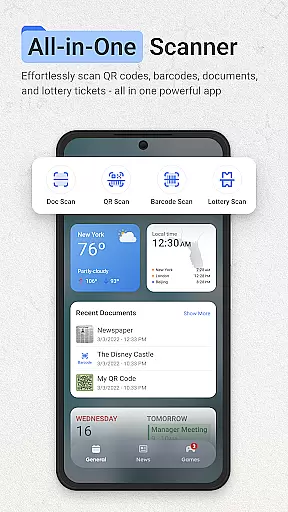
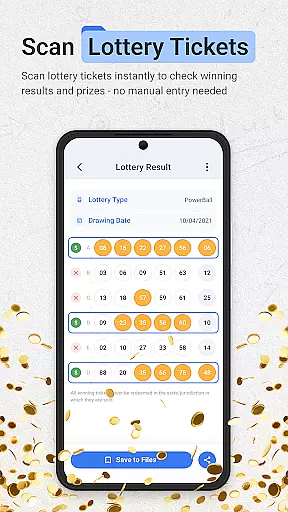
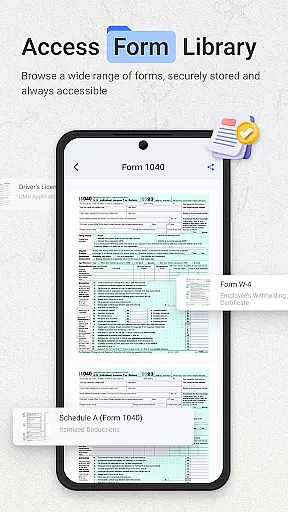
ScanNow Home revolutionizes productivity by integrating essential scanning tools directly into your home screen experience. This innovative app combines a powerful document scanner, barcode and QR code reader, and lottery ticket validator with a customizable launcher interface. The document scanner offers advanced features like auto-edge detection, perspective correction, and multi-page support, while the barcode scanner provides instant price comparisons and scan history. The app's launcher features smart app categorization, adaptive icon support, and dark mode compatibility.
This productivity tool is especially valuable for professionals who need quick access to scanning capabilities without switching between multiple apps. Users can instantly digitize documents, check lottery results, or scan product barcodes right from their home screen. The integration of Yahoo Search functionality further enhances the user's ability to find information quickly. With its clean material design interface and efficient workflow, ScanNow Home helps users maintain an organized digital workspace while maximizing their device's potential.
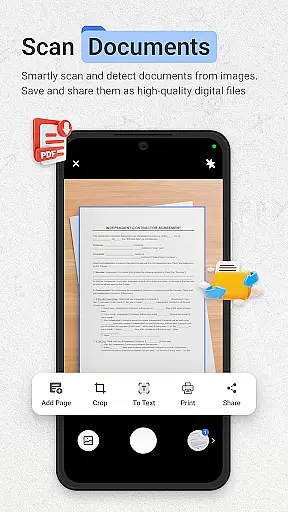
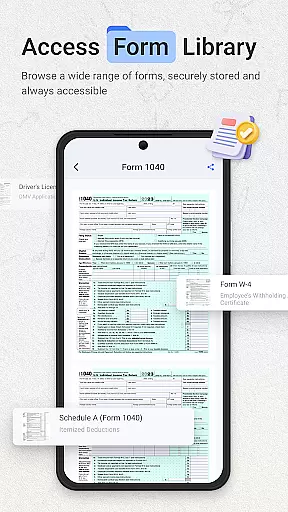
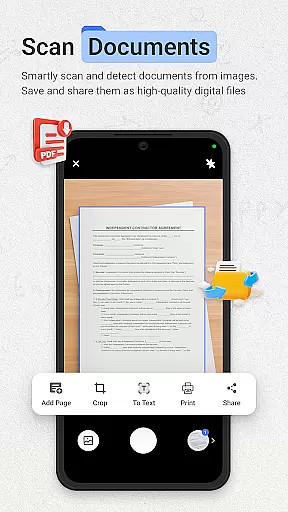
ScanNow Home distinguishes itself through its comprehensive feature set that goes beyond basic scanning capabilities. The document scanner implements advanced image processing algorithms for auto-edge detection and perspective correction, ensuring professional-quality scans every time. Its batch scanning capability with multi-page support allows users to efficiently digitize lengthy documents, while the advanced image enhancement feature guarantees crystal-clear results even in challenging lighting conditions.
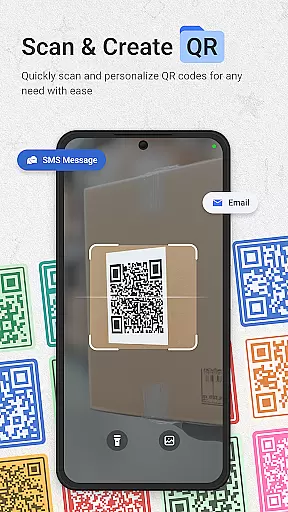
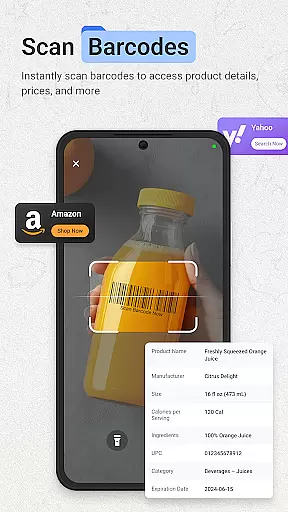
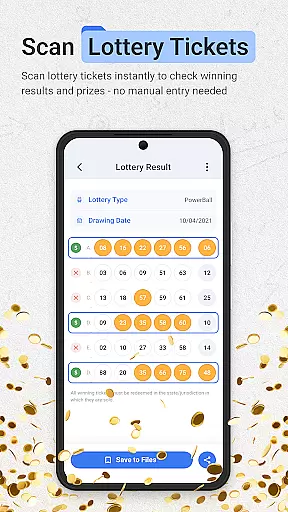
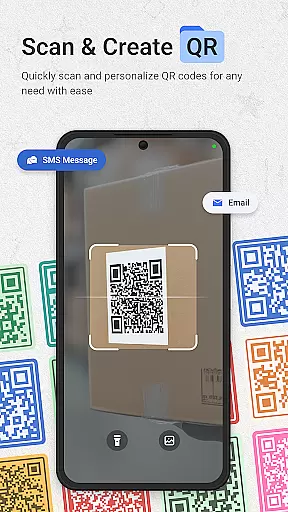
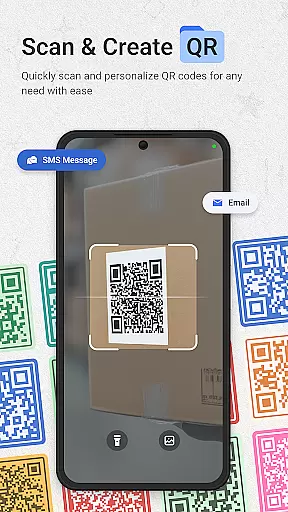
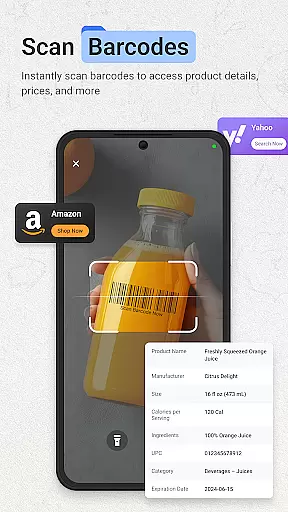
The app's barcode and QR code scanner demonstrates exceptional performance with support for all major formats. Its integration with price comparison services and URL browsing functionality makes it a valuable shopping companion. The lottery ticket validator offers practical features like result notifications and playing history tracking. Notably, the app's launcher interface incorporates smart app categorization and adaptive icon support, providing both functionality and aesthetic appeal. These features collectively create a seamless user experience that optimizes productivity while maintaining ease of use.
ScanNow Home revolutionizes productivity by integrating essential scanning tools directly into your home screen experience, streamlining core task management like never before. The app consolidates document scanning, barcode reading, and lottery ticket validation into one seamless interface.
The document scanner offers instant capture with advanced features like auto-edge detection, perspective correction, and batch scanning capabilities. These functions enable users to efficiently digitize and organize important paperwork, receipts, and notes without switching between multiple apps.
Barcode and QR code scanning provides lightning-fast recognition of all major formats, while the price comparison feature helps users make informed purchasing decisions. The scan history with search functionality ensures easy retrieval of past scans, enhancing overall task organization.
With its smart app categorization and adaptive icon support, ScanNow Home creates an intuitive productivity environment that makes essential tools instantly accessible, significantly improving workflow efficiency.
While primarily a launcher with integrated scanning tools, ScanNow Home ensures reliable cross-device synchronization through its comprehensive document management system. The app's cloud-based architecture maintains consistency across devices, allowing users to access their scanned documents and data from any connected device.
Advanced synchronization features include automatic backup of scanned documents, barcode history, and lottery ticket records. This ensures that users' critical information remains up-to-date and accessible regardless of which device they're using at any given time.
The app's export functionality supports multiple formats including PDF, JPG, and searchable text, making it easy to share synchronized data across different platforms. This versatility guarantees that users can maintain their productivity workflows even when switching between devices.
Furthermore, ScanNow Home's battery optimization features ensure that synchronization processes run efficiently without draining device resources, providing a reliable and consistent user experience across all connected devices.
Instant access to scanning tools
Advanced document processing
Comprehensive barcode support
Customizable launcher interface
Efficient workflow design
Some features require in-app purchases
Android 8.0 minimum requirement
Requires multiple permissions
Search limited to Yahoo
May have battery impact

Auto-shutoff Alarm with Sunrise, Sunset & Fixed Options.
 3.50
3.50
All in one sketching tool. Technical and General drawing. Online Maps support.
3.70
8 custom complications. Custom Time Fonts. Beautiful color schemes. A++ Design.
5.00
The Pro Version of Android's tiniest Notepad app. Just 0.3MB but feature-packed!
4.60
Code on-the-go with VScode for Android. Edit,debug and collaborate from mobile!!
3.10
Secure your apps with lock screens, use custom themes and different features.
4.40
Intelligent AI Assistant
4.10
Scan paperwork into PDF/JPG, generate your own e-signature and send fax or email
4.70
AI Chatbot and AI writing assistant powered by ChatGPT.
4.60
Understand anything with a personalized AI research assistant
4.80
Tally and goal counter for Wear OS & mobile
4.50
Fill, sign & send docs, forms, agreements & contracts via electronic signature.
4.50
When you Focus, so will your Bean in this cozy focus timer
4.30
Device's storage information in a simple and clear graphical form (infographics)
4.10
The ultimate file manager for rooted devices. The original and still the best.
4.00
⏰ Finally a timer app which can run multiple timers simultaneously on your watch
3.90
Access your phone's notifications, calls, apps, photos & texts on your PC
3.90
Smart PDF reader & editor to view, organize and manage PDF documents easily.
3.70
IP Camera Viewer - Android TV : RTSP Surveillance camera viewer for Android TV
4.1


User Reviews