
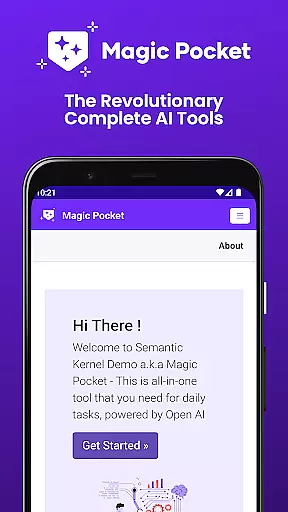
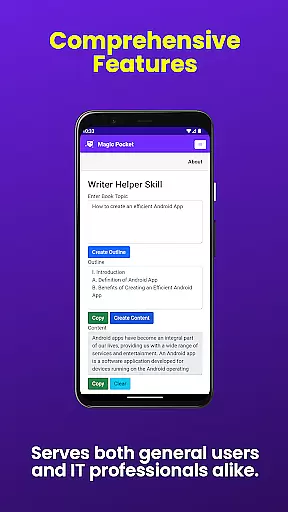
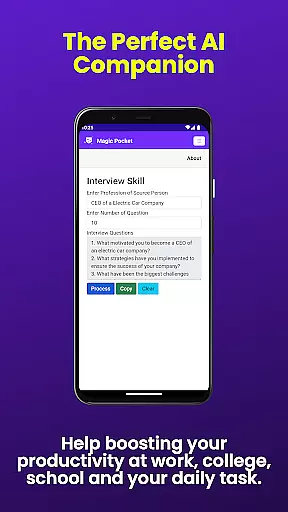
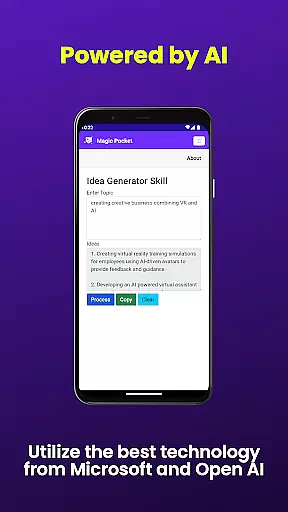
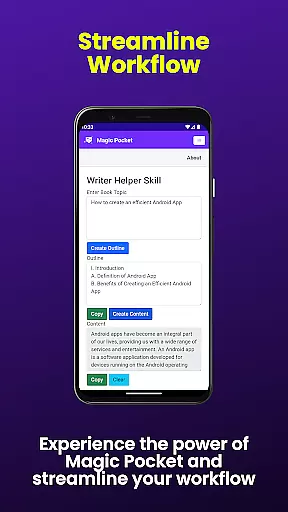
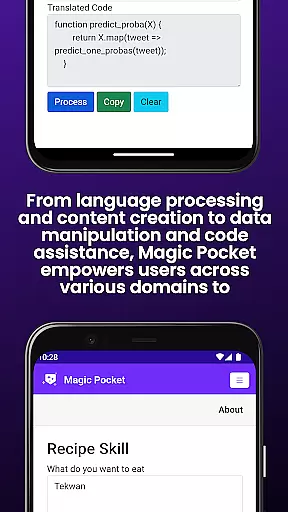
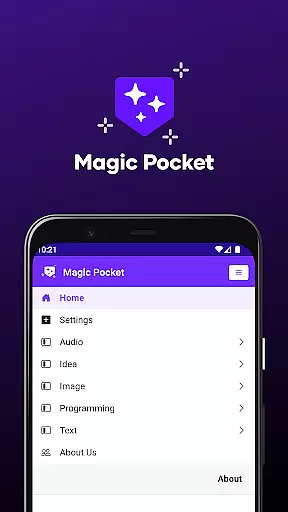
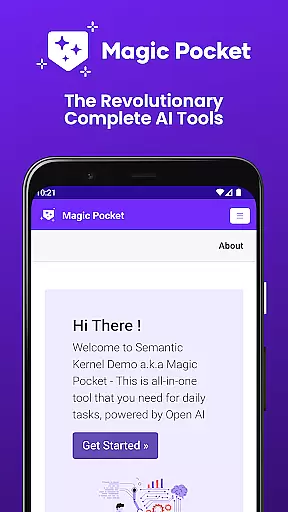
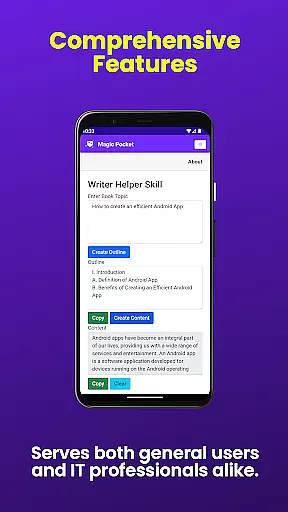
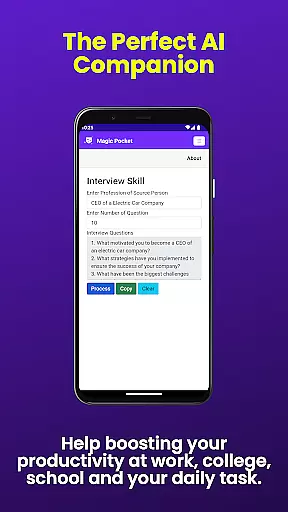
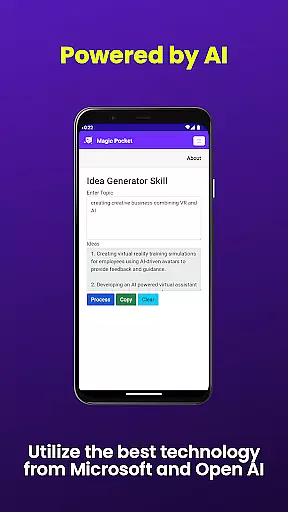
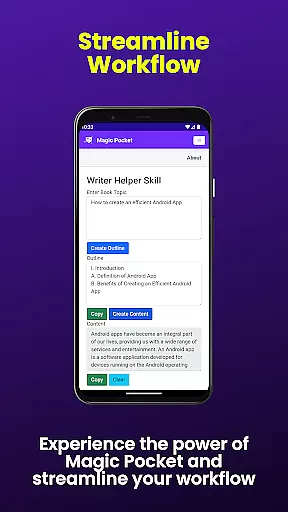
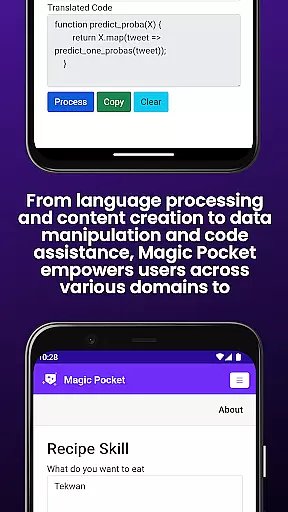
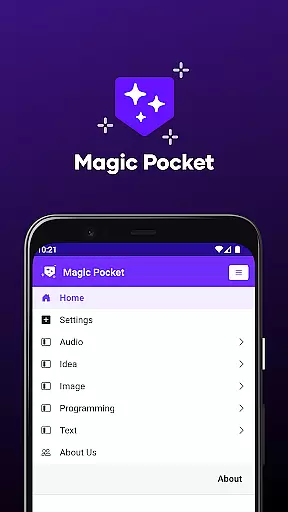
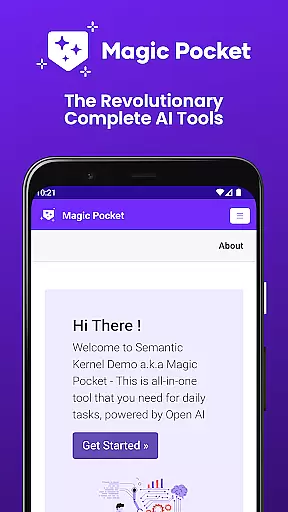
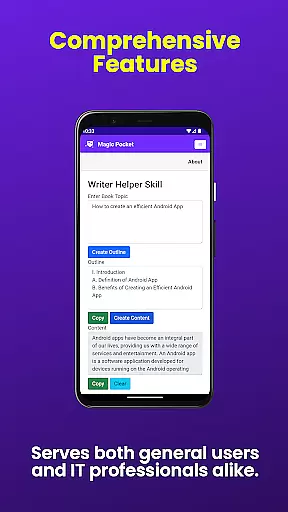
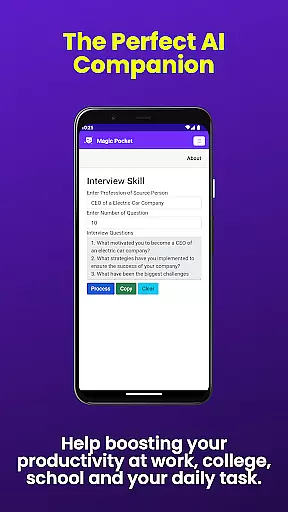
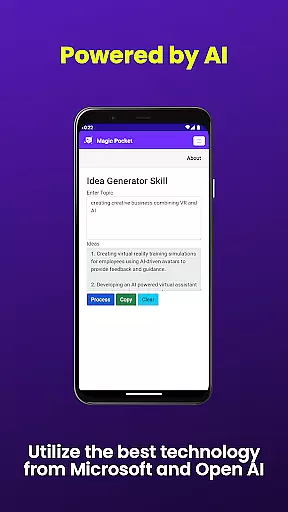
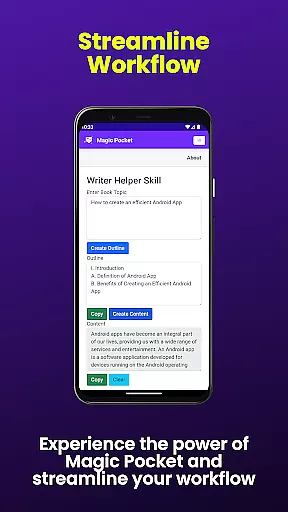
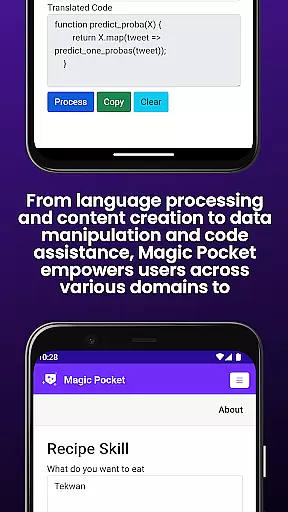
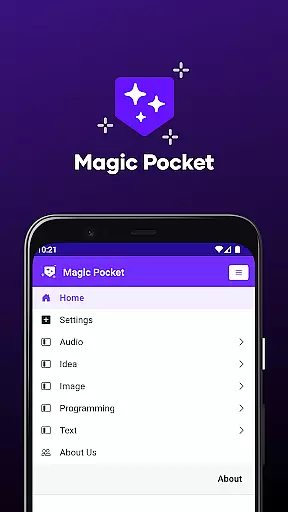
Magic Pocket is a productivity powerhouse that brings 100 innovative features to Android and Windows users. This app specializes in creative and productive tools, offering capabilities ranging from AI-powered image manipulation to seamless video editing. With its latest update, Magic Pocket introduces 20 new game-changing features such as Talk with Video, Speech to Speech translation, and multiple image and video generators.
Designed for both casual users and professionals, Magic Pocket enables you to create stunning visuals, convert media formats, and generate unique content effortlessly. Whether you're crafting professional presentations or engaging in personal projects, this app provides the tools necessary to enhance creativity and efficiency.
The true value of Magic Pocket lies in its versatility. From generating high-quality images using advanced models like Sana and Photon to converting HTML to Markdown, each feature is engineered to save time while delivering professional-grade results. Its comprehensive suite makes it an indispensable tool for anyone seeking to maximize their digital productivity.
Magic Pocket stands out with its diverse range of cutting-edge features designed to streamline productivity tasks. The app includes tools like Luma Video Generator, which creates high-quality videos using advanced algorithms, and Image to Emoji, transforming regular images into expressive emojis. These features are meticulously crafted to cater to various creative needs.
One of the app's core strengths is its ability to handle complex media transformations. For instance, users can extract data from images, animate pictures with voice commands, and even change video backgrounds seamlessly. Each feature is optimized for ease of use, ensuring that both beginners and experts can achieve professional results without hassle.
What sets Magic Pocket apart is its integration of AI technologies across different functions. Features like Handwriting Generator and Vector Image Generator showcase how artificial intelligence can be leveraged to produce realistic and scalable outputs. This combination of innovation and practicality makes Magic Pocket a leader in the productivity app space.
Magic Pocket excels in core task management by offering a comprehensive suite of tools designed to streamline productivity. With features like Talk with Video and Speech to Speech, users can seamlessly integrate communication tasks into their workflow.
The app's Extract Image Data and Animate Image With Voice functionalities allow for efficient data handling and creative project execution. These tools are crucial for professionals who need to manage both routine and complex tasks without switching between multiple applications.
Moreover, Magic Pocket's Html to Markdown and Handwriting Generator provide versatile text transformation options. This ensures that users can adapt their content creation process to various formats while maintaining high productivity levels.
By consolidating these diverse functions into one platform, Magic Pocket enables users to maintain focus on their primary objectives without being distracted by the mechanics of task management.
Cross-device synchronization is a cornerstone of Magic Pocket's design philosophy. The app ensures reliable data transfer across Android and Windows platforms, allowing users to access their projects from multiple devices without interruption.
Features such as Video Foreground Extractor and Change Video Background demonstrate the app's commitment to maintaining consistent quality and functionality regardless of the device being used. This seamless experience is vital for professionals working in dynamic environments.
Magic Pocket also supports real-time collaboration through its Sana Image Generator and Photon Image Generator capabilities. These tools ensure that team members can work together efficiently, knowing their contributions will be accurately reflected across all synchronized devices.
This level of integration and reliability in cross-device operations significantly enhances user confidence in the application, making it an indispensable tool for modern productivity needs.
User-friendly interface
Extensive feature set
Advanced AI capabilities
Cross-platform support
Regular updates
Steep learning curve
High system requirements
Limited offline functionality
Premium pricing
Occasional bugs

AI Video AI Image Private LLM AI Browser Llama Gemma Ollama Connect LLM Studio
 4.1
4.1
The long-awaited modern gallery app for your Nextcloud server
4.70
Planet Free VPN - The best Fast Unlimited and Secure VPN Without Logs
4.50
Easily read and manage all your PDF files
4.10
Device's storage information in a simple and clear graphical form (infographics)
4.10
Secure, fast, open-source, Remote Desktop Client for Windows and Linux with SSH
4.60
Fill, sign & send docs, forms, agreements & contracts via electronic signature.
4.50
Access, manage and transfer files on Android, PC, Mac, NAS and cloud storages.
4.30
Okta MFA
4.70
Seamlessly integrate data and reports to build your presentation to impress
4.80
Quickly and easily keep track of your work shifts
4.70
PDF scanner & converter for files, photos, lottery, QR codes. One swipe away!
4.50
All in One PDF Reader: Manage, Read and Edit your Documents
4.20
Font maker keyboard with your own handwriting
4.10
Cloud storage, automatic phone backup, and more.
4.10
Unlock AutoNotification
4.00
Ultimate Virtual AI Character for immersive Roleplay Chat. Perfect Companion
3.90
Easiest event planning, volunteer signups & parent teacher conference scheduling
2.20
A comprehensive suite of tools designed specifically for Lactation Consultants
4.1


User Reviews