
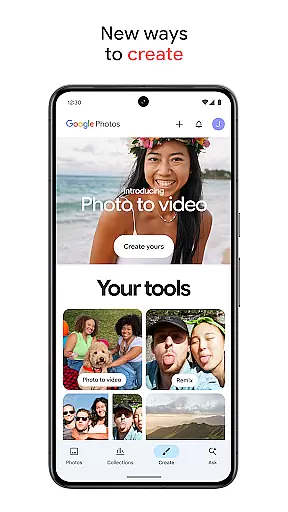
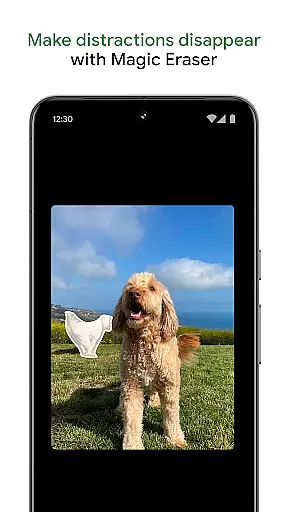
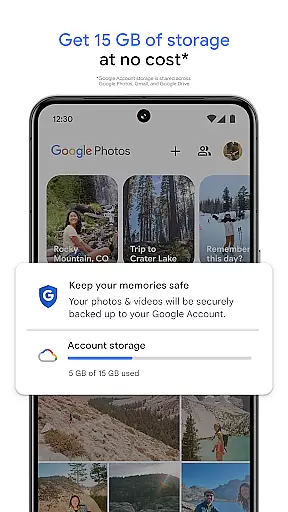
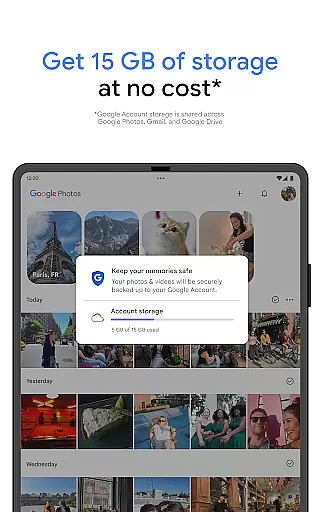
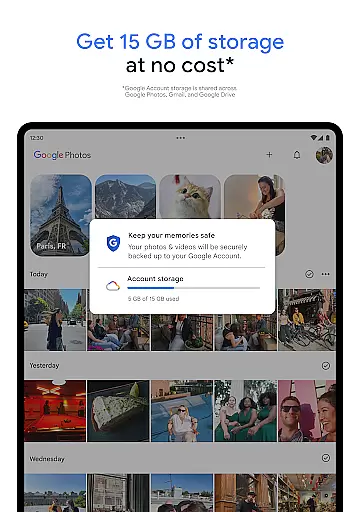
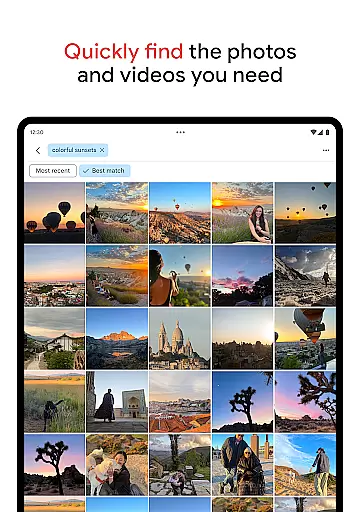
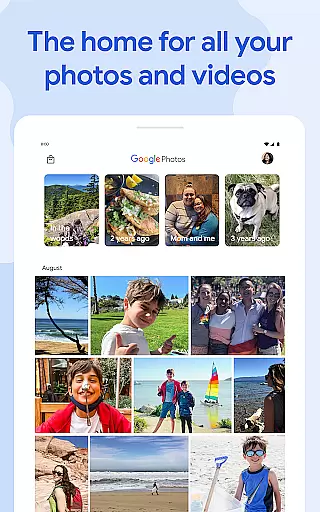
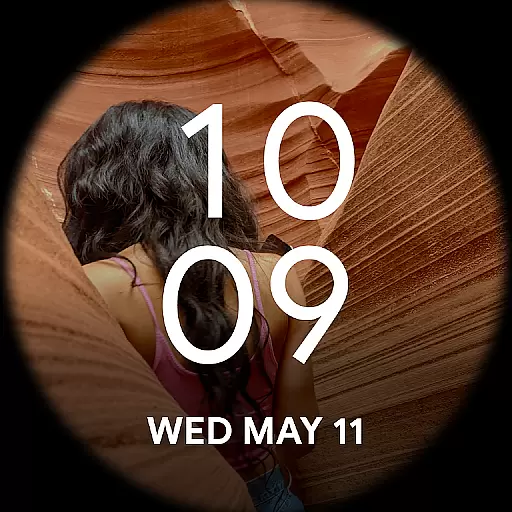
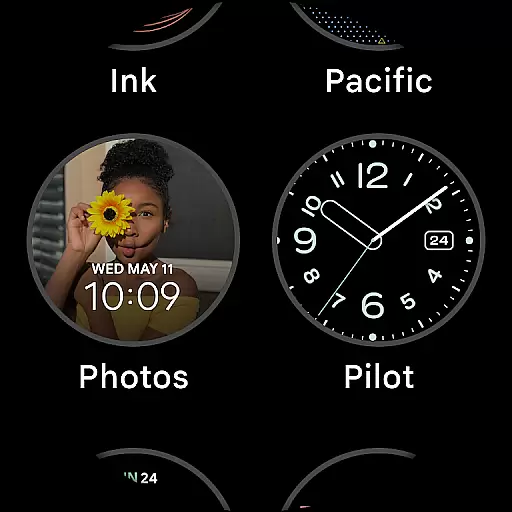
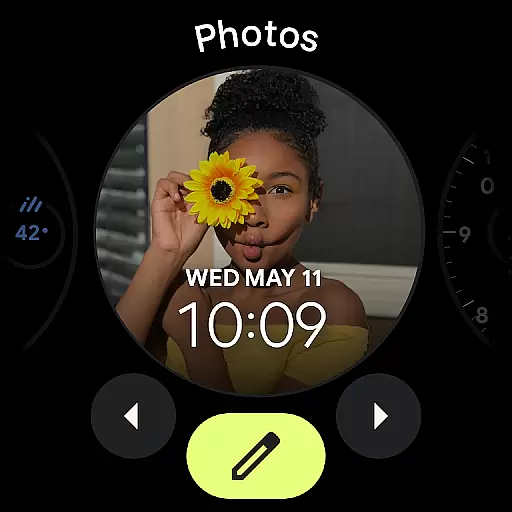
Google Photos is a comprehensive photo and video management application that leverages Google AI to help users back up, edit, organize, and search their memories. The app offers 15 GB of free cloud storage for every Google account, ensuring automatic backup across all devices. With features like AI-powered editing tools, users can make complex edits easily, such as removing distractions with Magic Eraser or enhancing lighting with Portrait Light.
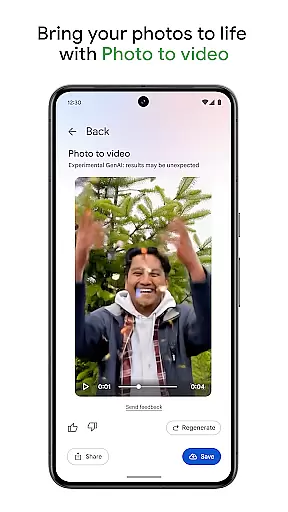
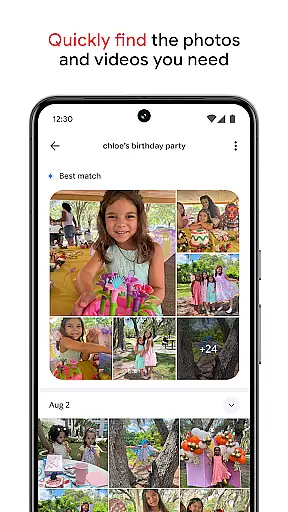
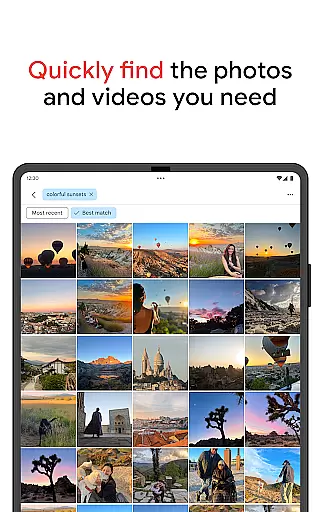
Beyond basic functionality, Google Photos allows users to create content using AI-powered tools. For instance, Remix transforms pictures into unique styles, while Photo to video animates static images into dynamic videos. The app simplifies searching through vast collections by enabling quick searches based on simple or complex queries. Additionally, it helps declutter galleries by organizing duplicates and similar photos into stacks and offering smart folders for different types of media.
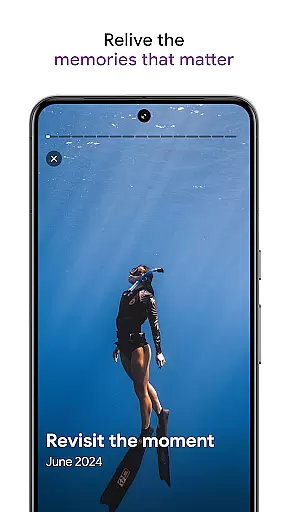
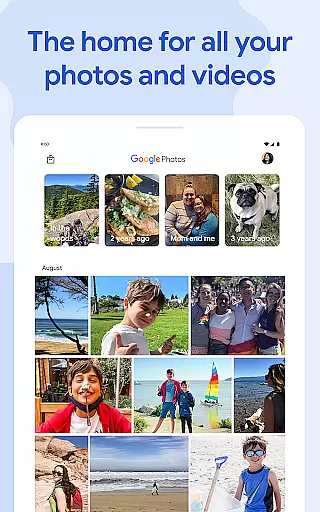
Users can relive and share favorite memories effortlessly within the app, even with contacts who do not use Google Photos. All content is securely stored and protected by advanced security infrastructure, ensuring privacy and safety. Moreover, users can free up space on their devices by removing backed-up photos and print their cherished moments into various physical formats directly from the app.
One of the standout features of Google Photos is its robust AI-powered editing tools. Users can enhance their photos with just a few taps, utilizing functionalities like Magic Eraser to remove unwanted elements or Unblur to fix out-of-focus images. These tools are designed to be intuitive, allowing both novice and experienced photographers to achieve professional-quality edits without extensive knowledge.
Another significant feature is the app's ability to organize and declutter galleries automatically. By grouping duplicates and similar photos into Photo Stacks and creating smart folders for screenshots, documents, and daily camera rolls, Google Photos ensures that users' galleries remain orderly and personalized. Furthermore, sensitive content can be secured in a locked folder protected by the device’s screen lock, adding an extra layer of privacy.
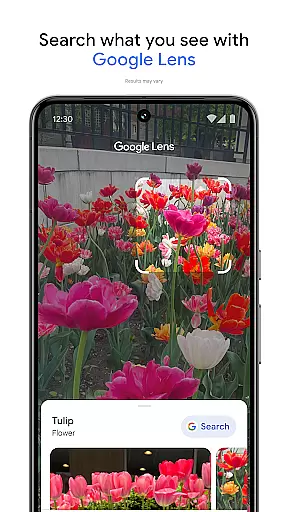
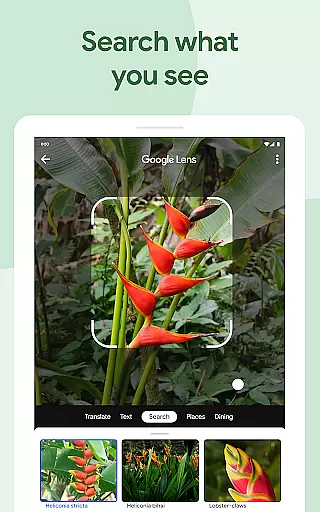
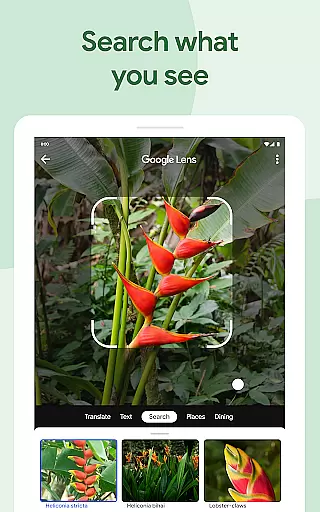
Google Photos also excels in facilitating memory sharing and reliving. Users can stroll down memory lane and share albums with ease, regardless of whether recipients use Google Photos. The integration with Google Lens allows users to identify text and objects in photos, providing additional context and actions. Overall, these features collectively enhance user experience by making photo management seamless, secure, and enjoyable.
Companion app integration is essential for wearable devices to function seamlessly with smartphones. Google Photos ensures that your photos and videos are automatically backed up and synchronized across all your devices, including Android Wear.
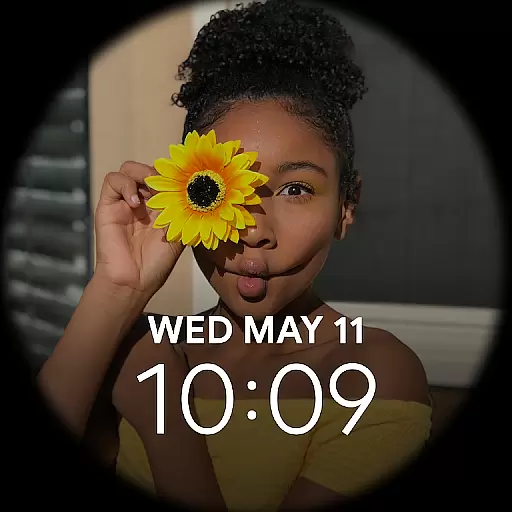
With the Google Photos app, users can easily access their media library directly from their wearable device. This integration allows for quick viewing of recent photos or searching for specific images without needing to take out their phone.
The synchronization process is automatic and reliable, ensuring that every photo taken on your smartphone is immediately available on your wearable device. This feature provides users with instant access to their memories, making it convenient to show photos to friends or revisit recent moments.
Additionally, the companion app integration supports smart features like receiving notifications when someone shares photos with you. This interconnected ecosystem creates a unified experience where users can enjoy their memories across all their devices effortlessly.
Device compatibility is crucial for ensuring that applications work correctly across various Wear OS devices. Google Photos is optimized to function seamlessly on all Wear OS devices, providing users with a consistent experience regardless of their chosen smartwatch model.
The application takes full advantage of Wear OS capabilities, offering features tailored specifically for smaller screens. Users can browse through their photo library, view albums, and even search for specific images using voice commands or simple taps.
Google Photos maintains high performance standards across different devices, ensuring smooth navigation and quick loading times. The app's adaptive design adjusts to various screen sizes and resolutions, delivering an optimal viewing experience on each device.
Furthermore, regular updates ensure that Google Photos remains compatible with the latest Wear OS versions and devices. This commitment to compatibility guarantees that users will always have access to their photos and videos, regardless of hardware advancements or changes in the wearable technology landscape.
User-friendly interface
Advanced AI editing tools
Automatic organization
Secure cloud storage
Versatile sharing options
Limited free storage
Paid subscription required
Occasional sync issues
Privacy concerns
Feature complexity

A customizable Christmas watch face for Wear OS with a countdown.
 4.20
4.20
Christmas - Festive - Christmas Village - Winter - Christmas lights
5.00
A Wintery Snow Globe on Your Wrist; now celebrating Christmas!
4.4
Wear Os Watch Face - Animated Snow Effect & Magic Spark - 6 Scenes
4.10
Digital, flexibly customizable watch face. For Wear OS 5.0, API 34+ and later.
5.00
Nutrition, Macro tracker: Food, fitness & healthy diet tracking for weight loss
4.60
Period, ovulation & pregnancy tracker. Fertility insights & menstrual calendar.
4.90
Get helpful reminders, take progress photos and find answers to your questions.
3.90
A modern hybrid informative watch face for Wear OS designed by BALLOZI
4.80
Beautiful, colorful and practical watch face. For Wear OS devices.
5.00
Real-time weather radar with temperatures, warnings, hurricanes, and widgets
4.80
WTW M17 is a premium and luxurious hybrid watch face
4.70
A modern premium sporty hybrid watch face for Wear OS by Ballozi
4.70
Retro digital watch face with customizable colors and a unique lighting effect
4.60
A realistic hybrid watch face with many customization options.
4.60
Deck out your Wear OS Watch face with a beautifully decorated pine wreath!
4.50
Reliable phone calls with spam protection, caller ID and more helpful features
4.40
Bold weather Digital watchface with forecast & optional animated background
4.40
Christmas is near, let's count together the days left until Santa comes
4.2


User Reviews