
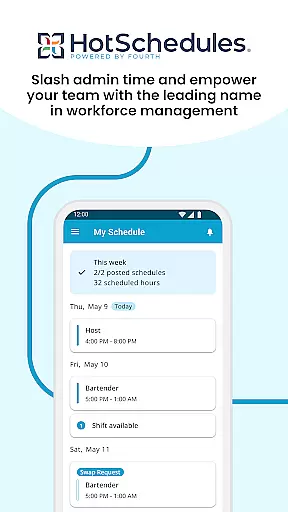
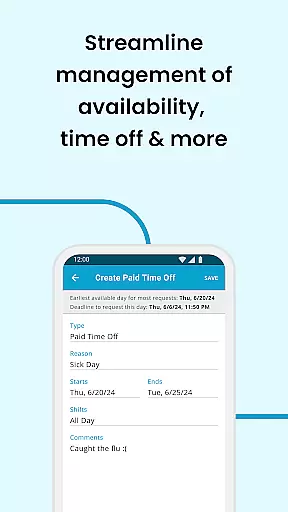
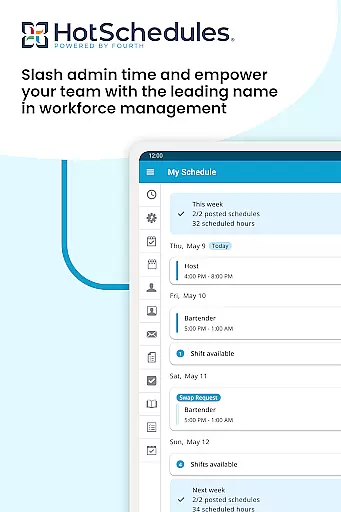
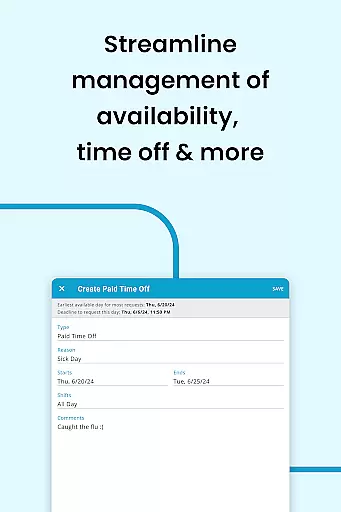
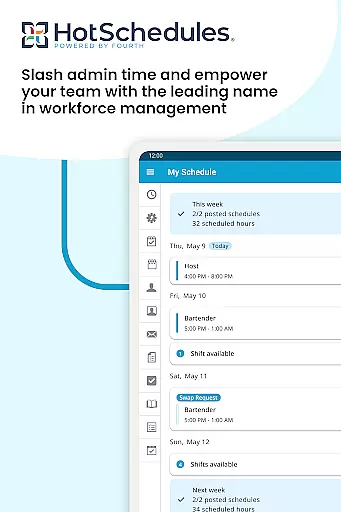
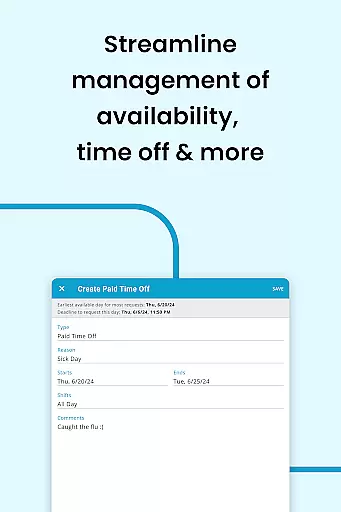
HotSchedules is a leading productivity app designed specifically for workforce management in industries like hospitality and retail. The app's core functionality revolves around employee scheduling, enabling both team members and managers to efficiently manage work shifts. For employees, the app offers one-click shift swapping, automatic shift pickups based on availability, and easy time-off requests. Managers benefit from advanced features that save up to 75% of their time when creating schedules and approving changes. Additionally, the app provides real-time business performance monitoring through sales and labor snapshots, keeping managers connected even when they're away from the office.
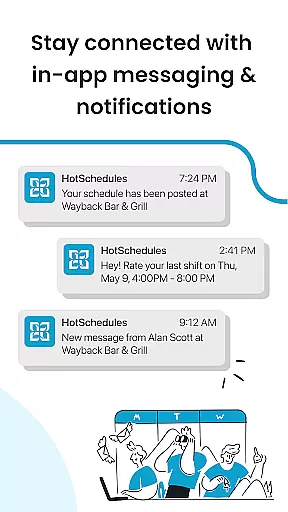
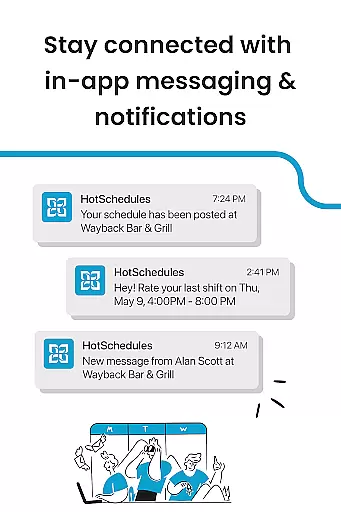
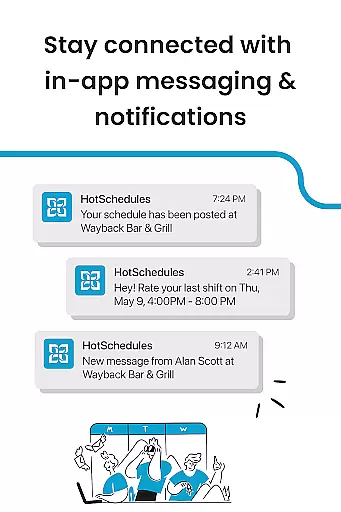
The app also emphasizes seamless communication between teams through its broadcast and one-to-one messaging system. Calendar synchronization and instant notifications ensure everyone stays updated with approved schedule changes. This makes HotSchedules an invaluable tool for maintaining work-life balance while fostering a productive team culture. However, it requires a valid employer-provided account, making it suitable only for businesses already integrated with the HotSchedules ecosystem.
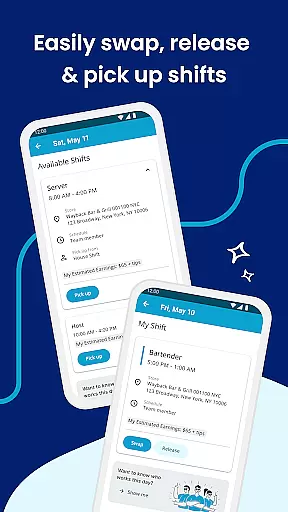
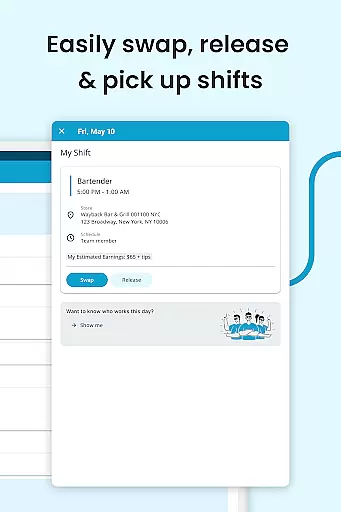
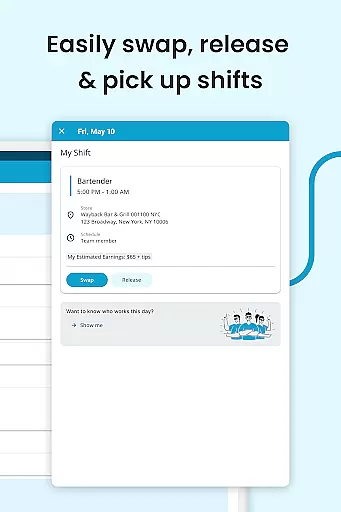
HotSchedules stands out due to its comprehensive feature set tailored for both workers and managers. One of its key innovations is the one-click shift management system, allowing employees to swap, pick up, or release shifts instantly. This feature not only simplifies scheduling but also empowers employees to take control of their work-life balance. Automatic shift pickups are triggered based on user preferences, ensuring optimal staffing levels without manual intervention.
For managers, the app offers powerful tools such as automated scheduling algorithms that reduce schedule creation time by 75%. Real-time business analytics provide insights into sales and labor data directly from mobile devices, eliminating the need for constant back-office supervision. The built-in messaging system supports both group broadcasts and private communications, enhancing team connectivity. Furthermore, calendar integration ensures all schedule updates are automatically synced across devices, providing a reliable and consistent experience for users at all organizational levels.
HotSchedules excels in core task management by offering a comprehensive suite of tools designed to streamline scheduling and team communication. The app allows for quick shift swaps, pickups, and releases with just one click, making it effortless for team members to manage their work-life balance.
For managers, the app provides significant time savingsu2014up to 75%u2014when building schedules, along with one-click approvals for shift changes. This efficiency not only reduces administrative workload but also enhances team productivity by ensuring everyone is always up-to-date with the latest schedule adjustments.
The automatic sync with calendar notifications ensures that any manager-approved changes are immediately reflected on the user's phone, keeping everyone aligned and informed. This real-time update capability is crucial for maintaining operational fluidity and responsiveness.
Cross-device synchronization is a standout feature of HotSchedules, ensuring reliable and consistent access to schedules and communications across all devices. Whether using a smartphone, tablet, or computer, users can expect seamless updates and notifications, which are automatically synced in real-time.
This reliability extends to its integration capabilities, allowing users to sync with external calendars effortlessly. As a result, users can manage their professional and personal commitments without missing a beat, thanks to timely notifications and updates that keep them informed of any changes.
Furthermore, the appu2019s robust notification system ensures that no critical information is missed, whether it's a shift change or an important message from the team. This dependable cross-device performance fosters a connected and agile work environment, enhancing both individual and team productivity.
User-friendly interface
Efficient shift swapping
Real-time updates
Comprehensive analytics
Strong communication tools
Requires employer account
Limited to specific industries
No standalone use
Premium features costly
Dependent on internet

 4.20
4.20
A Revolutionary All-in-One Artificial Intelligence Tools
3.80
The long-awaited modern gallery app for your Nextcloud server
4.70
Direct Chat without saving contacts & Dual WA Account on Single Device
4.70
Mind Map and brainstorm, note taking and idea collection
4.80
Protect and view your important info on your phone and tablet with eWallet®
4.80
Absolutely the best CNC machinist speed and feed calculator around. fswizard.com
4.60
IP Camera Viewer - Android TV : RTSP Surveillance camera viewer for Android TV
4.0
Docker, Kubernetes management over Portainer Mobile
4.40
We're working to become the best machining app on the market! www.cncdirt.com
4.80
Secure, fast, open-source, VNC and SSH Remote Desktop for Windows, Linux and Mac
4.70
Quickly and easily keep track of your work shifts
4.70
Functional QR scanner and barcode reader that requires little storage space.
4.60
Calendar 2023 widget for Android. Appointment scheduler, planner, and reminder
4.60
Tally and goal counter for Wear OS & mobile
4.50
A lightweight JSON & XML files creator, editor and viewer (Premium Version)
4.40
Font maker keyboard with your own handwriting
4.10
Ultimate Virtual AI Character for immersive Roleplay Chat. Perfect Companion
3.90
A simple, portable logger for POTA, SOTA, Field Day, and more
4.2


User Reviews