
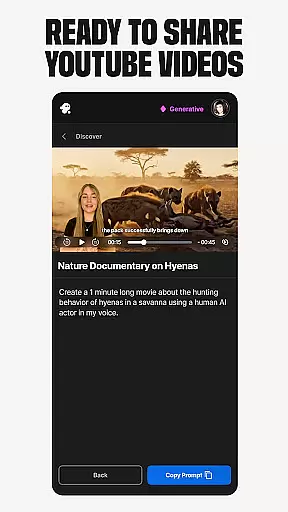
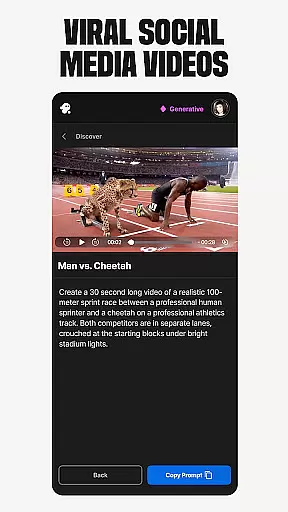
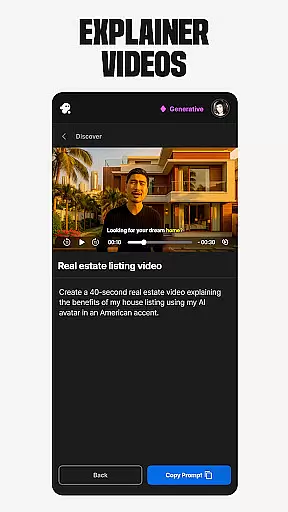
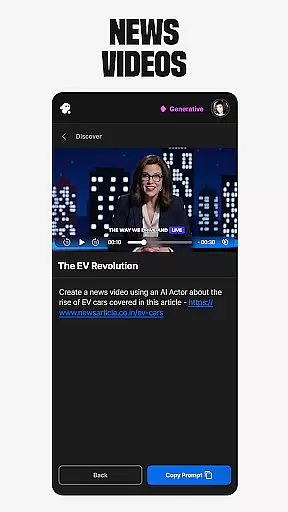
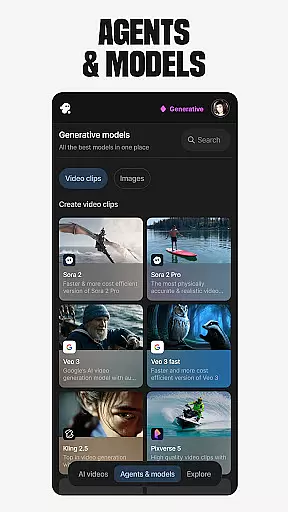
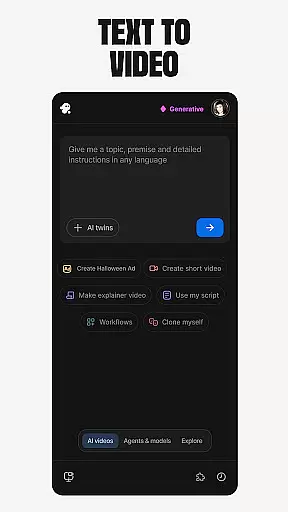
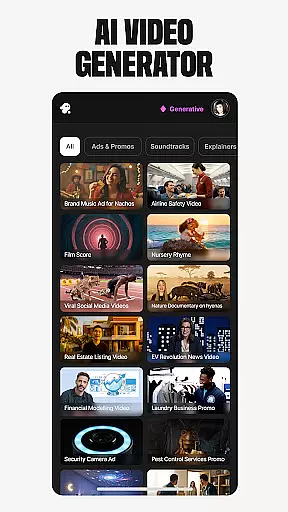
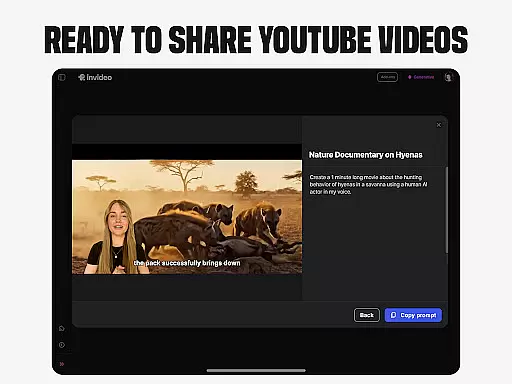
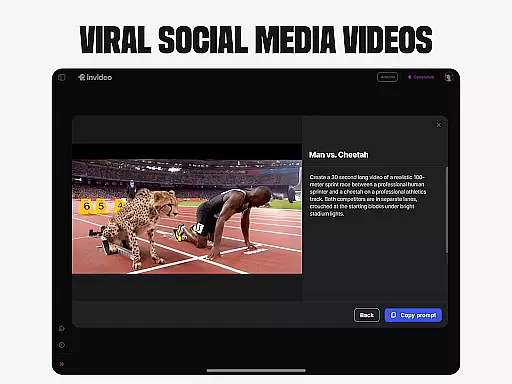
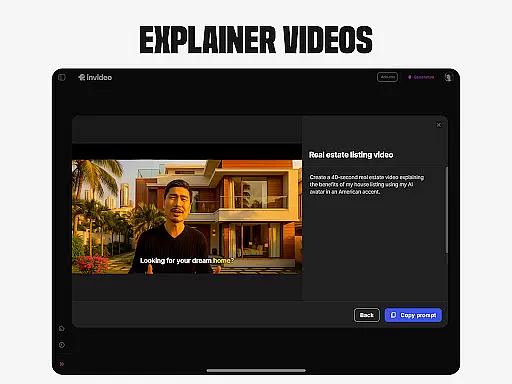
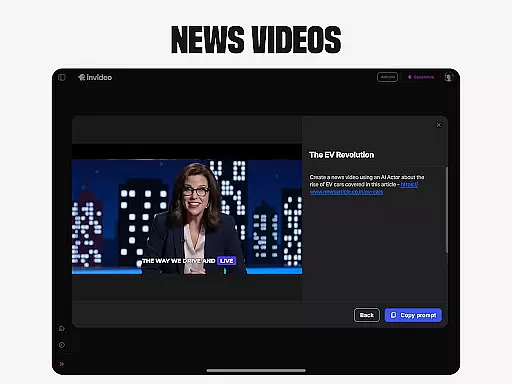
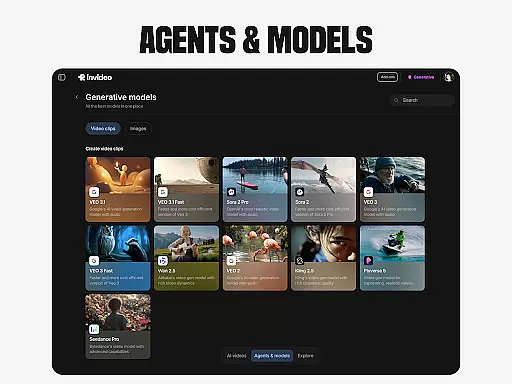
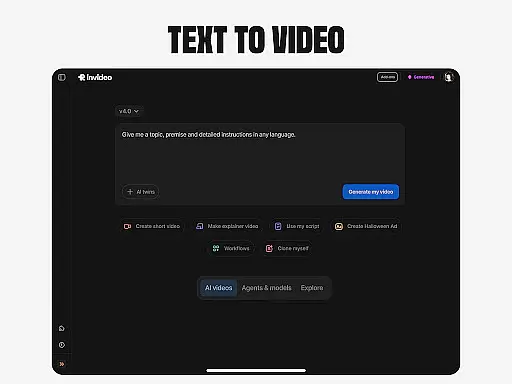
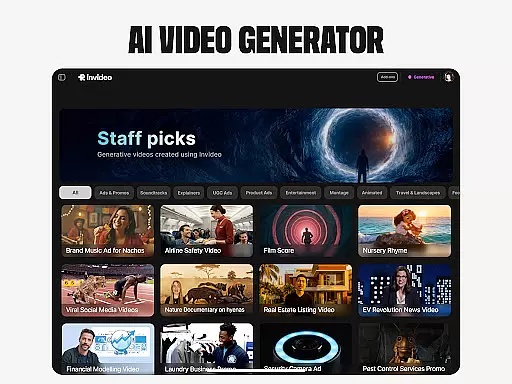
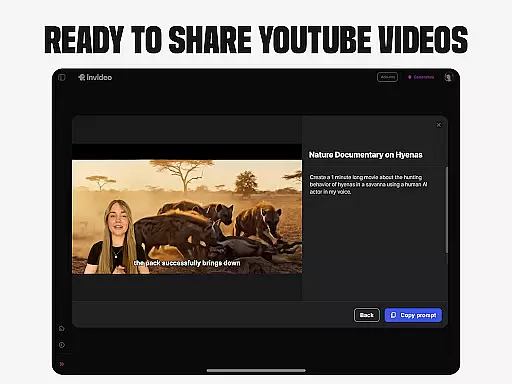
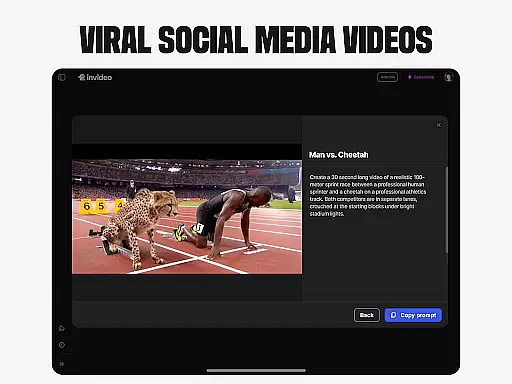
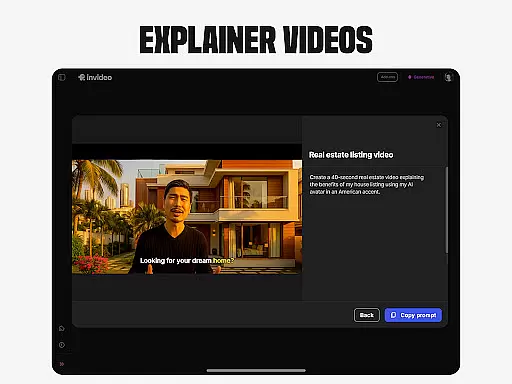
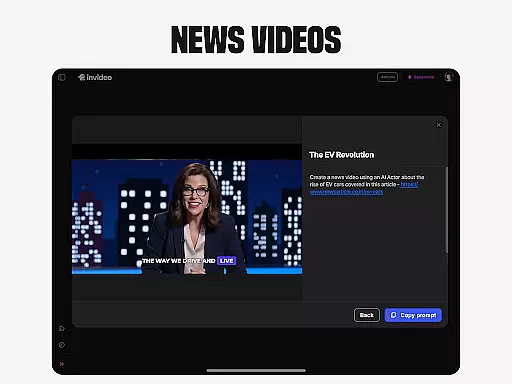
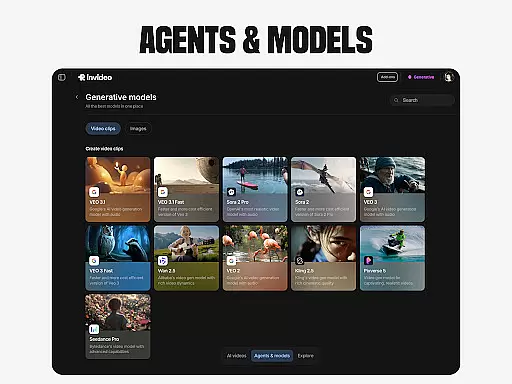
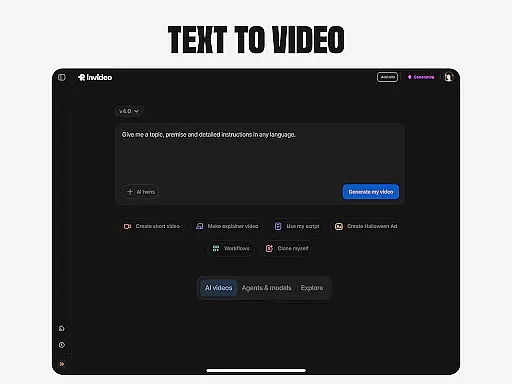
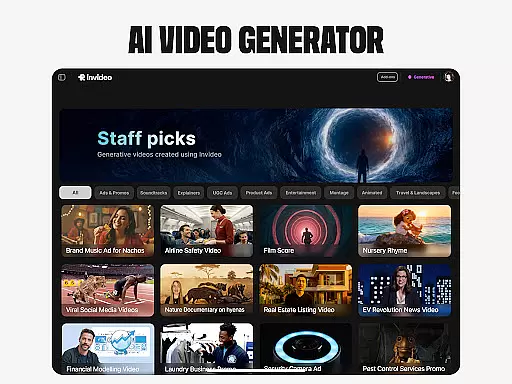
Invideo AI revolutionizes video creation by offering a comprehensive suite of AI-powered tools that cater to both beginners and professionals. This versatile platform enables users to effortlessly produce high-quality videos across various formats, including explainers, promos, ads, and documentaries.
The application's standout features include AI Text-to-video conversion, AI Avatars for personalized content creation, and AI voice cloning for multilingual projects. These capabilities are further enhanced by virtual product try-ons and UGC video generation, making it an invaluable asset for e-commerce businesses and content creators seeking authentic social proof.
With its intuitive interface and powerful editing functions, Invideo AI streamlines the entire video production process, allowing users to create professional-grade content without extensive technical expertise or expensive studio equipment.
Invideo AI distinguishes itself through its diverse range of specialized features. The AI video generator supports creation in over 50 languages, complete with automatic script generation, captions, voiceovers, and background music. Its AI movie maker tools offer various creative styles for producing full-length films and documentaries.
The platform's AI Avatar technology enables users to create digital twins for consistent content production, while the AI voice cloning feature facilitates multilingual voiceovers without requiring professional recording equipment. Additionally, the AI Image to video converter transforms static images into dynamic video content.
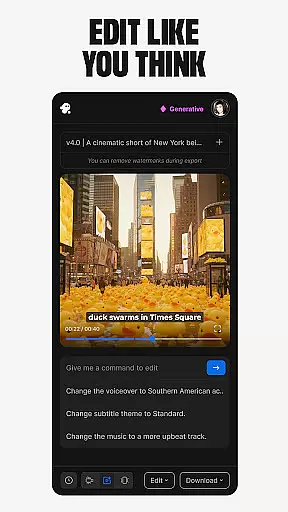
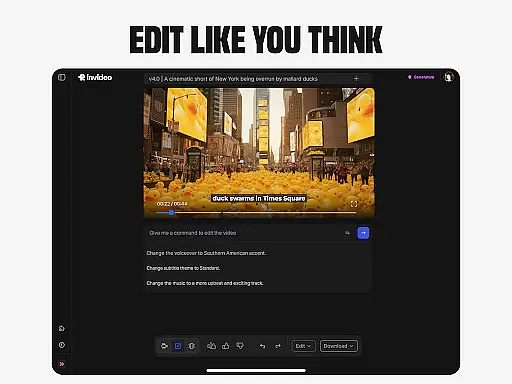
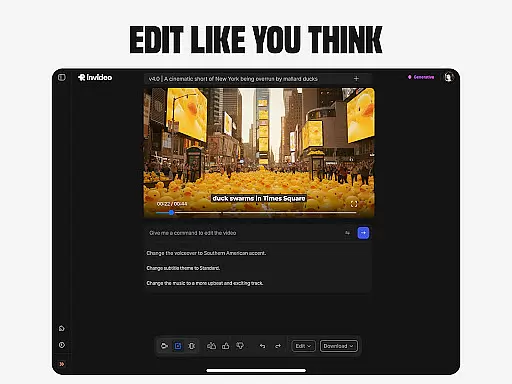
For e-commerce applications, the virtual product try-on feature generates realistic human models showcasing products. The AI-powered video editor allows for seamless modifications through simple text commands, eliminating the need for complex timeline-based editing software.
Video format compatibility is a crucial feature for any video editing tool, ensuring that users can work with a wide range of file types without conversion hassles. Invideo AI supports over 50 languages and various media formats, allowing creators to seamlessly integrate videos, images, and audio into their projects.
The platform's extensive format support includes popular options like MP4, AVI, MOV, and more, making it versatile for both beginners and professionals. This flexibility enables users to import content from different sources without worrying about compatibility issues, thus streamlining the creative process.
By offering broad format compatibility, Invideo AI empowers users to focus on their creative vision rather than technical limitations. Whether you're creating explainers, promos, or full-length films, the ability to work with diverse formats ensures a smooth workflow and high-quality output.
AI-powered editing features revolutionize the video creation process by simplifying complex tasks and enhancing productivity. Invideo AI incorporates advanced AI tools that enable users to edit videos through simple text commands, eliminating the need for traditional timeline-based editing software.
These intelligent features allow for effortless scene changes, music adjustments, tone refinement, and voiceover swaps. Users can quickly modify their projects without delving into complicated editing interfaces, saving valuable time and effort while maintaining creative control.
The integration of AI in video editing not only accelerates the production process but also opens up new possibilities for creativity. With Invideo AI, creators can experiment with different styles and effects, knowing that they have powerful tools at their disposal to bring their visions to life efficiently and effectively.
User-friendly interface
Extensive language support
Professional quality output
Time-saving automation
Versatile content creation
Subscription costs may apply
Internet connection required
Learning curve for advanced features
Limited offline functionality
Premium features locked behind paywall

Fast, private downloading, video saving, social media
 4.50
4.50
Video player with powerful streaming playback and various convenient features.
2.10
Pro video editor app for Instagram, edit video with song, AI, effect & slowmo.
4.80
An easy-to-use and all-round screen recorder with audio
4.80
Movie maker & video editing app with AI effects and green screen
4.30
Video Downloader, Multiple Resolution Options, Video Player
4.50
Find, download, and play torrents with the official BitTorrent® Pro app
4.70
Web Browser for LG TV to stream webvideos, online movies and livestreams in HD
4.20
Screen recorder with audio to take live videos & Screenshot in high quality!
4.70
A Simple app to download Video & Music from the Internet.
4.70
Video Player - Unlimited features, 30 days money back guarantee.
4.60
Cast movies, tv shows and live streams to Chromecast, Roku, DLNA, Fire TV & more
4.60
Add date and time watermark to photos and videos
4.50
This app was created to edit the metadata of music files.
4.20
Powerful video player with advanced hardware acceleration and subtitle supports
4.20
IPTV-Smarters Player Pro M3U - Watch Live Stream TV Channels with Chromecast
4.00
Capture images & record videos for USB Camera, Webcam, Microscopes, Endoscopes
3.80
This app is an emulator of some specific IPTV boxes
3.50
Stream high quality video from your camera over NDI protocol
4.0


User Reviews