
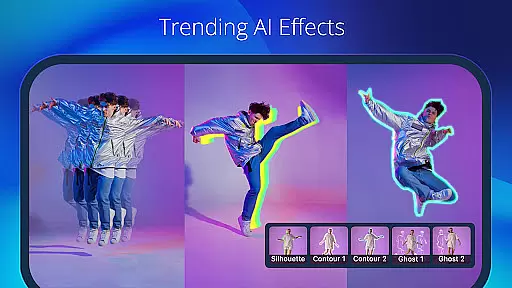
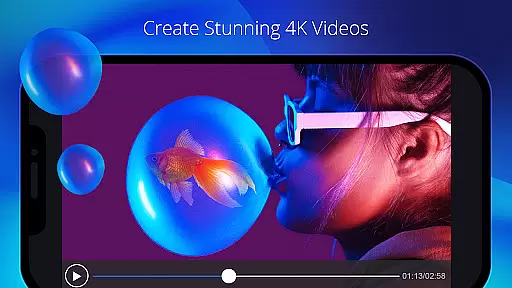
PowerDirector is a comprehensive AI-powered video editor that enables users to create high-quality videos with ease. The app offers an extensive range of features including AI Auto Edit, which detects the best moments in your clips and turns them into polished videos using templates. With tools like AI Image-to-Video, AI Portrait filters, and AI Video Enhancer, users can transform their media into engaging content suitable for social platforms like TikTok.
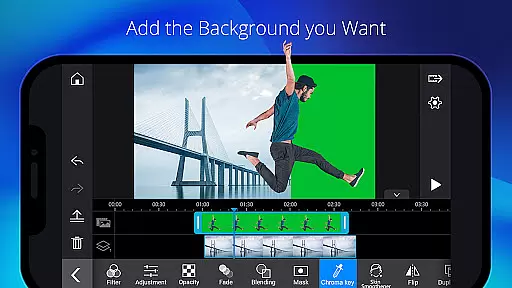
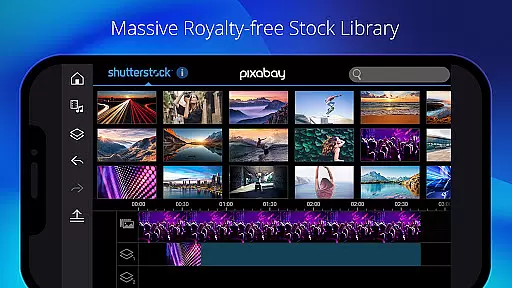
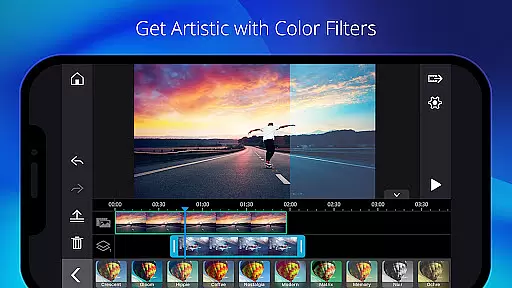
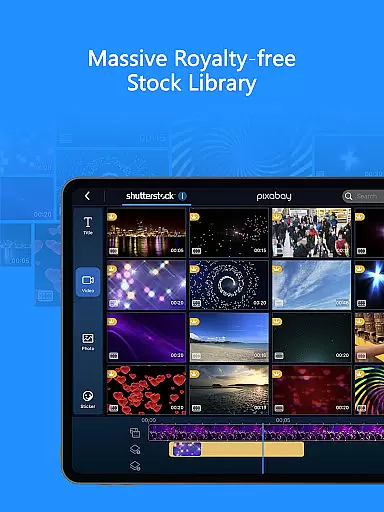
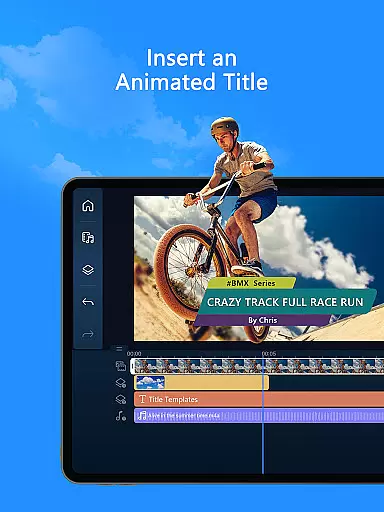
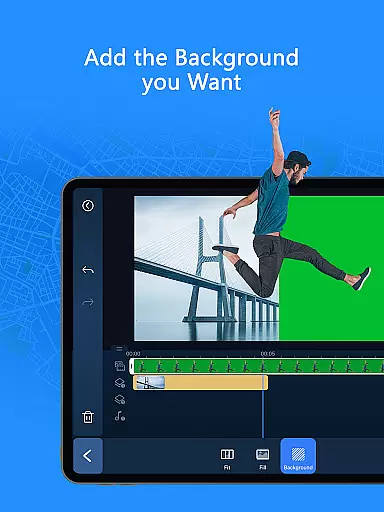
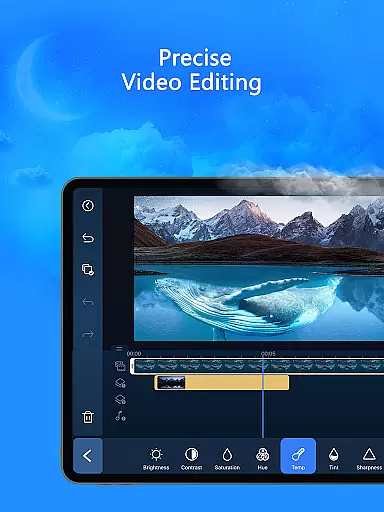
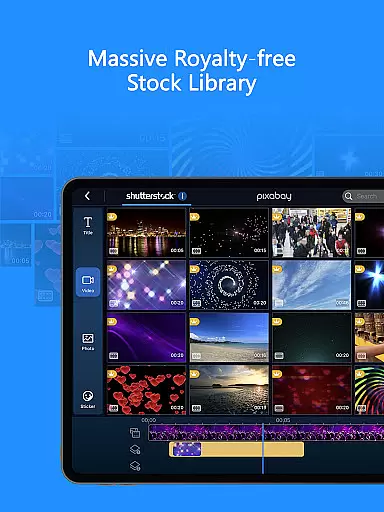
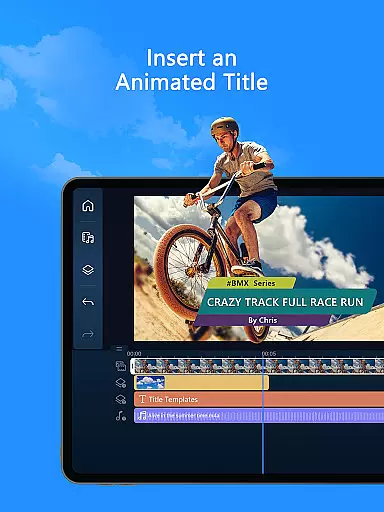
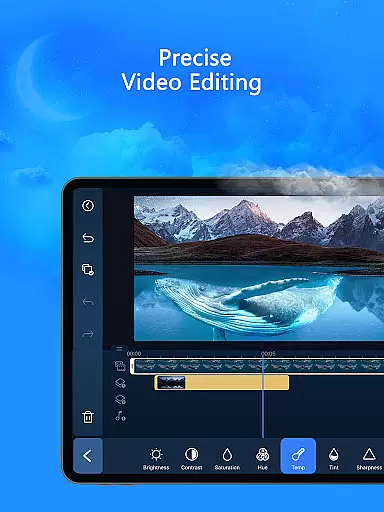
In addition to its advanced AI capabilities, PowerDirector provides easy-to-use editing tools for all experience levels. Users can trim, cut, splice, rotate, and add music or text to their videos effortlessly. For professional content creators, the app offers fine-tuning options for brightness, color, saturation, green screen editing, video stabilization, and more. The premium version unlocks exclusive content and access to a royalty-free stock library powered by Getty Images.
PowerDirector stands out with its diverse array of AI editing features designed to streamline the video creation process. The AI Auto Edit function automatically selects the best moments from your footage and applies templates to generate polished videos quickly. Other notable AI features include AI Image-to-Video, AI Portrait filters, AI Anime Video, AI Auto Caption, and AI Speech-to-Text, each offering unique ways to enhance your projects.
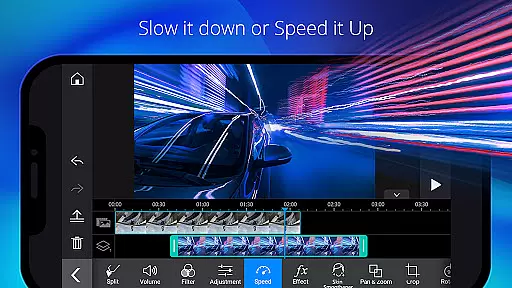
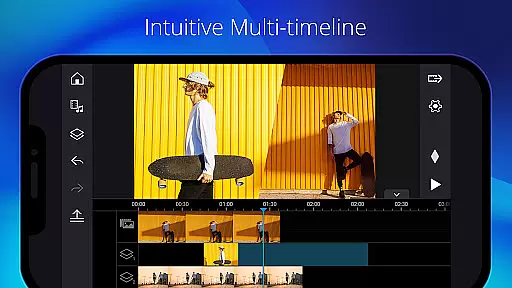
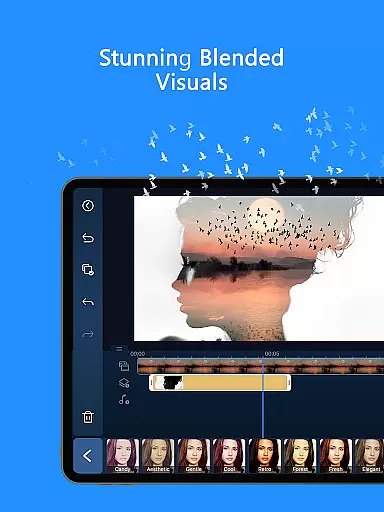
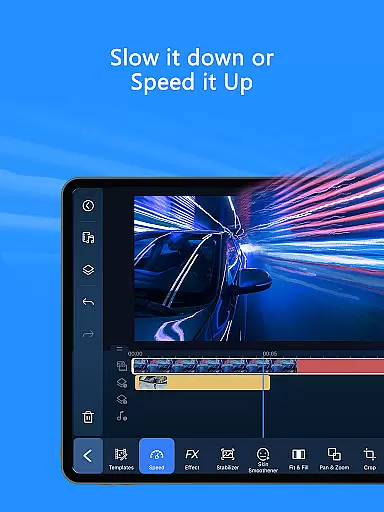
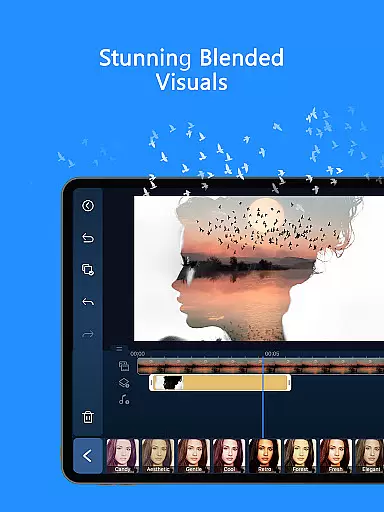
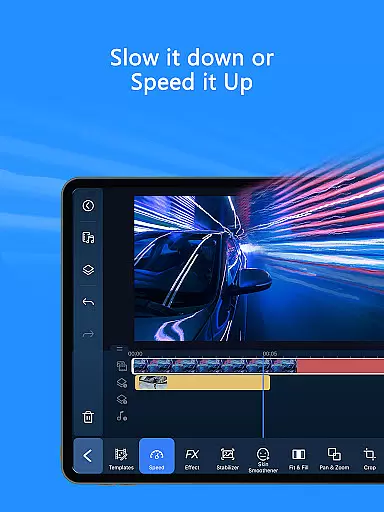
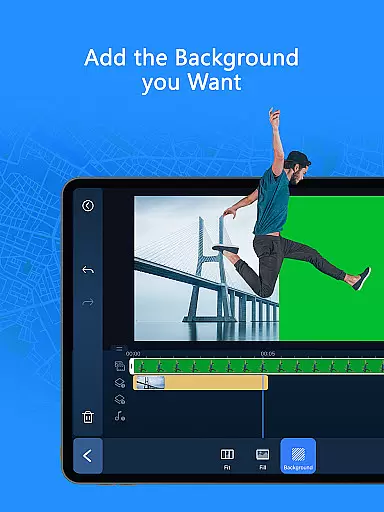
Beyond AI tools, the app includes intuitive manual editing options such as trimming, cutting, splicing, rotating, and adjusting playback speed. Advanced features like green screen editing, video stabilizer, keyframe controls, and double exposure effects cater to professional needs. Additionally, the built-in stock library provides customizable templates, music, sound effects, video intros, and outros, making it a versatile tool for both beginners and experts.
Video format compatibility is a crucial feature for any video editor, ensuring that users can work with a wide range of file types without conversion hassles. PowerDirector excels in this area by supporting an extensive array of video formats, making it versatile for both amateur and professional projects.
The app's comprehensive format support includes popular standards such as MP4, AVI, and MOV, alongside less common codecs. This flexibility allows creators to import footage from various devices, including smartphones, DSLRs, and action cameras, without worrying about compatibility issues.
Moreover, PowerDirector enhances user experience by providing optimized rendering options for different platforms. Whether you're creating content for YouTube, Instagram, or TikTok, the app ensures your videos maintain high quality across all social media channels.
By offering broad video format compatibility, PowerDirector empowers users to focus on their creative process rather than technical limitations, significantly improving workflow efficiency and output quality.
AI-powered editing features represent a significant advancement in video editing technology, enabling users to achieve professional results with minimal effort. PowerDirector incorporates a suite of AI tools that automate complex tasks, allowing creators to produce high-quality content quickly and easily.
Among these innovations is the AI Auto Edit function, which intelligently analyzes raw footage to identify the most compelling moments. The software then automatically assembles these clips into polished videos using professionally designed templates, saving editors considerable time and effort.
Additionally, PowerDirector offers specialized AI effects like Image-to-Video conversion and Portrait filters. These features transform static images into dynamic animations or apply artistic styles reminiscent of famous studios, adding unique visual flair to projects without requiring advanced technical skills.
The integration of AI-powered tools not only streamlines the editing process but also democratizes video creation, enabling users of all skill levels to produce engaging content that stands out on social media platforms.
User-friendly interface
Extensive AI features
Versatile editing tools
Premium stock library
Professional-grade effects
Premium subscription required
Some features may overwhelm beginners
Device compatibility issues
Occasional performance lags
Limited free content

The smartest M3U IPTV Player your playlists have ever seen.
 4.5
4.5
Online Videos Player
3.90
Powerful, professional, versatile teleprompter. Developed by an active film crew
4.00
Video Downloader is an utility that can save videos and music from web sites
4.20
KineMaster, Your Ultimate Video Editor!
4.40
Seamlessly connect and control your smart devices, anytime, anywhere with ease.
4.60
Download videos and play them offline
4.70
VLC for Android is the best open source video and music player, fast and easy!
4.10
Manage your YouTube channel on the go
4.40
Tik & Story Saver-Download ALL social media videos, photos & reels no watermark.
4.80
AI Video Editor with Music, Filter, Slideshow, Effect, Merge & Trim Video.
4.80
Cast Videos from Web Browser, IPTV to Roku, Chromecast, DLNA, Smart TV +more
4.60
Video Downloader, Multiple Resolution Options, Video Player
4.50
KMPlayer Plus (Divx Codec) officially support Divx codec.
4.30
Powerful video player with advanced hardware acceleration and subtitle supports
4.20
Browser for Samsung TV to stream webvideos, online movies and livestreams in HD
4.10
Manage your IPTV live channels and VOD playlists (no playlist included)
3.80
This app is an emulator of some specific IPTV boxes
3.50
Browser for Sony TV to stream web videos, online movies and live tv
3.20


User Reviews