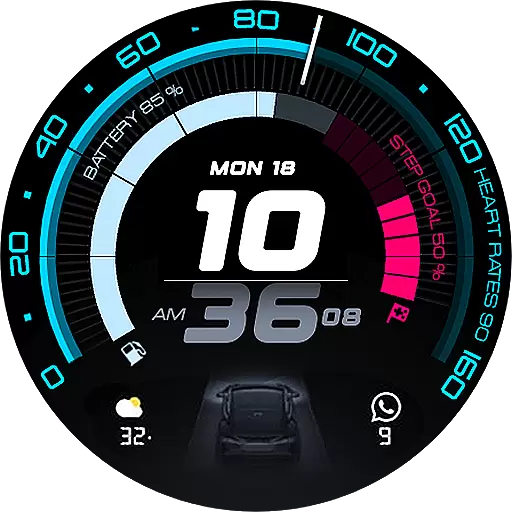
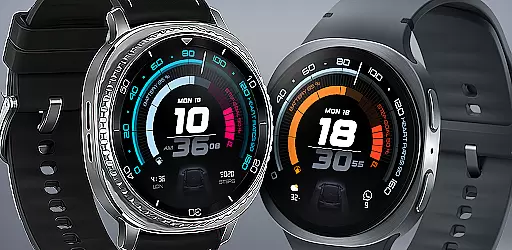
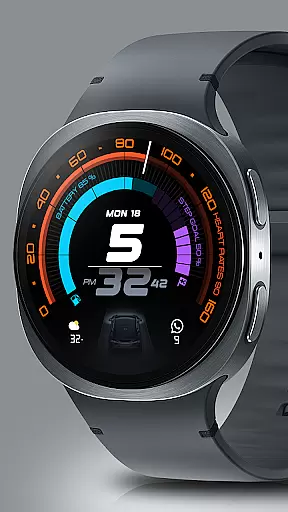
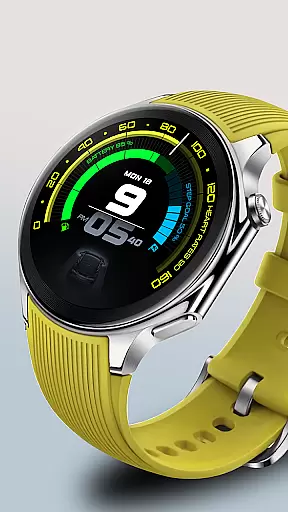
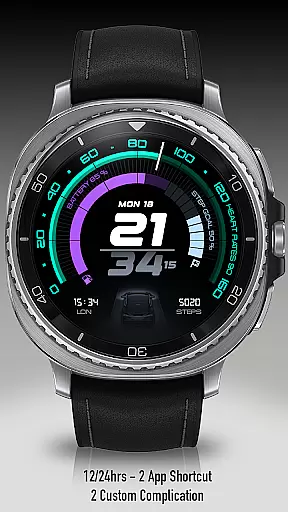
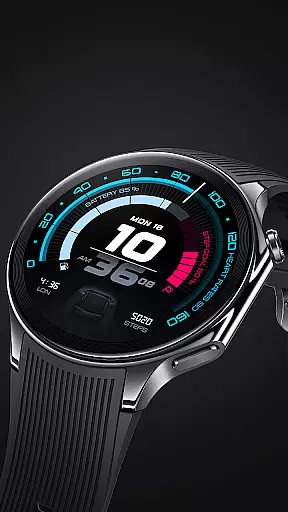
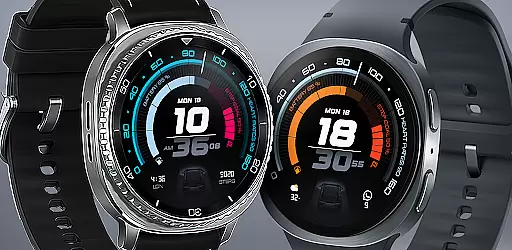
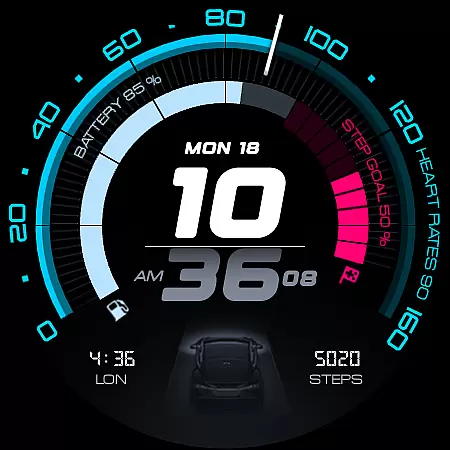
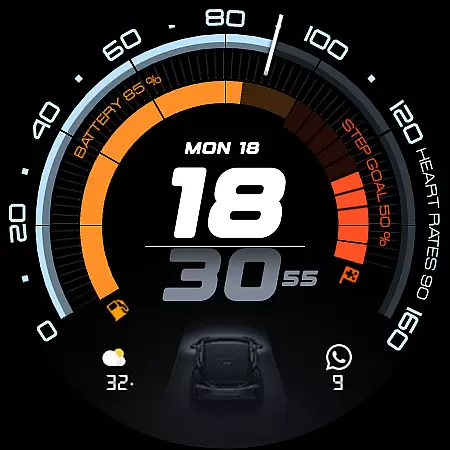
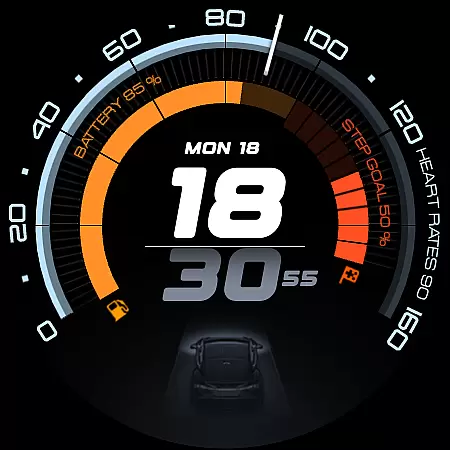
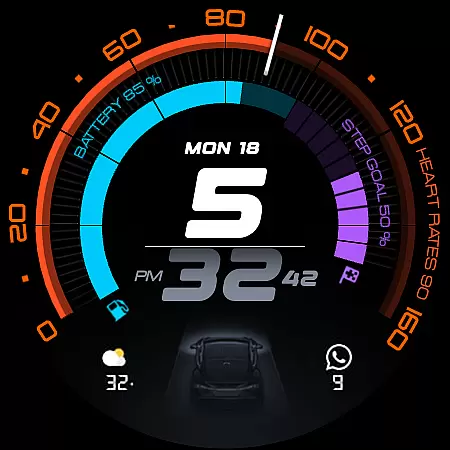
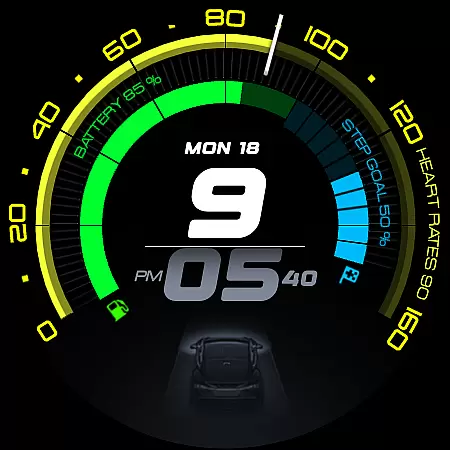
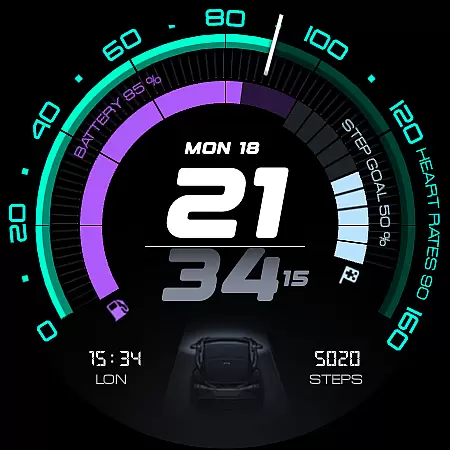
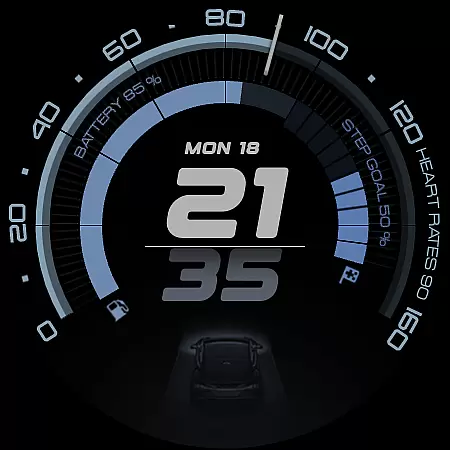
ARS Acceleration is a high-performance watch face designed for users who value both style and functionality. It features a dynamic interface with bold digital time display, vibrant activity arcs, and essential health metrics like heart rate, step count, and battery level. The design draws inspiration from sports dials, offering an automotive-inspired aesthetic that adapts to both day and night use.
This watch face provides real-time updates on crucial information such as weather and fitness tracking while maintaining a sleek appearance. With customizable complications and dual app shortcuts, it ensures maximum convenience for users seeking a versatile smartwatch experience.
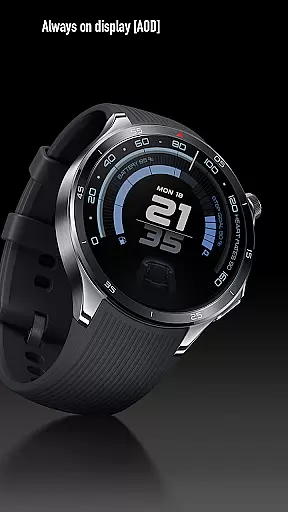
ARS Acceleration stands out with its vibrant color-coded activity arcs and modern digital interface. The watch face supports both 12/24-hour time formats and offers Always-On Display functionality, ensuring visibility at all times without compromising battery life.
Users can enjoy advanced customization options, including personalized complications and dual app shortcuts. These features allow seamless integration into daily routines, whether for fitness tracking or staying updated with notifications. The combination of performance-driven design and customizable elements makes this watch face ideal for those who demand both precision and adaptability.
Companion app integration is essential for a seamless wearable experience. ARS Acceleration excels in this area by offering users a cohesive ecosystem between their smartwatch and mobile device.
The watch face provides real-time synchronization of critical data such as heart rate, battery level, step count, and weather updates directly from the companion app. This ensures that users have access to the most current information at a glance.
Additionally, customizable complications and dual app shortcuts allow for personalized control over daily tasks and notifications. These features make navigating between apps and managing your schedule effortless and efficient.
By combining functionality with style, ARS Acceleration transforms your smartwatch into an indispensable tool that complements your fast-paced lifestyle while maintaining a sleek automotive-inspired design.
Ensuring broad device compatibility is crucial for any Wear OS application. ARS Acceleration is designed to work seamlessly across a wide range of Wear OS devices, providing users with a consistent experience regardless of their hardware choice.
The watch face supports both 12-hour and 24-hour time formats, catering to user preferences worldwide. Its adaptable design maintains optimal performance whether you're using it during the day or relying on its subtle Always-On Display feature at night.
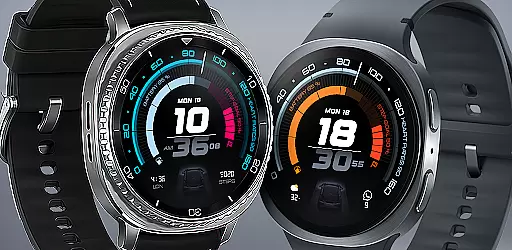
Moreover, ARS Acceleration's vibrant color-coded activity arcs and bold digital time display are optimized for various screen sizes and resolutions. This guarantees crisp visuals and accurate tracking metrics no matter which Wear OS device you own.
With its focus on performance and aesthetics, ARS Acceleration delivers a dynamic interface that enhances usability without compromising styleu2014making it an ideal choice for those who demand precision and elegance from their wearable technology.
Highly customizable
Vibrant activity arcs
Real-time health tracking
Sleek automotive design
Always-On Display option
Limited to Android Wear
Battery usage may increase
Premium features require payment
Complex for beginners
Not suitable for traditional styles

"PER27 Galaxy Digital" is a digital Wear OS watch face designed by PERSONA
 4.10
4.10
A heartwarming Christmas scene featuring a cute image of Santa and Rudolf
4.0
Beautiful artistic animated digital watch face, with a customizable layout!
4.40
Beautiful, colorful and practical watch face. For Wear OS devices.
5.00
A modern premium sporty hybrid watch face for Wear OS by Ballozi
4.70
Monitor health with the stress test and pulse checker in the heart rate app.
4.60
The ultimate destination for kids ages 3-8 to explore the Marvel Universe!
4.30
Fast and smart typing with Emojis, GIFs, and more
4.50
Toyota app currently supports 2010 or newer vehicles (2018 or newer for Hawaii).
4.50
To-Do List: daily schedule planner, task organizer, to do reminder app, calendar
4.60
Kia Access makes getting your vehicle information easier than ever
4.60
MyNISSAN® lets you remotely control your car from your phone.*
4.50
A white realistic classic analog watch face with many customization options.
4.40
Find EV charging stations
4.30
Connect, create, and collaborate with Gmail, part of Google Workspace.
4.10
Viewer for Wyze/Yi/Eufy/Arlo/ONVIF/RTSP/P2P IP cams w/ adv. features & DIY DVR
4.00
Wear Os Watch Face - Animated Snow Effect & Christmas Lights
4.5
Contemporary digital watch face with five complications
4.4
Sleek, highly customizable watch face inspired by Galaxy Watch Circle Dashboard.
4.2


User Reviews