

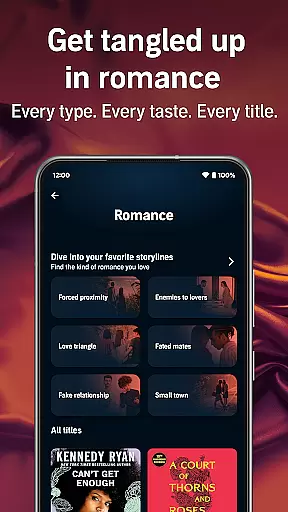
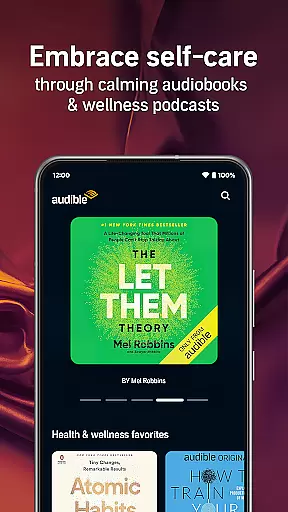
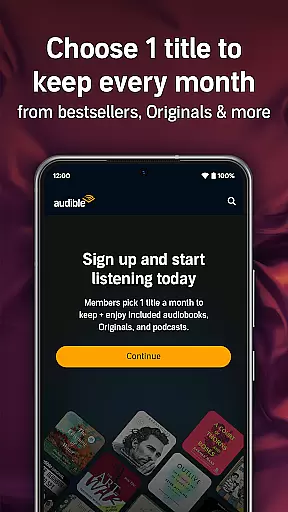

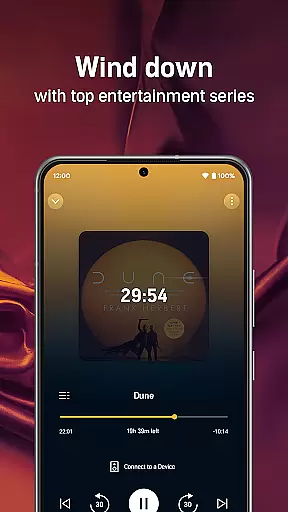
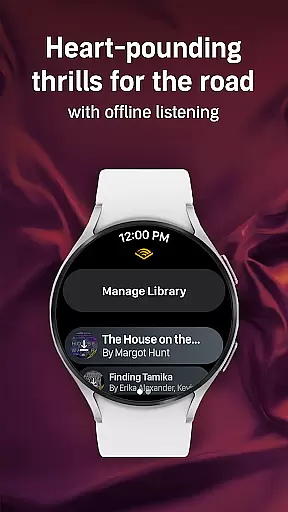
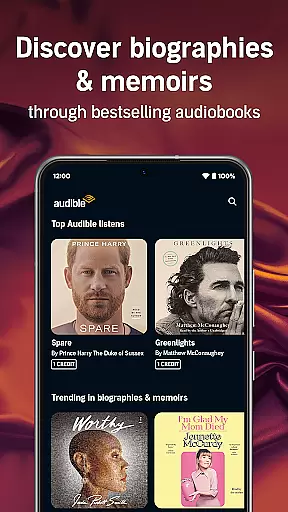
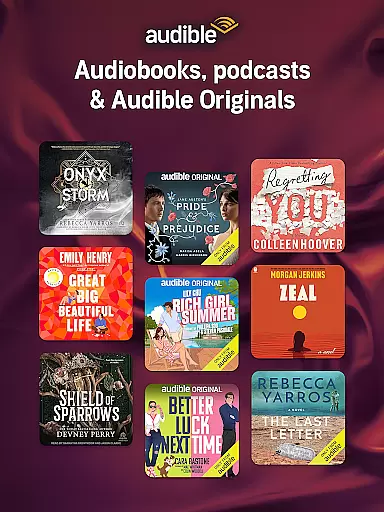
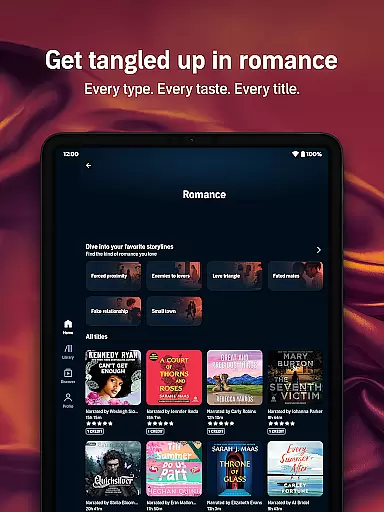
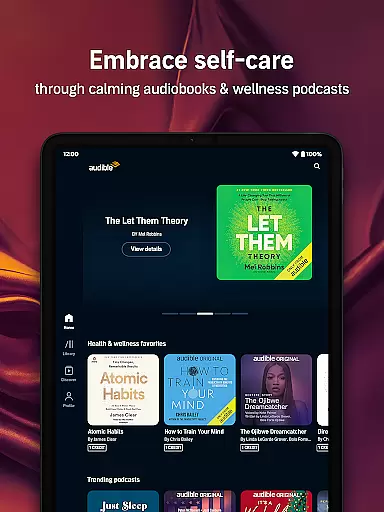
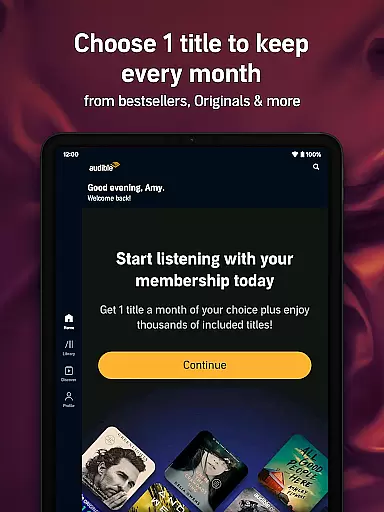
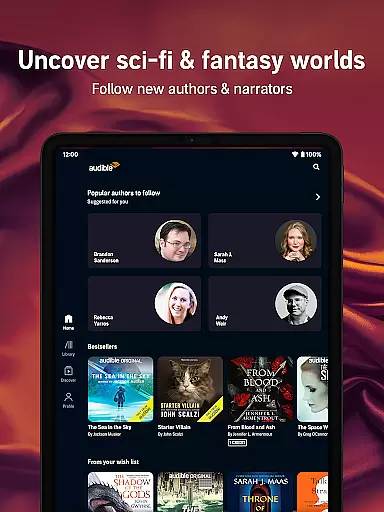
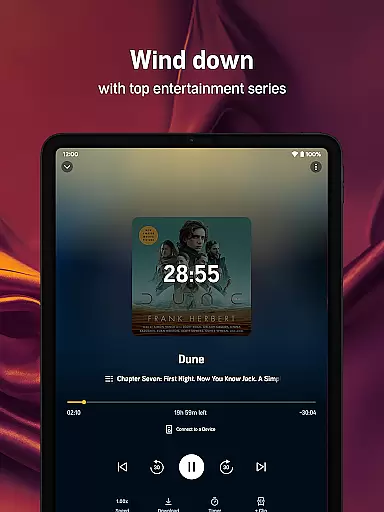
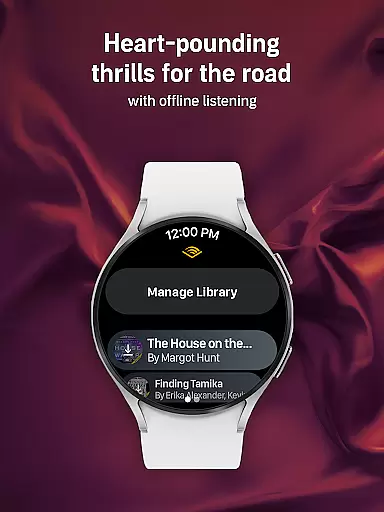
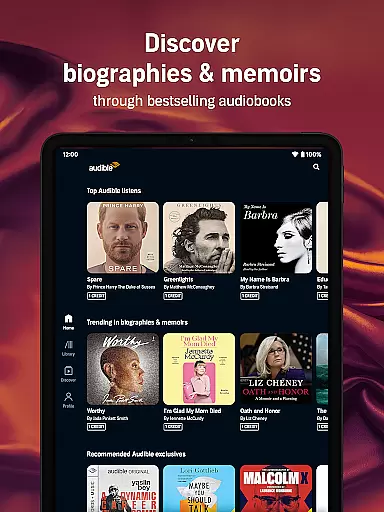
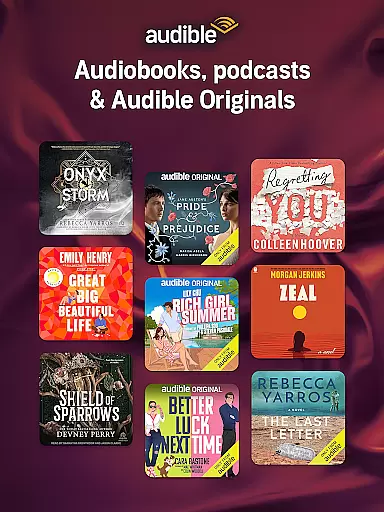
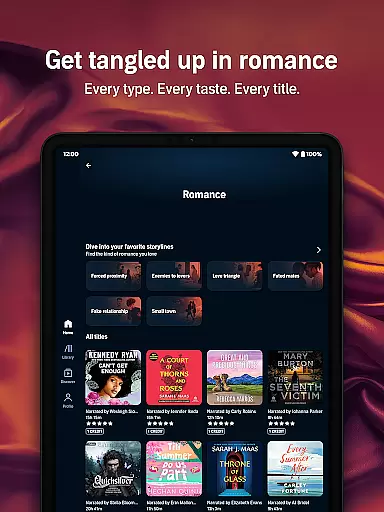
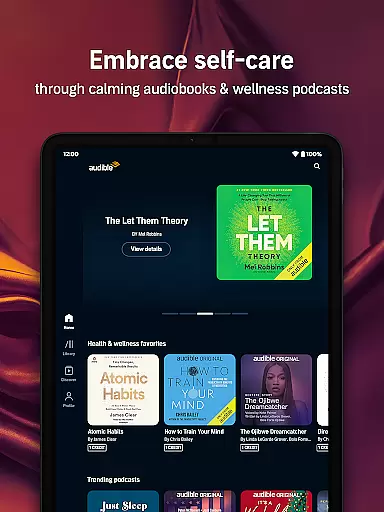
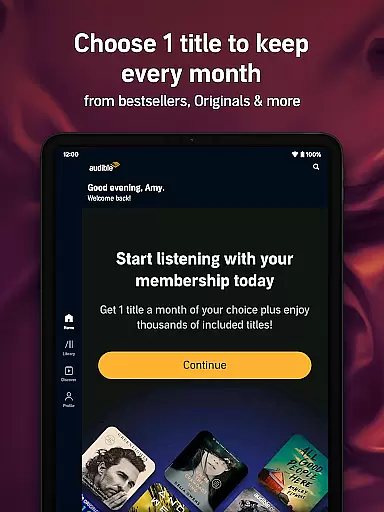
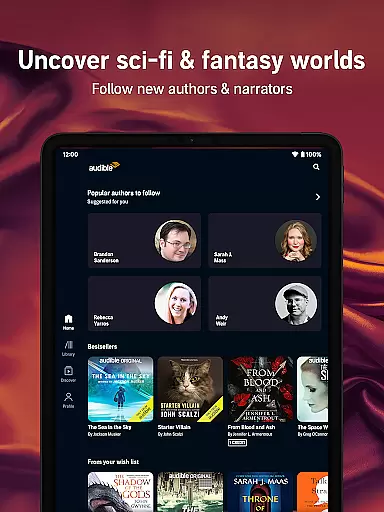
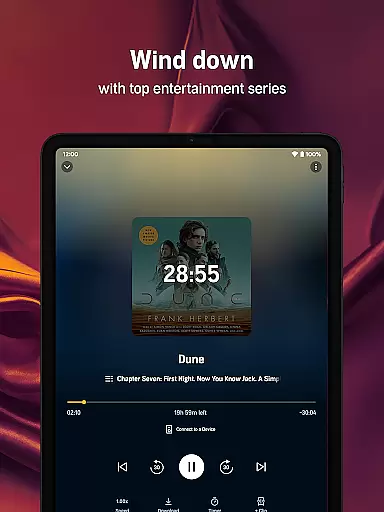
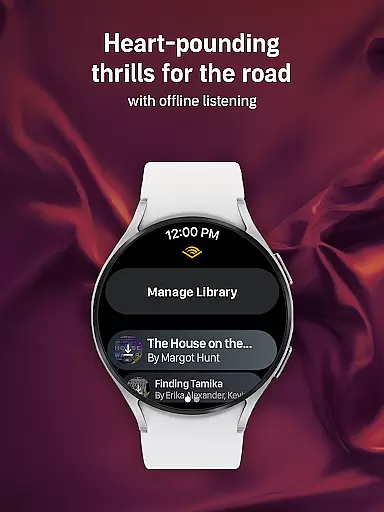
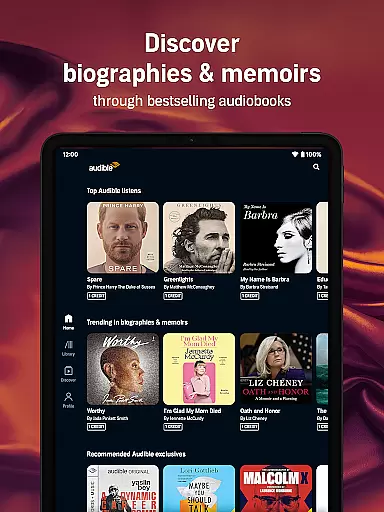
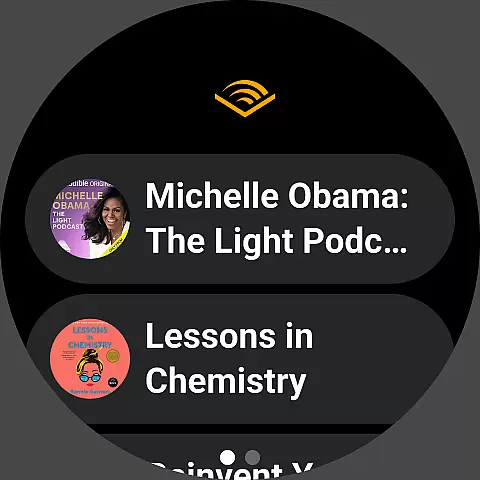
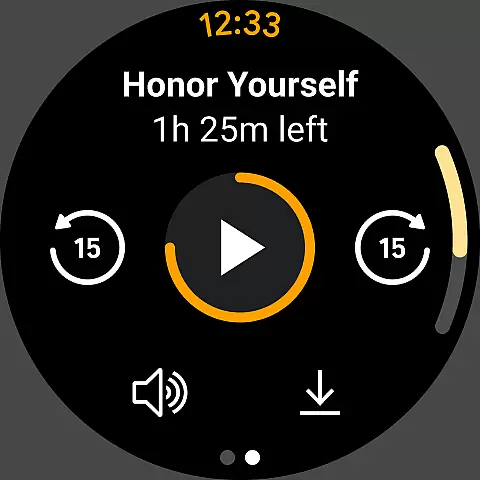

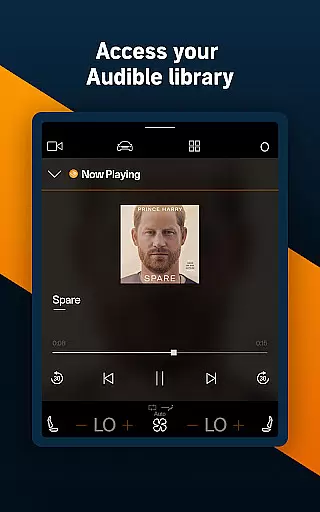
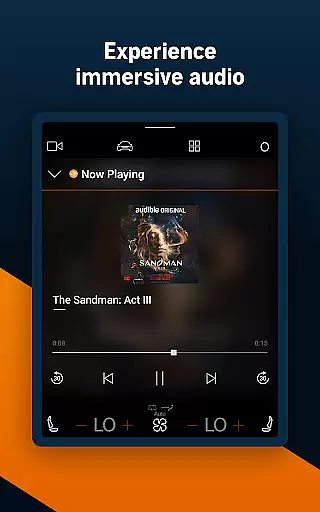
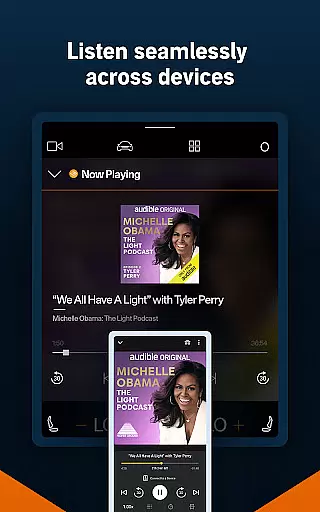

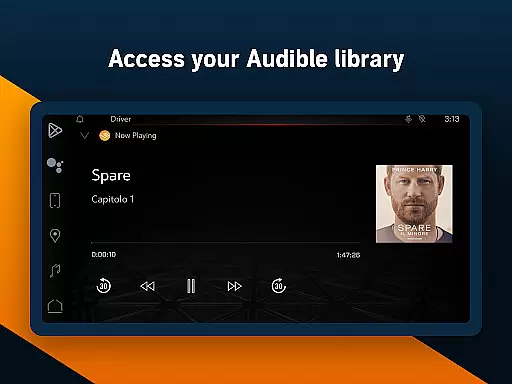
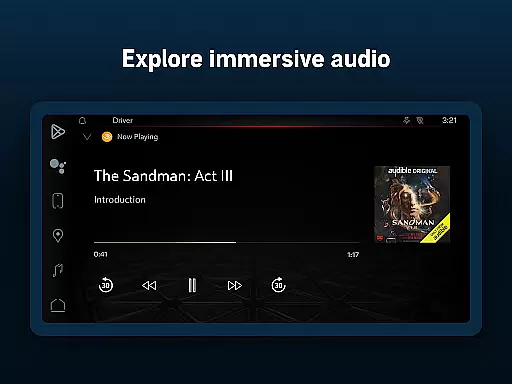
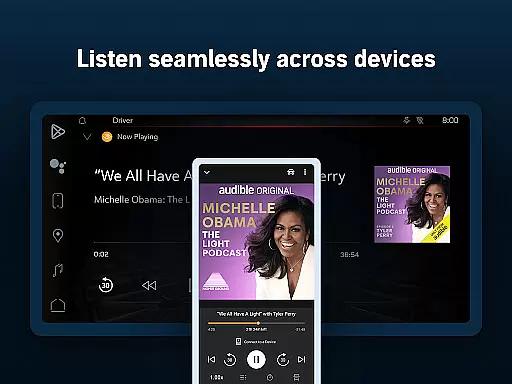
Audible is the premier destination for immersive audio content, offering a vast library of audiobooks, exclusive podcasts, and original programming. Designed for Android Wear, this app allows users to enjoy their favorite stories on the go, whether commuting, exercising, or relaxing at home.
With features like offline downloads, adjustable narration speed, and Car Mode for road trips, Audible ensures a seamless listening experience across devices. The Plus Catalog provides access to thousands of titles without credits, while Premium Plus membership offers monthly credits and an extended selection of bestsellers.
Ideal for book lovers and podcast enthusiasts, Audible transforms daily routines into opportunities for learning and entertainment. From health and wellness content to kids' profiles with family-friendly options, it's a versatile tool for all ages.
Audible stands out with its comprehensive feature set tailored for avid listeners. The app's Plus Catalog grants unlimited access to a wide range of audiobooks, podcasts, and originals without needing credits. Users can download titles for offline listening, making it perfect for travel or areas with limited connectivity.
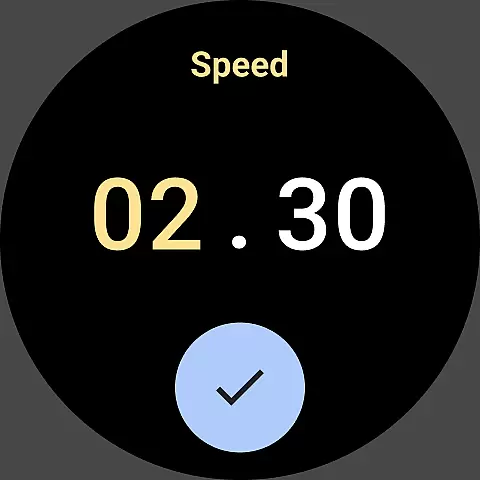
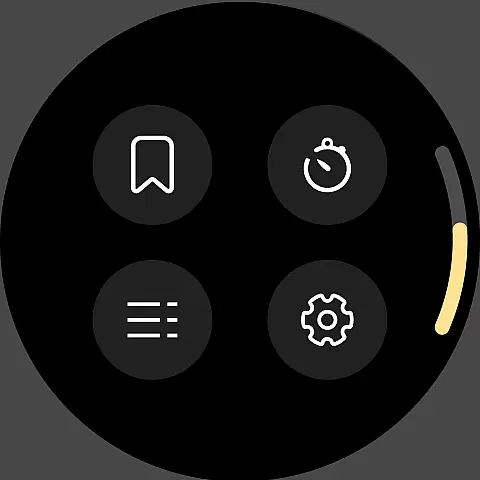
Customization is key - listeners can adjust narration speeds up to 3.5x, set sleep timers, and create personalized playlists combining books and podcasts. The app supports cross-device functionality, allowing seamless transitions between phone, tablet, Wear OS, and Alexa-enabled devices.
Premium Plus members enjoy additional benefits including monthly credits, permanent libraries, and early access to new releases. Special features like Kids Profiles make it family-friendly, while integration with Amazon Prime offers extra value through free trial credits and discounted purchases.
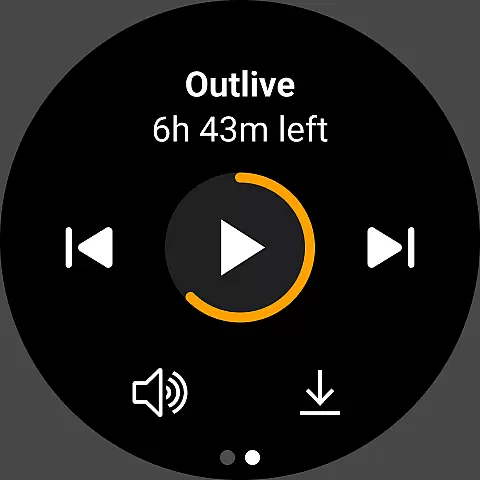
Companion app integration is essential for a seamless wearable experience. Audible ensures that its Android Wear app works in perfect harmony with the main mobile application. This allows users to control their audiobooks and podcasts directly from their smartwatch, providing unmatched convenience.
The Audible app offers real-time synchronization of playback settings between devices. Whether you're listening on your phone during the day or using your Wear OS device at night, your progress is always saved. This feature guarantees that you never lose your place in the story, regardless of which device you use.
With companion app integration, users can also access their offline content on the go. By downloading audiobooks and podcasts through the main app, these titles become available on the paired wearable device. This functionality ensures that your favorite stories are accessible even without a smartphone nearby.
Audible's commitment to cross-device functionality enhances user engagement. The ability to seamlessly transition between devices encourages more frequent listening sessions. This integration ultimately creates a cohesive ecosystem where storytelling takes center stage, making it easier than ever to enjoy immersive sound experiences.
Device compatibility is crucial for ensuring optimal performance across various Wear OS devices. Audible has designed its application to work flawlessly with a wide range of smartwatches running on Wear OS. This broad compatibility allows users to enjoy their favorite audiobooks regardless of their specific device model.
The app takes full advantage of Wear OS features, including voice commands and touch controls. These native integrations provide an intuitive user interface that makes navigation effortless. Listeners can easily pause, play, or skip chapters using simple gestures or spoken instructions, enhancing the overall user experience.
Audible's engineering team regularly updates the application to maintain compatibility with new Wear OS versions. This dedication ensures that users always have access to the latest features and security enhancements. The app's adaptability to different screen sizes and hardware specifications demonstrates its versatility across various devices.
Furthermore, the application's optimized performance on Wear OS devices guarantees smooth playback without excessive battery consumption. This careful balance between functionality and resource management enables extended listening sessions. As a result, Audible users can enjoy their favorite titles throughout the day without worrying about device limitations or compatibility issues.
User-friendly interface
Extensive audio library
Offline listening capability
Adjustable playback speed
Cross-device compatibility
Subscription fees required
Limited free content
Occasional syncing issues
Large storage space needed
Complex pricing structure

Precision analog watch face with 7 complications and style options
 4.0
4.0
Christmas is near, let's count together the days left until Santa comes
4.5
Deck out your Wear OS Watch face with a beautifully decorated pine wreath!
4.50
Locate your family members by GPS phone location tracker everywhere and anytime
4.30
Stay in touch with your friends and family using LINE!
3.40
Professional weather radar and more
3.90
Retro digital watch face with customizable colors and a unique lighting effect
4.60
Hybrid Vibrant Health Watch Face for Wear OS
4.2
Toyota app currently supports 2010 or newer vehicles (2018 or newer for Hawaii).
4.50
Easy Voice Recorder is your everyday companion to record important moments.
4.70
Real-time results, stats, schedules and player profiles for all leagues
4.60
Find EV charging stations
4.30
Snowflake Rose Gold Watch Face - Digital, modern, & sleek with GYRO effect.
4.10
Connect, create, and collaborate with Gmail, part of Google Workspace.
4.10
Watch the sharpness of the sky on your wrist..
3.70
A watch face that fuses motorsport precision with contemporary smartwatch design
4.0
Contemporary digital watch face with five complications
4.5
Artistic Digital Watchface
4.0
Simple Analog-Digital Watchface For Wear OS 3.0 and Up Smartwatches
4.4


User Reviews