
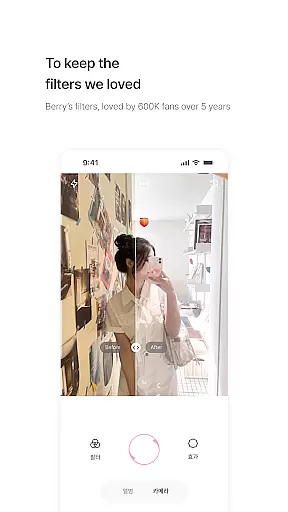
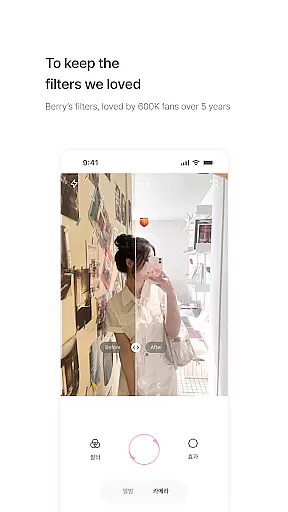
BerryFilm is a photography app developed by Berry, a renowned filter creator from South Korea. This app serves as a dedicated space to preserve and showcase the soft tones Berry has crafted over five years. It offers users an exclusive collection of Korean-style filters that bring out natural beauty in photos and videos.
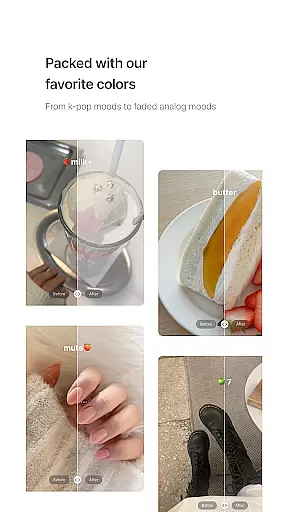
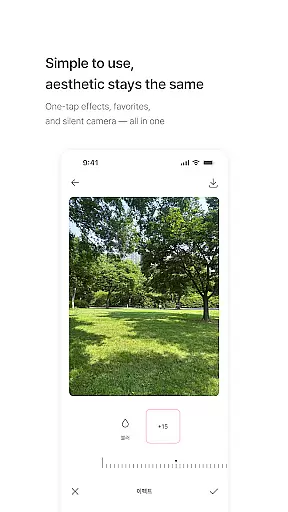
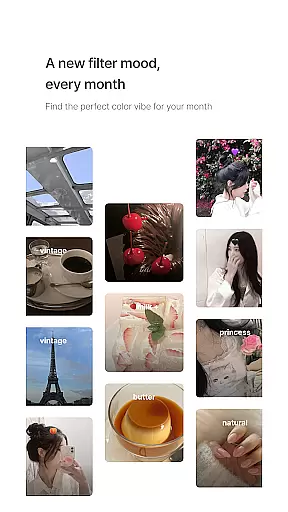
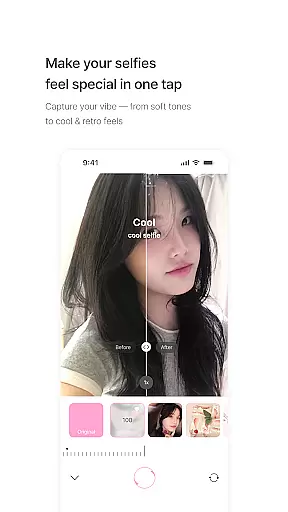
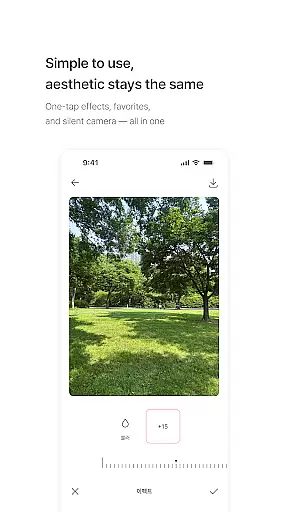
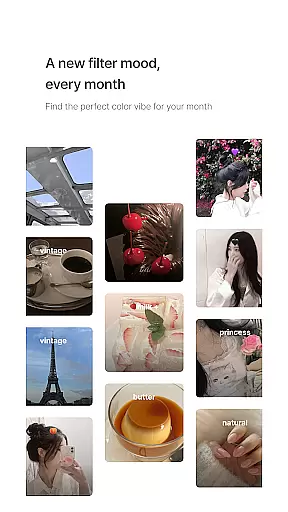
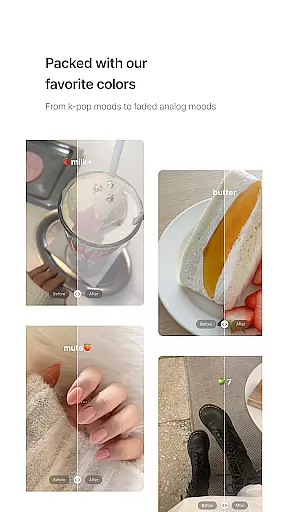
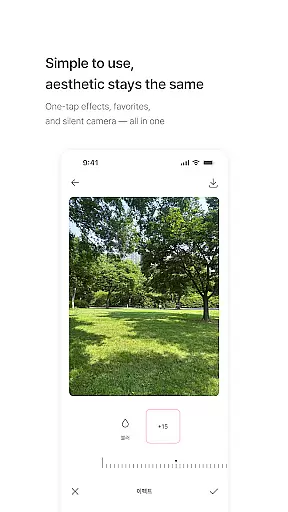
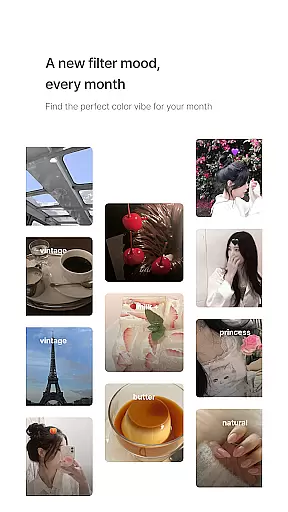
The app's core functionality revolves around its unique filter library, featuring over 20 carefully designed options such as milk, butter, cool, warm, and blossom tones. These filters are regularly updated, with new additions released monthly to match seasonal moods. The intuitive interface allows users to apply filters with one tap, save favorites, and capture images with a silent shutter.
Photography enthusiasts and social media content creators will particularly appreciate how BerryFilm transforms ordinary images into aesthetically pleasing visuals while maintaining natural skin tones and subtle color corrections. The app caters especially to those who prefer minimal editing without compromising on quality.
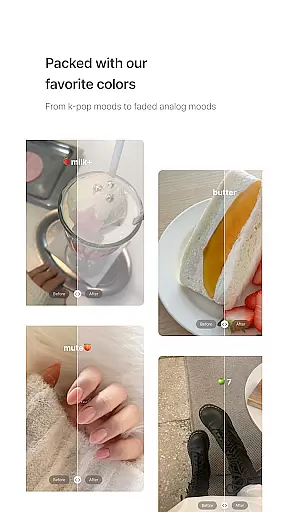
BerryFilm distinguishes itself through several notable features that enhance user experience. First and foremost is its comprehensive collection of soft and subtle Korean-style filters, ranging from airy milk tones to vintage-inspired moods. Each filter is meticulously crafted to create a natural atmosphere while preserving the original image's integrity.
A key innovation is the app's ability to apply these filters to both photos and videos, allowing users to maintain consistent aesthetics across different media formats. The simple, quiet interface enables effortless navigation and application - users can apply filters with one tap, save their favorite combinations, and even shoot directly within the app using a silent shutter feature.
What sets BerryFilm apart is its commitment to continuous improvement through user feedback. The development team actively incorporates suggestions from real users, ensuring the app evolves to meet changing needs. Additionally, the regular release of new filters keeps the content fresh and engaging for long-term users.
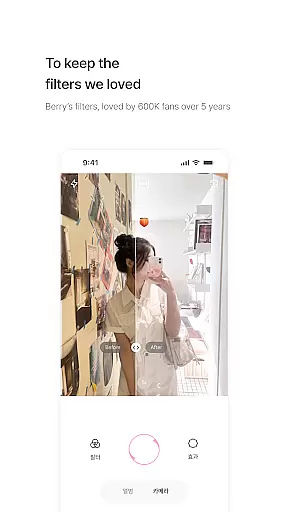
Real-time capture and preview functionality is essential for photography apps as it allows users to see exactly how a filter will look before taking the shot. BerryFilm excels in this area by providing an intuitive interface where users can instantly apply one of the many Korean-style filters to their photos or videos.
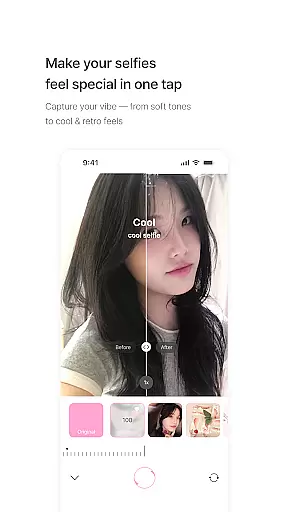
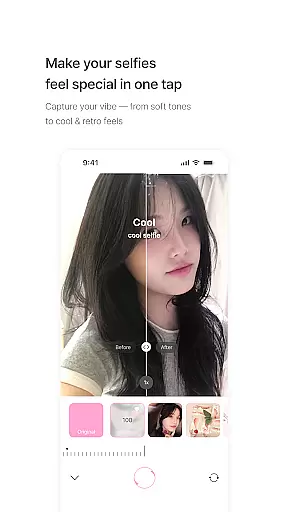
The app ensures that each filter, from airy milk tones to vintage moods, is accurately represented in the preview window. This means that what you see in the preview is what you get in the final image, allowing for precise control over the creative process.
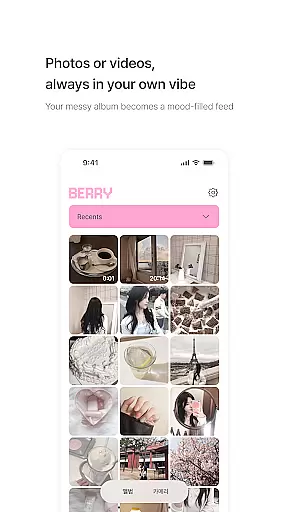
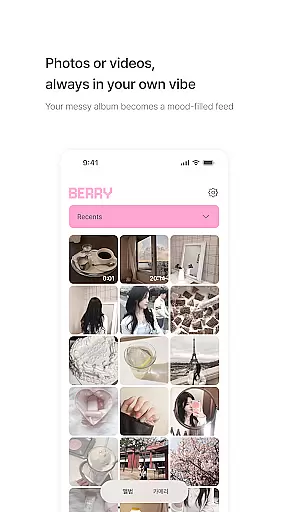
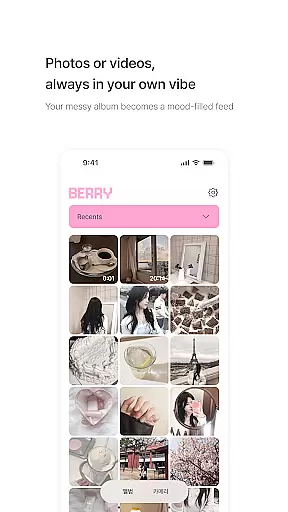
With BerryFilm's real-time capabilities, users can transform their gallery into a cohesive and aesthetic feed with just one tap. The simplicity of applying these soft color corrections and minimalist touches makes it easy for anyone to achieve professional-looking results without any prior editing experience.
This feature not only enhances user engagement but also streamlines the workflow for content creators who rely on quick yet high-quality photo edits. By offering reliable and responsive real-time previews, BerryFilm empowers its users to create stunning visuals effortlessly.
AI beauty and enhancement features are increasingly popular in photography apps, aiming to improve images while maintaining a natural look. BerryFilm incorporates advanced AI algorithms that focus on enhancing skin tones naturally without over-processing, ensuring that every selfie remains true to the individualu2019s unique appearance.
The app provides gentle color correction and light adjustments which work harmoniously to produce soft, aesthetic feeds. These enhancements are designed based on feedback from real users, guaranteeing that they meet the expectations of those looking for subtle edits rather than heavy alterations.
BerryFilm stands out by continuously refining its AI through user suggestions, making sure that each update brings more authentic and pleasing results. Whether it's smoothing imperfections or adding a touch of warmth, the app achieves a balance between enhanced aesthetics and genuine representation.
By prioritizing naturalness in its AI enhancements, BerryFilm caters to users who appreciate understated elegance in their photos. This approach not only preserves personal authenticity but also elevates the overall quality of visual storytelling within digital platforms.
User-friendly interface
Regular filter updates
Natural skin tone effects
Minimalist aesthetic approach
Active user feedback integration
Limited advanced editing tools
Occasional performance issues
Subscription-based model
Learning curve for beginners
Device compatibility concerns

Remote control of the phone camera from your Wear OS smartwatch
 3.70
3.70
Long exposure camera with computational photography
2.60
Add Watermark - Sign your pictures with a text or logo. Effective, quick, easy!
4.50
Photobooth mini FULL app will allow you to add more fun to your parties
4.00
Perfect body tune & face app - photo retouch, makeup, slim body & beautify face.
4.80
Take videos and pictures with the popular TikTok TIME WARP SCAN filter.
4.60
Pro version: AR sun/moon tracker for any date. Tool for photographers & planners
4.90
Discover & download millions of art for The Frame TV or Hisense CanvasTV
4.60
Edit photos with the picture generator: PS2 & AI Clay filters, cartoon effects.
4.50
Cartoon and artistic effects for your photos and videos
4.70
Automatically backup your photos and videos to computer, NAS and Cloud services
4.60
Movie camera, supports pro recording settings for filming. Try it and be amazed!
4.50
Easily stitch panoramas from multiple photos or video.
4.40
A reflected light meter with spot metering and incident light metering.
4.40
[3DSteroid Pro] is a stereoscopic application for Android.
4.30
Natural Beauty, Selfie Retouch
4.30
Smart, light, and fast photo and video gallery
4.30
Professional video recording application with manual controls for filmmakers!
2.80
Remote control the phone camera shutter from your smartwatch and take a picture
1.60


User Reviews