
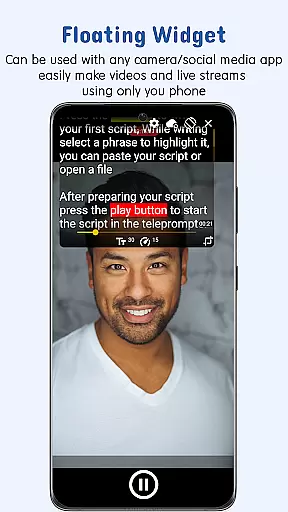
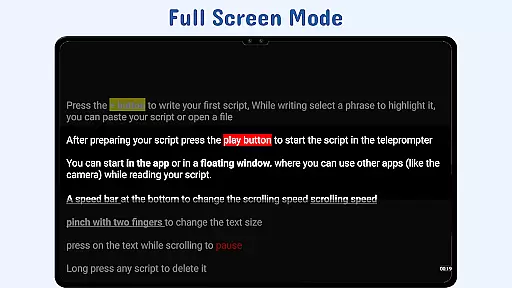
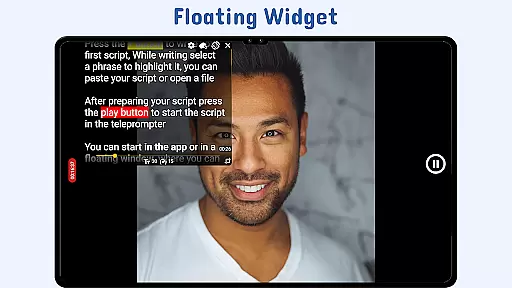
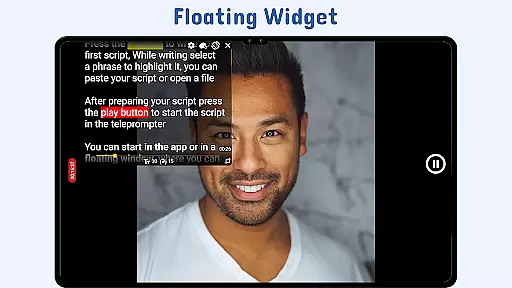
Nano Teleprompter is a versatile productivity tool designed to streamline the process of script reading for video recording, live streaming, and public speaking. The app's standout feature is its floating widget functionality, which allows users to overlay their scripts on any camera app while maintaining full control over text size, color, and scrolling speed.
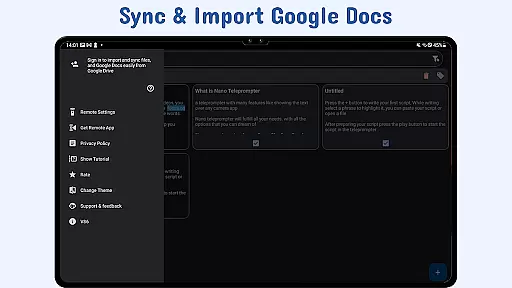
With seamless Google Drive integration, users can create, edit, and sync scripts in real-time across multiple devices. This ensures that changes made from a desktop or mobile device are instantly reflected in the app. Additional features like gesture controls, customizable text formatting, and remote control support make Nano Teleprompter an indispensable tool for content creators and professionals alike.
Whether you're filming a YouTube video or delivering a keynote speech, Nano Teleprompter provides a reliable solution for hands-free script management, enhancing both productivity and presentation quality.
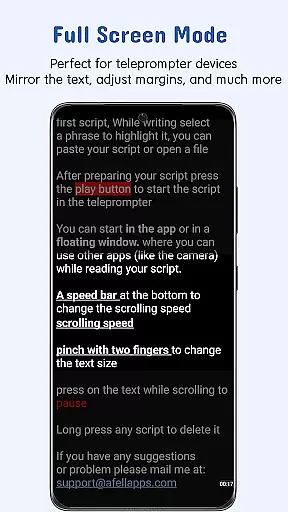
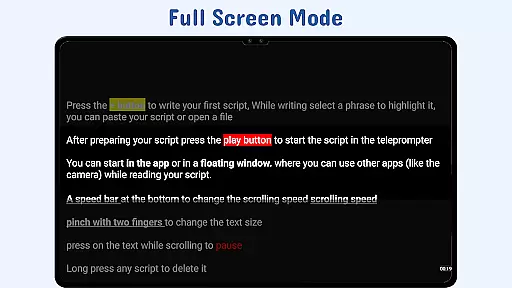
Nano Teleprompter offers a comprehensive suite of features tailored to meet diverse teleprompting needs. One of its most notable capabilities is the floating teleprompter widget, which can be freely resized and positioned on the screen. This allows users to record videos in both landscape and portrait modes without obstructing the camera view.
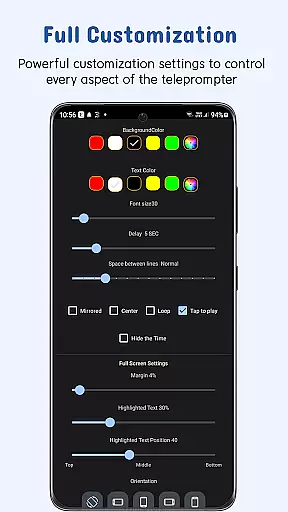
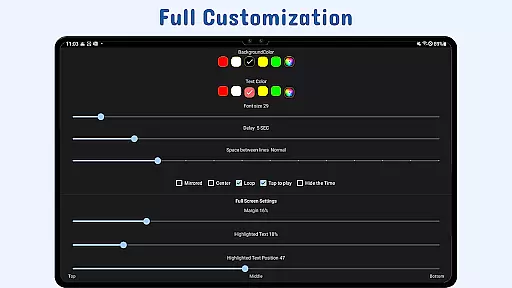
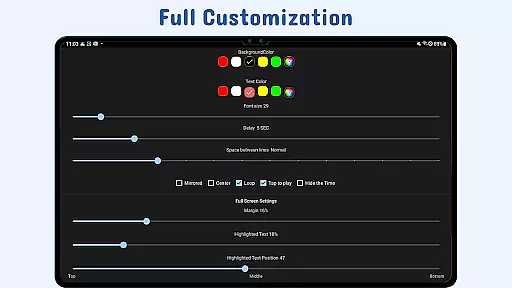
The app supports real-time Google Drive synchronization, enabling users to manage scripts directly from their preferred cloud storage. It also includes advanced customization options such as adjustable text size, background opacity, margins, and line spacing. These settings ensure optimal readability under various lighting conditions.
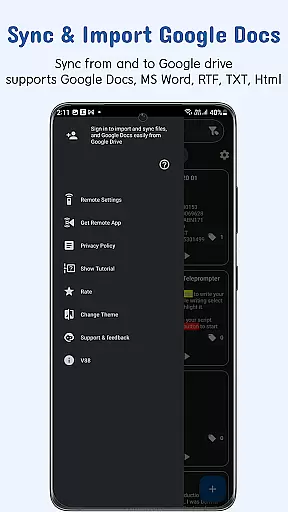
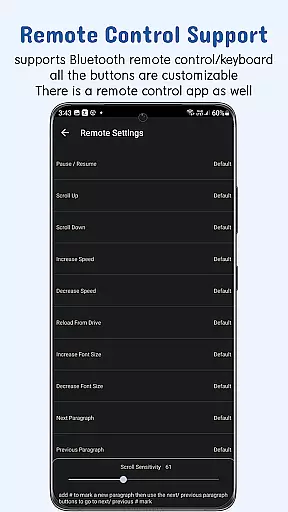
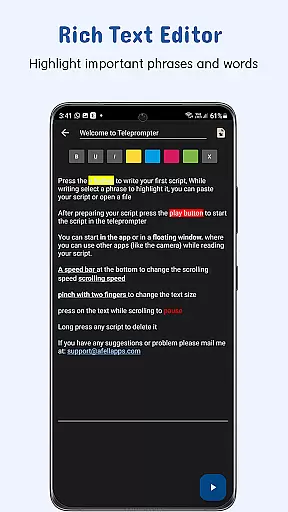
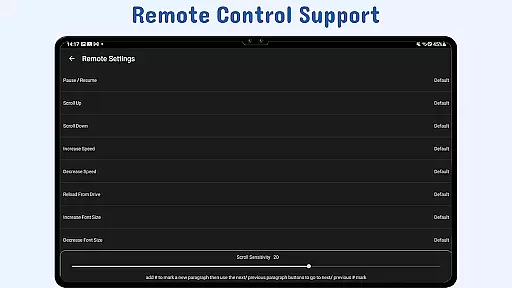
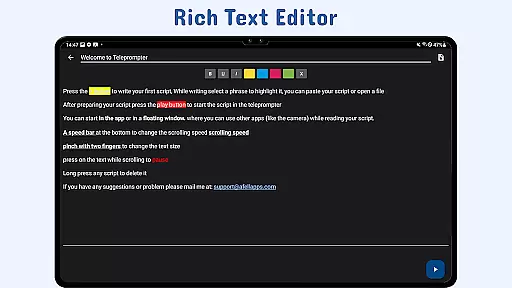
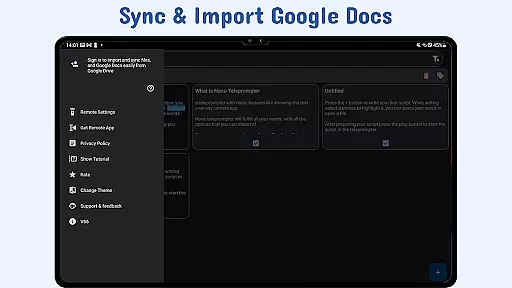
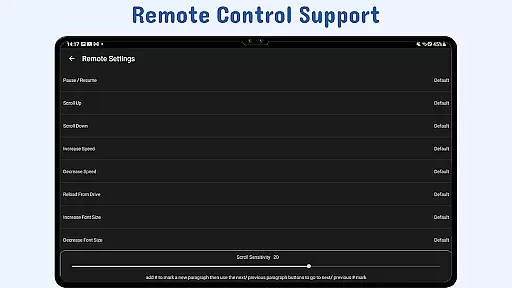
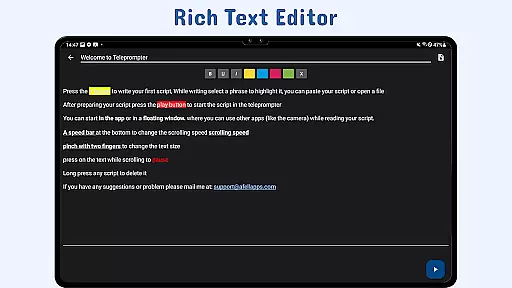
Additional functionalities include gesture-based controls for zooming and resizing, highlighted text for emphasis, and remote control support for hands-free operation. With its ability to import files from Google Docs, MS Word, RTF, TXT, and HTML formats, Nano Teleprompter provides unmatched flexibility for professionals seeking an efficient teleprompting solution.
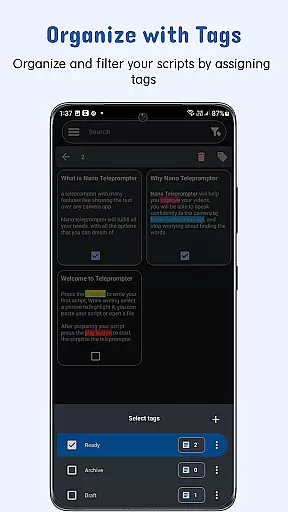
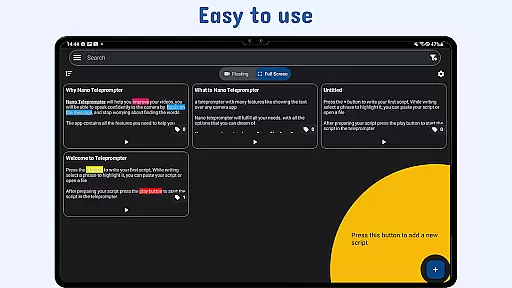
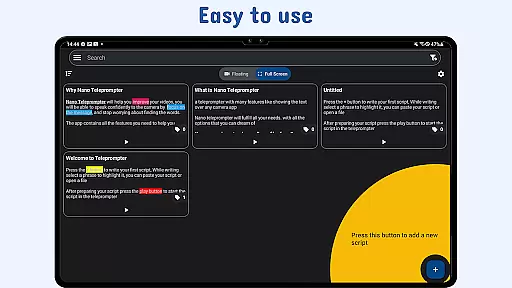
At the heart of Nano Teleprompter lies its robust core task management system, designed to streamline your workflow. This feature allows users to create, edit, and manage scripts directly through an intuitive interface or via seamless Google Drive integration.
The app supports a variety of formats including Google Docs, MS Word, RTF, TXT, and HTML, ensuring that no matter where or how you prepare your content, it can be imported and updated in real-time. This flexibility empowers creators to focus on their delivery rather than the logistics of script handling.
With automatic syncing across devices using Google Drive, users are guaranteed access to the latest version of their scripts from any location. This ensures that whether you're recording videos, live streaming, or delivering speeches, your material is always up-to-date and at your fingertips.
Nano Teleprompter excels in cross-device synchronization reliability, offering users peace of mind when transitioning between different devices. By leveraging Google Drive's cloud capabilities, the app provides a dependable solution for maintaining script consistency across smartphones, tablets, and computers.
This synchronization process is not only reliable but also instantaneous, allowing users to make edits on one device and see those changes reflected immediately on others. Such efficiency is crucial for professionals who require quick updates or last-minute adjustments to their presentations.
Moreover, this feature supports collaborative work environments by enabling multiple team members to contribute to scriptwriting simultaneously. As a result, Nano Teleprompter stands out as an indispensable tool for teams looking to enhance productivity without sacrificing accuracy or accessibility.
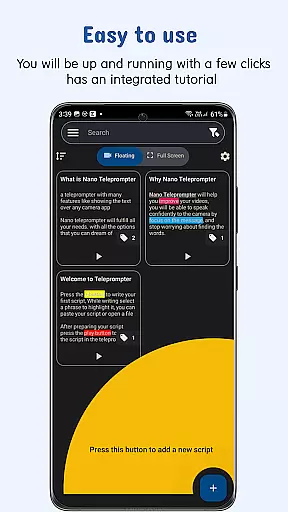
User-friendly interface
Real-time cloud syncing
Customizable text options
Remote control compatibility
Cross-device accessibility
Limited offline functionality
Premium features require subscription
Occasional sync delays
Interface may overwhelm beginners
Dependent on third-party services

QuickBooks Workforce lets teams view pay info and track time in one place.
 4.70
4.70
When you Focus, so will your Bean in this cozy focus timer
4.30
Native client for Forgejo and Gitea
5.00
PDF scanner & converter for files, photos, lottery, QR codes. One swipe away!
4.50
All document reader, all in one file viewer read PDF, DOCX, XLS, PPT, TXT files.
4.60
Secure, open-source, SPICE and SSH Remote Desktop for QEMU KVM virtual machines
4.00
Code on-the-go with VScode for Android. Edit,debug and collaborate from mobile!!
3.10
Best Tool for the professionals Electrician, Electrical contractors, etc.
4.90
AT&T Internet customers can use this app to personalize their Wi-Fi network.
4.40
A beautiful digital clock with autostart and many other functions
4.70
Secure, fast, open-source, Remote Desktop Client for Windows and Linux with SSH
4.60
Calendar 2023 widget for Android. Appointment scheduler, planner, and reminder
4.60
Subscribe to Webcal & .ics calendars and keep them up-to-date!
4.50
Share files & memories safely. Keep your photos and videos secure.
4.40
Total remote control for your Android device, PC and cloud services (IFTTT)!
4.20
Create and edit presentations with Google Slides, part of Google Workspace.
4.00
⏰ Finally a timer app which can run multiple timers simultaneously on your watch
3.90
Easiest event planning, volunteer signups & parent teacher conference scheduling
2.20
AI Video AI Image Private LLM AI Browser Llama Gemma Ollama Connect LLM Studio
4.2


User Reviews