
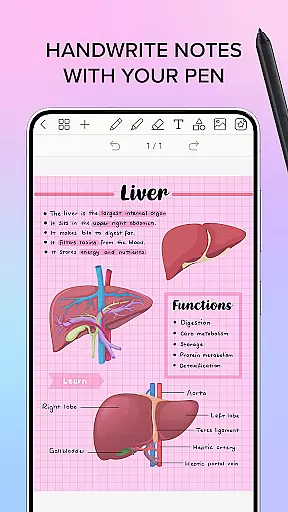
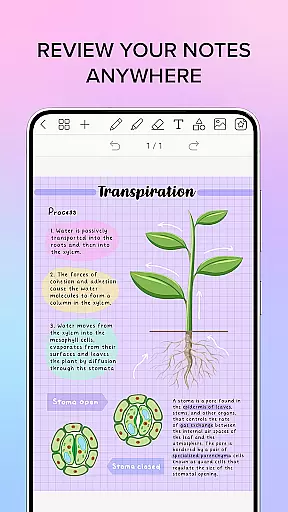
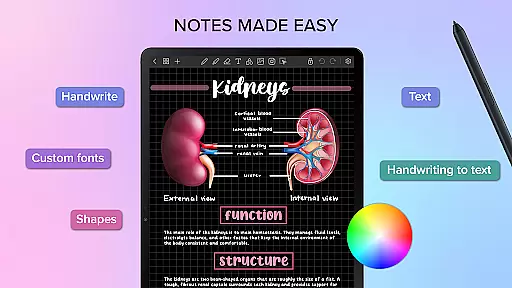
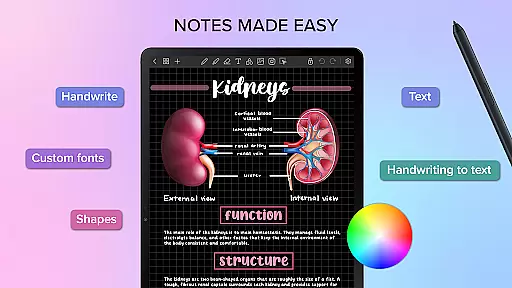
Penly is a comprehensive digital planner, journal, and note-taking app designed to enhance both creativity and productivity. The app features an intuitive interface with smooth handwriting capabilities, smart eraser functionality, and tools for text, image, and shape manipulation.
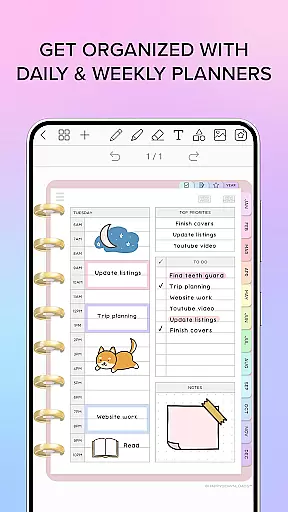
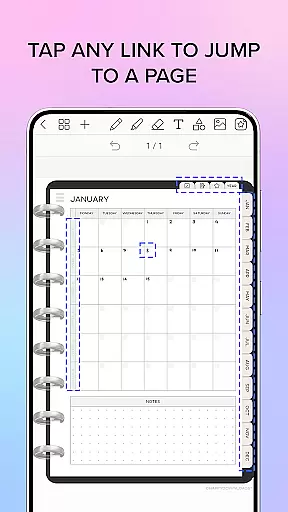
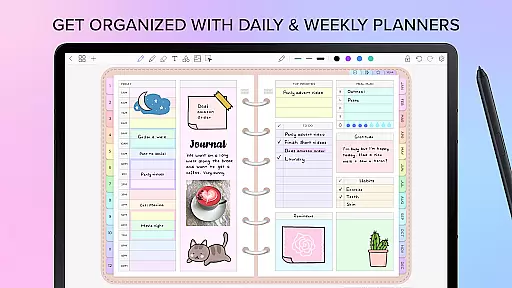
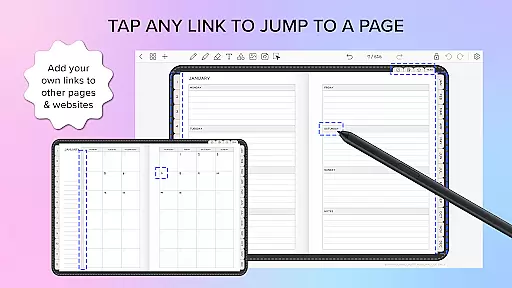
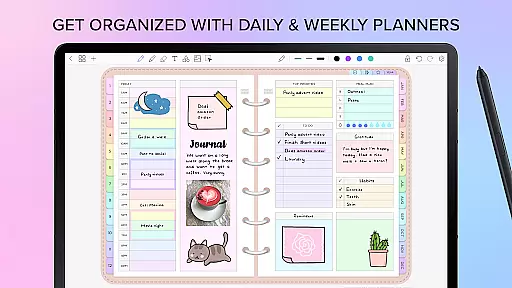
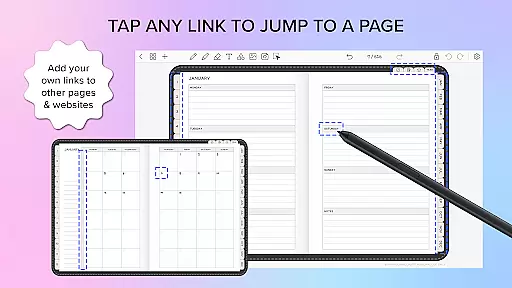
One of the standout features of Penly is its inclusion of four digital planners, offering hyperlinked monthly, weekly, and daily pages. These planners are undated and reusable, allowing users to customize dates themselves. Additionally, users can import any PDF file into the app, navigate using existing hyperlinks, and export files as editable Penly documents or PDFs.
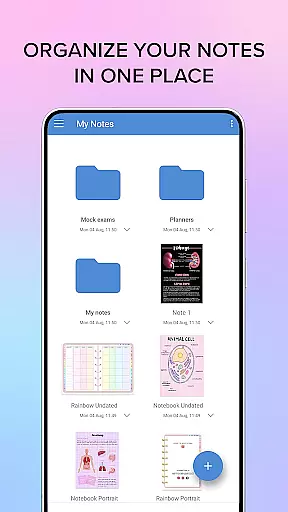
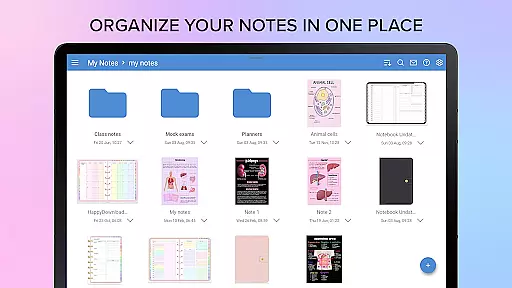
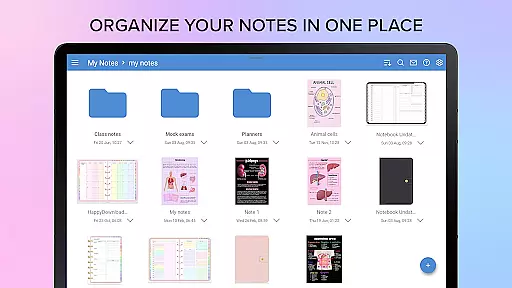
The app also supports creating custom hyperlinks within any document, turning objects into clickable links that direct to specific pages or websites. With robust organization tools, users can manage notes and documents efficiently through folders and sub-folders, ensuring seamless navigation and easy access to content across Android devices via Google Drive syncing.
Penly offers a rich set of features tailored to boost productivity and streamline note-taking. Its handwriting-to-text conversion tool allows users to transform handwritten notes into typed text effortlessly. The highlight and underline feature helps emphasize important points, while the ability to transform, group, and lock objects ensures precise document management.
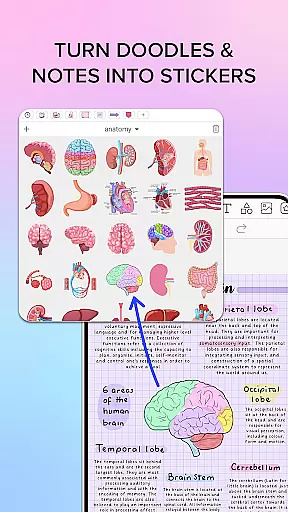
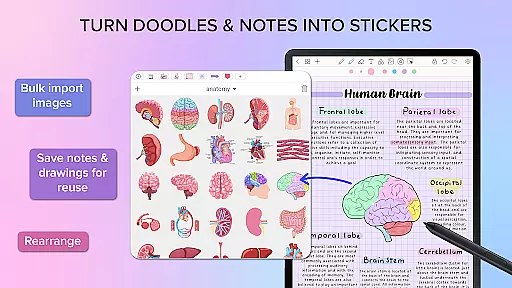
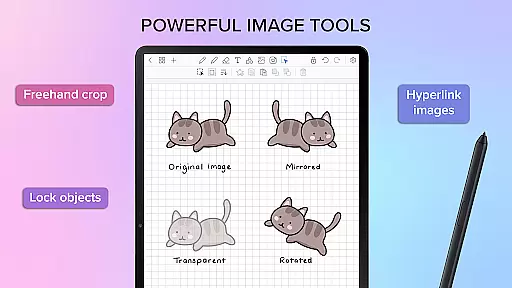
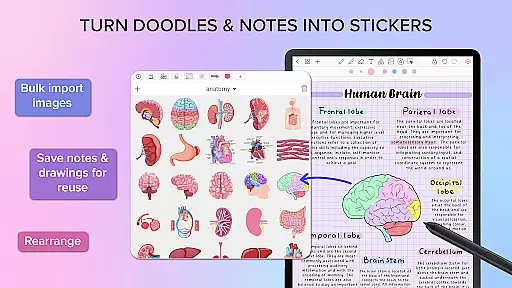
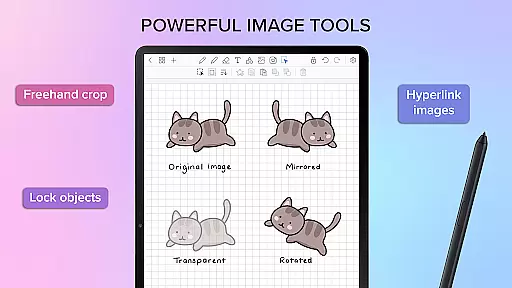
Users can take advantage of sticker and image tools, including bulk importing stickers, saving notes and drawings for quick reuse, and editing items with options like mirroring, flipping, cropping, and adjusting opacity. The collections tool further enhances organization by allowing users to favorite collections for faster access and rearrange items as needed.
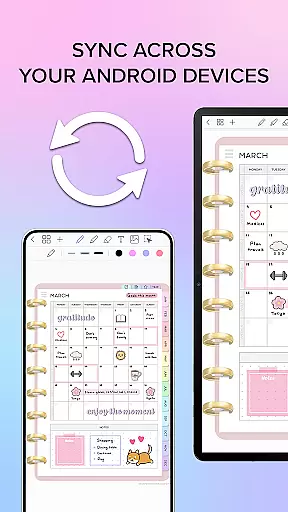
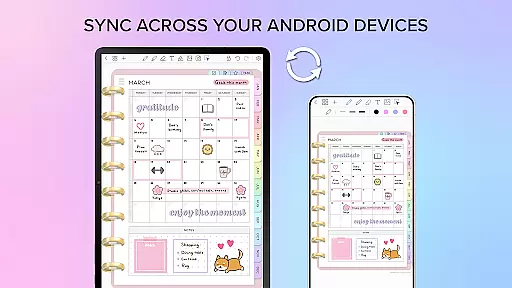
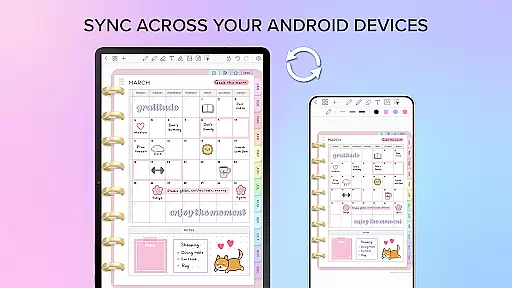
Syncing between Android devices is made simple by linking Google Drive to Penly, enabling manual or automatic syncing whenever the app is opened or closed. This ensures that users have consistent access to their documents regardless of the device they use, promoting flexibility and convenience in managing digital content.
Penly offers a comprehensive suite of tools for managing tasks and organizing your digital life. The app includes features such as hyperlinked monthly, weekly, and daily pages, which allow users to navigate their planners with ease.
With the ability to import any PDF file, Penly enables users to transform static documents into interactive planners. This functionality extends to creating custom hyperlinks within any document, enhancing navigation and connectivity between different sections or external resources.
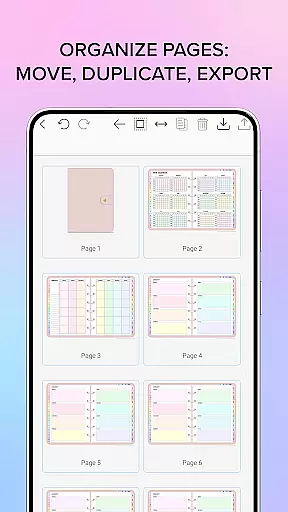
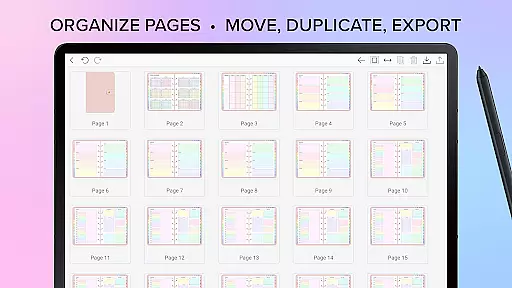
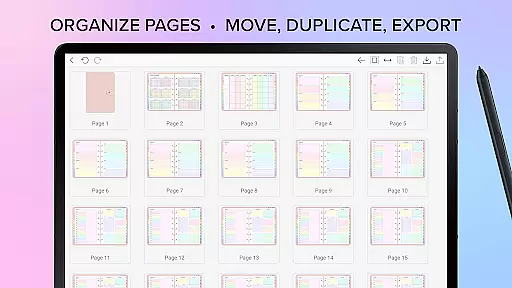
The app's organizational prowess is further demonstrated through its page and document management system. Users can copy, paste, delete, and rearrange pages, ensuring that notes and plans are structured according to personal preferences.
Syncing between Android devices via Google Drive means that users will have access to their documents wherever they go, maintaining continuity and coherence across all their devices.
Cross-device synchronization is a pivotal feature of Penly, ensuring that users' data is consistently updated across all their devices. By linking Google Drive to Penly, users can enable automatic syncing whenever the app is opened or closed.
This reliable synchronization ensures that whether you're at home, in the office, or on the move, your planners and notes are always up-to-date. It provides peace of mind knowing that your latest changes are securely saved and accessible from any linked device.
Moreover, Penlyu2019s one-time payment model for full app access complements the seamless experience of cross-device use without worrying about subscription interruptions affecting your workflow.
Should any issues arise, Penly's support system is reachable via email, where they aim to respond within two working days, ensuring minimal disruption to your planning and productivity.
User-friendly interface
Handwriting recognition
Customizable templates
Efficient organization tools
Cross-device syncing
Limited language support
No free version available
Occasional sync issues
Premium sticker packs
Learning curve for new users

 4.20
4.20
Secure, fast, open-source, VNC and SSH Remote Desktop for Windows, Linux and Mac
4.70
A Revolutionary All-in-One Artificial Intelligence Tools
3.80
Professional calendar app for Google Calendar, MS Outlook & Exchange
4.20
PDF scanner & converter for files, photos, lottery, QR codes. One swipe away!
4.50
All document reader, all in one file viewer read PDF, DOCX, XLS, PPT, TXT files.
4.60
Create and edit presentations with Google Slides, part of Google Workspace.
4.00
This small app MUST BE INSTALLED after purchase, else license won't work
4.40
Access your phone's notifications, calls, apps, photos & texts on your PC
3.90
aCalendar+ makes your day, week and month
4.70
Client for Nextcloud Deck
4.60
Send files, sync SMS, notifications & clipboard across devices via local network
4.40
A lightweight JSON & XML files creator, editor and viewer (Premium Version)
4.40
Secure your apps with lock screens, use custom themes and different features.
4.40
Experience real multitasking on your Android!
4.00
Unlock AutoNotification
4.00
The ultimate file manager for rooted devices. The original and still the best.
4.00
Experience and share your SolidWorks designs on your Android® phone and tablet.
2.50
Ads Free App! Editor, Hide File, Copy, Move, Delete and Rename.. all facility av
1.70


User Reviews