

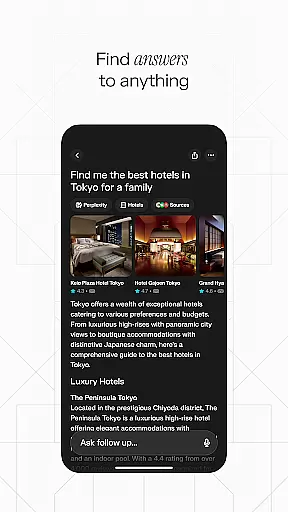
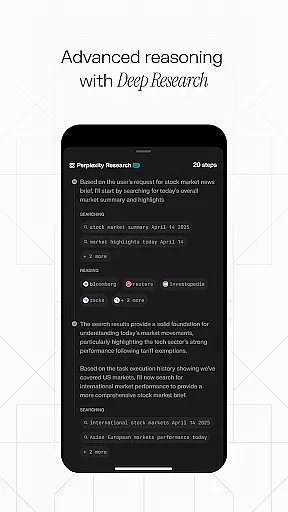
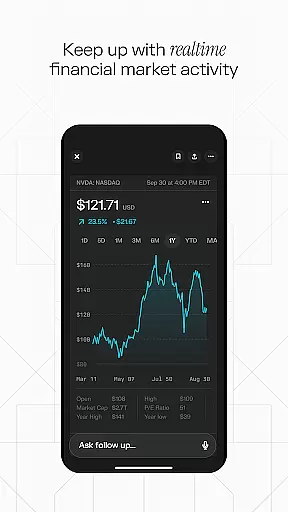


Perplexity is a productivity-focused AI search app that delivers credible, up-to-date answers directly to users. It integrates top AI models from OpenAI, Anthropic, Meta, and others to provide accurate information across devices. The app's core function is to streamline the search process by cutting through clutter and delivering trustworthy results instantly.
Key features include Perplexity Pro Search for deeper exploration, Thread Follow-Up for extended conversations, and Voice support for spoken queries. With cited sources for every answer and a personalized library for curating discoveries, it ensures both reliability and user-centric organization. Whether for professional research or personal learning, Perplexity enhances knowledge acquisition with speed and precision.
Perplexity stands out with its advanced AI-driven search capabilities tailored for productivity. Its Pro Search feature offers guided exploration, enabling users to dive deeper into topics while maintaining clarity and relevance. The Thread Follow-Up functionality allows seamless continuation of searches, fostering a conversational approach to gathering insights.
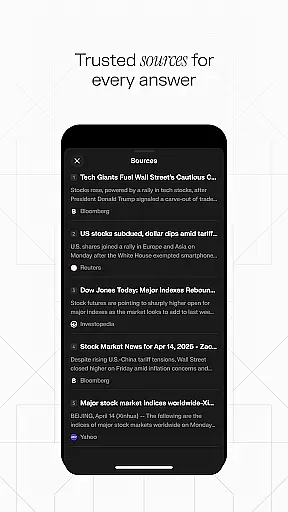
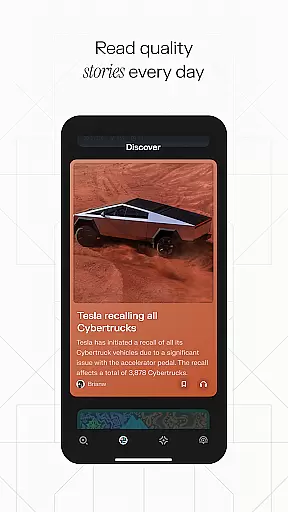
Voice integration provides flexibility by supporting both typed and spoken queries, making it accessible in various scenarios. Every response includes cited sources, ensuring transparency and credibility. Additionally, the Discover feature connects users with community-shared knowledge, while Your Library helps organize search history and curated content. These tools collectively create an efficient, reliable, and engaging experience for users seeking meaningful information quickly.
Task management is a cornerstone of productivity applications, and Perplexity excels in this area by offering users an intuitive way to organize their information flow. The app's 'Your Library' feature allows users to curate their discoveries, effectively managing their search history and important findings in one consolidated space.
Perplexity goes beyond simple task lists by integrating AI-powered search capabilities that guide users through complex inquiries with its Perplexity Pro Search. This ensures that each task or question is explored thoroughly, providing not just answers but a deeper understanding of the subject matter.
The Thread Follow-Up functionality further enhances task management by enabling users to build upon previous searches and conversations. This continuity transforms the way users approach tasks, allowing for an evolving exploration that traditional task managers cannot offer.
In today's fast-paced world, reliable cross-device synchronization is vital for maintaining workflow efficiency. Perplexity addresses this need by ensuring that all user data is seamlessly synced across devices, allowing for a fluid transition between desktop, tablet, and smartphone usage.
This synchronization extends to the app's innovative features such as Voice and Discover, which means whether you type or say your queries, or engage with community-shared content, your experience and data are consistent no matter which device you use next.
Moreover, Perplexity's Trust Built In feature reassures users that every answer they receive comes with cited sources, and these too are accurately synchronized across devices. This provides peace of mind that one's research and references are always up-to-date and accessible wherever they go.
Fast and accurate results
Multi-device synchronization
Credible source citations
Voice query support
User-friendly interface
Limited offline functionality
Premium features require subscription
Dependent on internet connection
Occasional AI inaccuracies
Community content varies in quality

Client for Nextcloud Deck
 4.60
4.60
Experience real multitasking on your Android!
4.00
Wake up & get tasks done! Add alarms & reminders on the Clock Launcher.
4.00
Direct Chat without saving contacts & Dual WA Account on Single Device
4.70
Send files, sync SMS, notifications & clipboard across devices via local network
4.40
Remotely view listen control and record cameras.
3.70
Pwnagotchi companion app
4.20
Simple notepad & memo. Take notes, to-do list, shopping list with reminders.
4.80
Seamlessly read, manage, and organize all your PDF files solution in one place
4.40
Native client for Forgejo and Gitea
5.00
Android Wallet Password Manager
4.80
Quickly and easily keep track of your work shifts
4.70
To do list widget with a notebook organizer, checklist, simple shopping list
4.60
Todo reminder
4.10
Unlock AutoNotification
4.00
Customizable calendar widget for seamless event sync, planning & scheduling.
4.00
Smart PDF reader & editor to view, organize and manage PDF documents easily.
3.70
Code on-the-go with VScode for Android. Edit,debug and collaborate from mobile!!
3.10
Easiest event planning, volunteer signups & parent teacher conference scheduling
2.20


User Reviews