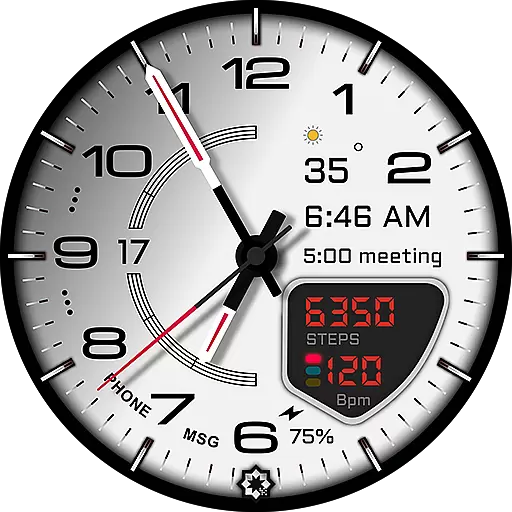
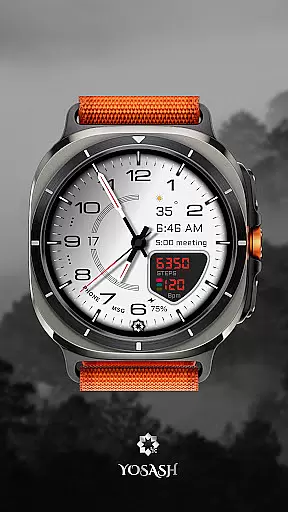
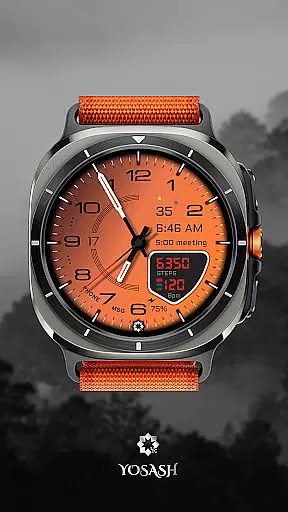
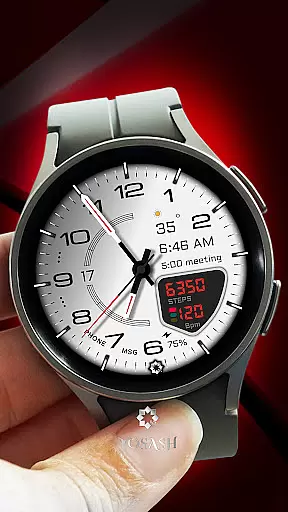
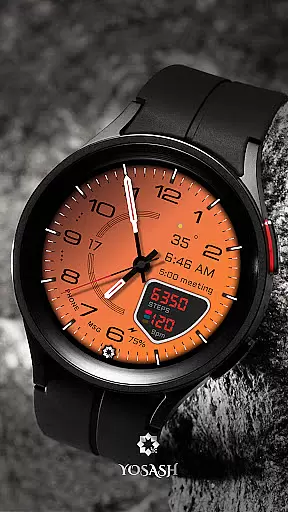
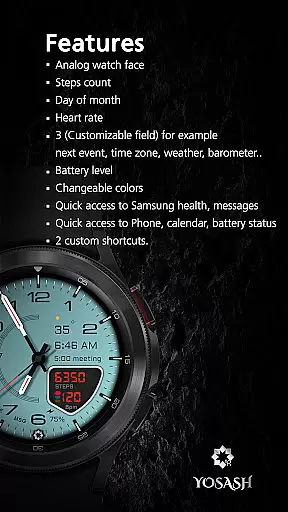
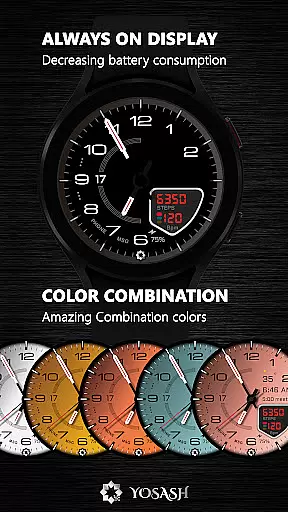
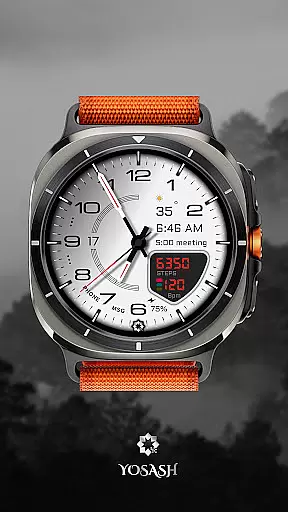
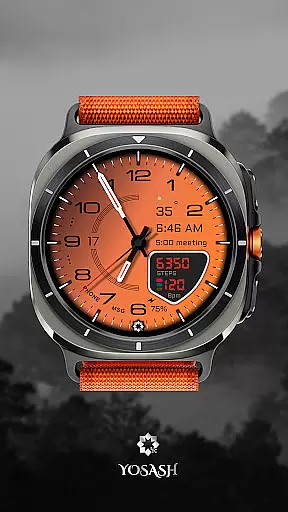
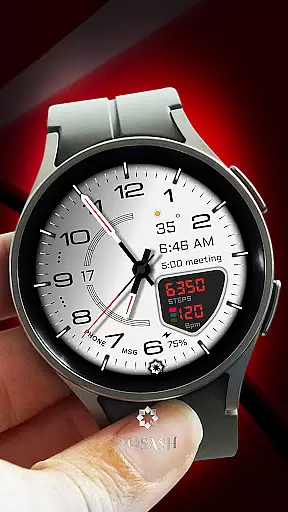
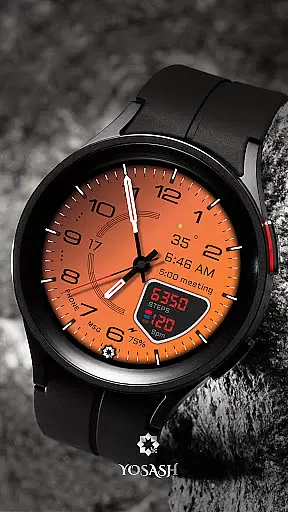
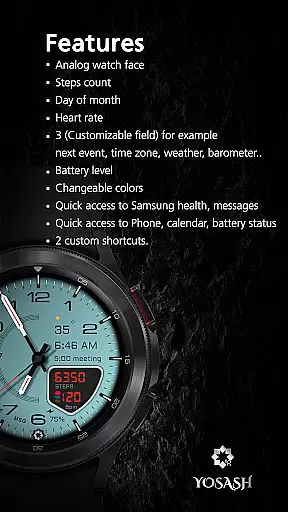
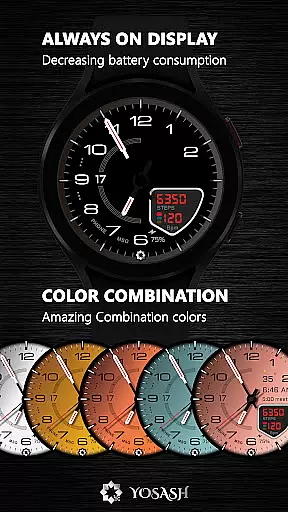
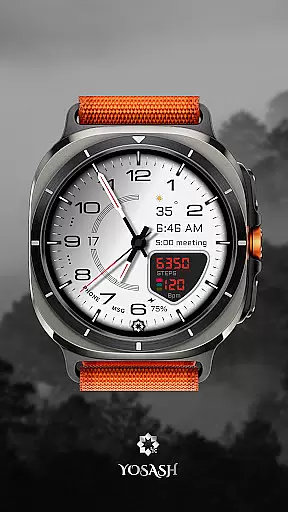
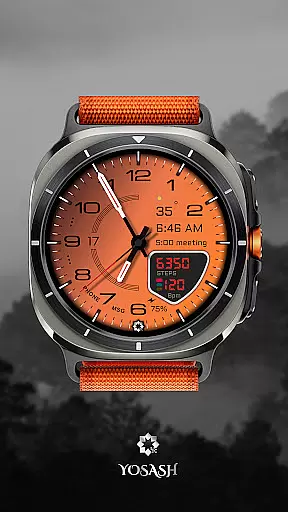
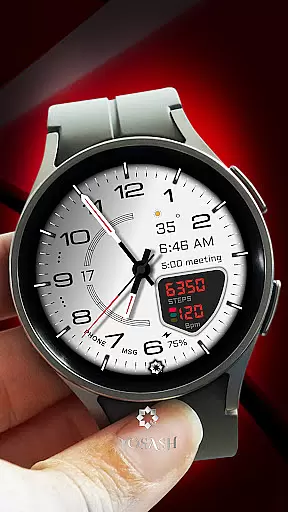
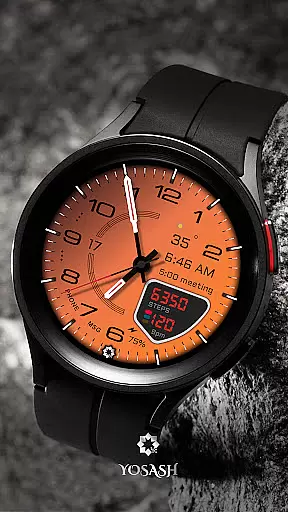
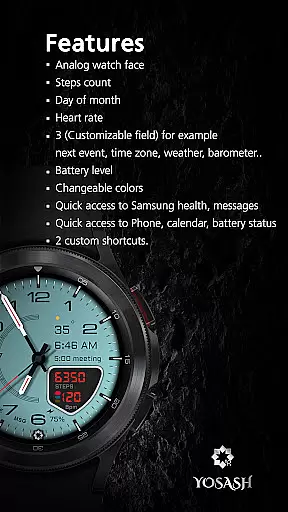
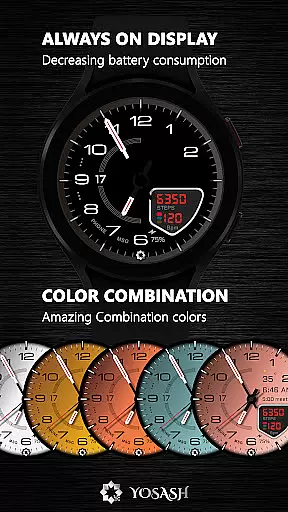
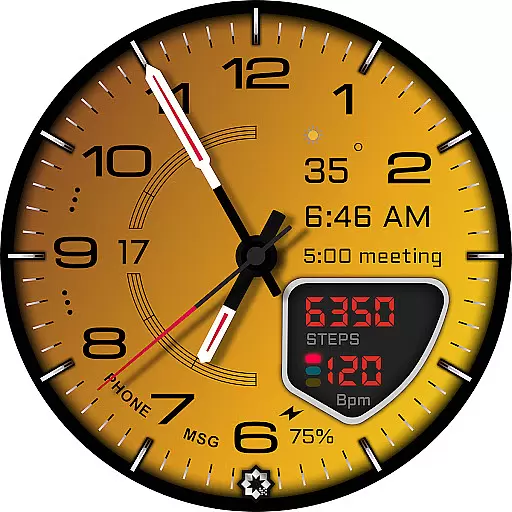
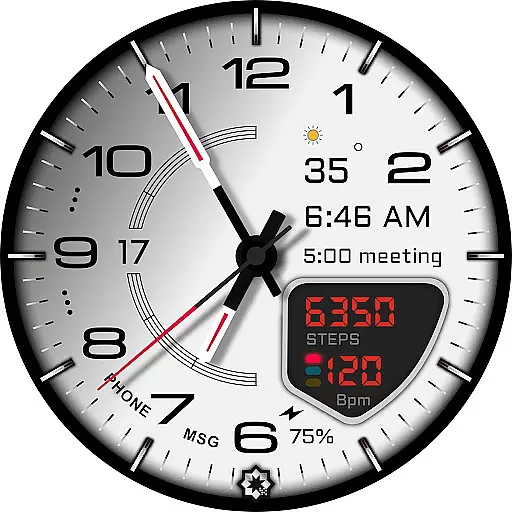
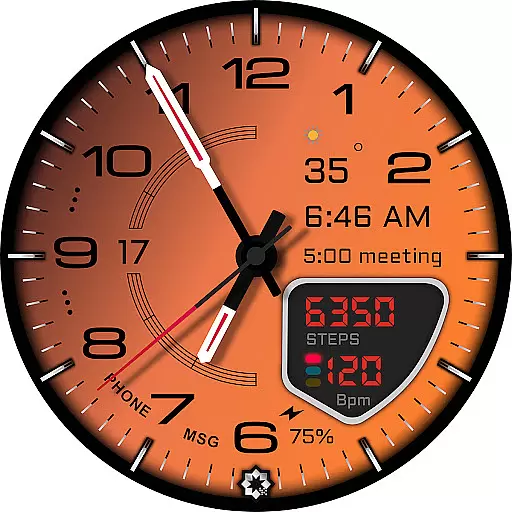
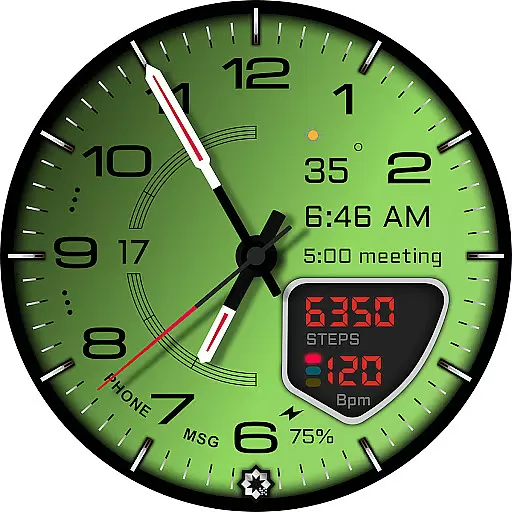
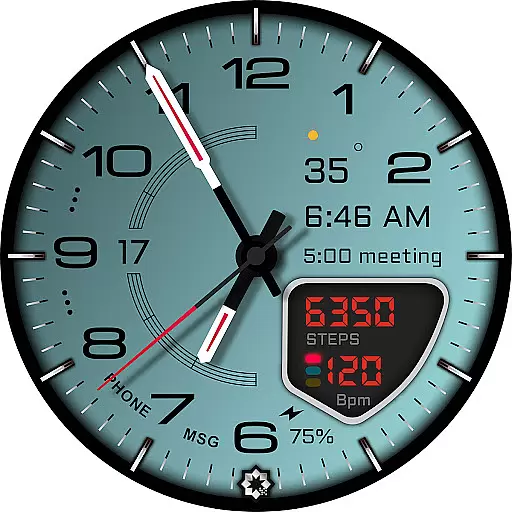
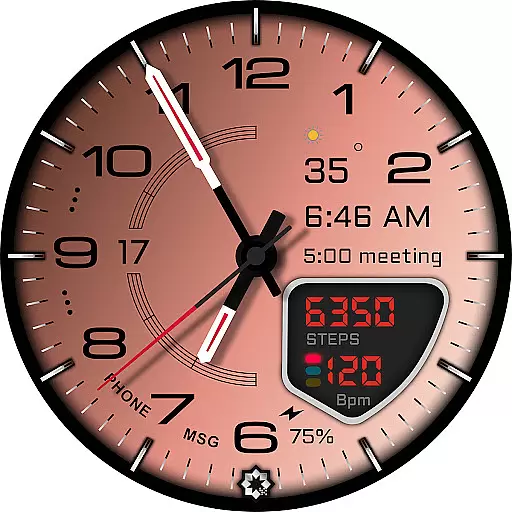
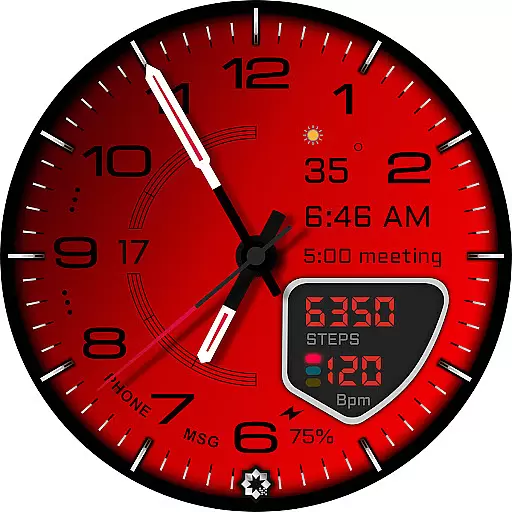
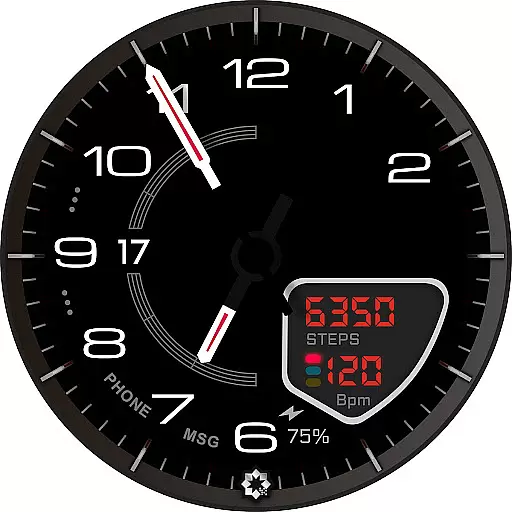
D355 Premium Watch Face offers an elegant and customizable analog watch face experience for Samsung Galaxy Watch and Google Pixel Watch users. Designed with luxury-inspired aesthetics, this premium watch face features a sophisticated analog dial with over 20 color themes and 10 hand styles to choose from.
The watch face provides real-time health data tracking including steps, heart rate, battery status, and date. Optimized for Always-On Display (AOD) support, it ensures smooth performance on Wear OS 3.5 and above while offering users the ability to customize complications and app shortcuts.
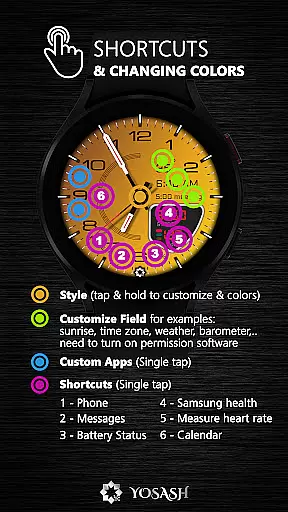
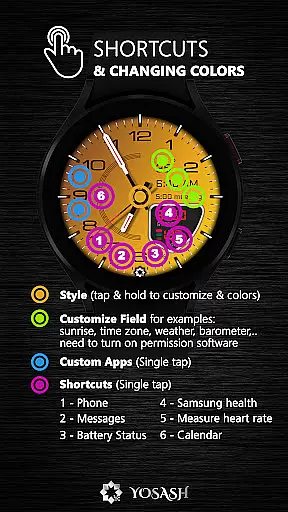
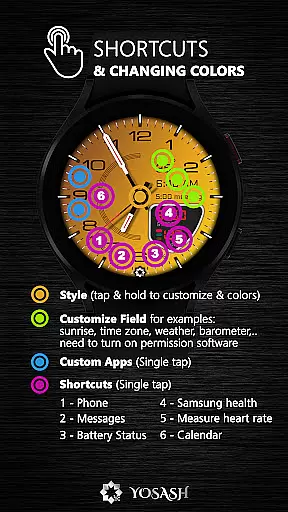
This watch face stands out with its extensive customization options. Users can personalize their watch faces by adjusting color themes, choosing from multiple hand styles, and setting up customizable complications along with app shortcuts.
Real-time health tracking is seamlessly integrated into the design, displaying crucial information such as steps taken, current heart rate, battery level, and date without cluttering the elegant interface. The optimized Always-On Display feature ensures that these details remain visible even when the screen is not active.
Compatible with all smartwatches running Wear OS 3.5+, including Samsung Galaxy Watches series 4 through 8 & Ultra models, Google Pixel Watches (1 & 2), Fossil watches, TicWatch devices among others - making it versatile across various brands.
Companion app integration is essential for a seamless smartwatch experience. D355 Premium Watch Face offers direct installation through the Google Play Store on your smartwatch, ensuring that users can easily access and install the application without the need for a phone or computer.
The watch face supports real-time health data display, such as steps, heart rate, and battery status. This feature connects with your smartphone's health apps to provide up-to-date information directly on your wrist, enhancing convenience and accessibility.
Additionally, customization options are available through simple interactions with the watch interface. Users can personalize color themes, hand styles, and complications, tailoring the watch face to their preferences and needs.
This level of integration not only simplifies the user experience but also maximizes the utility of both the smartwatch and its companion apps, making daily tasks more efficient and enjoyable.
Ensuring broad device compatibility is crucial for any Wear OS application. D355 Premium Watch Face is optimized for Wear OS 3.5 and above, supporting a wide range of devices including Samsung Galaxy Watch series, Google Pixel Watch, Fossil, TicWatch, and other Wear OS-enabled smartwatches.
The Always-On Display (AOD) feature is specifically optimized for these devices, providing users with continuous access to important information without needing to wake the watch. This enhances battery life while maintaining functionality and aesthetics.
Moreover, the watch face supports over 20 color themes and 10 hand styles, allowing users to customize their experience across different devices seamlessly. These customization options ensure that regardless of the device, users enjoy a personalized and engaging interface.
By focusing on compatibility and optimization, D355 Premium Watch Face guarantees a consistent and high-quality experience across various Wear OS devices, meeting the diverse needs of its user base.
Highly Customizable
Luxury Design
Real-Time Health Data
Always-On Display Support
Wide Compatibility
Premium Price
Complex Setup
Limited Free Themes
Requires Email for Bonus
Not All Features on Older OS

Christmas - Festive - Christmas Village - Winter - Christmas lights
 5.00
5.00
Animated Watch Face and Customizable with 24 Backgrounds. Perfect for Christmas!
3.90
Precision analog watch face with 7 complications and style options
4.5
A Wintery Snow Globe on Your Wrist; now celebrating Christmas!
4.2
A full-featured Amazon Alexa voice assistant that can show you things.
3.70
Easy Voice Recorder is your everyday companion to record important moments.
4.70
Watch face designed for Thanksgiving Day. 7 Background Styles included.
3.20
Kia Access makes getting your vehicle information easier than ever
4.60
Nutrition, Macro tracker: Food, fitness & healthy diet tracking for weight loss
4.60
Beautiful, colorful and practical watch face. For Wear OS devices.
5.00
The Chevron App allows you to pay for fuel from the comfort of your car!
4.80
Real-time results, stats, schedules and player profiles for all leagues
4.60
Premium hybrid watch face with many customizations for Wear OS devices.
4.40
A white realistic classic analog watch face with many customization options.
4.40
Daily Weather forecast with 15 weather images for Day & Night plus Big Bold time
4.10
Watch the sharpness of the sky on your wrist..
3.70
Stay in touch with your friends and family using LINE!
3.40
Stunning modern digital watch face with 7 complications and strong contrast
4.0
Sleek, highly customizable watch face inspired by Galaxy Watch Circle Dashboard.
4.3


User Reviews