

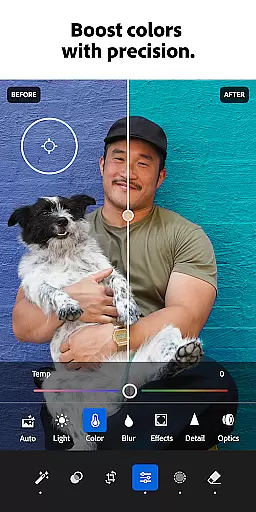

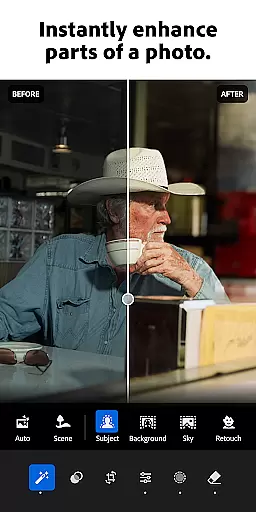


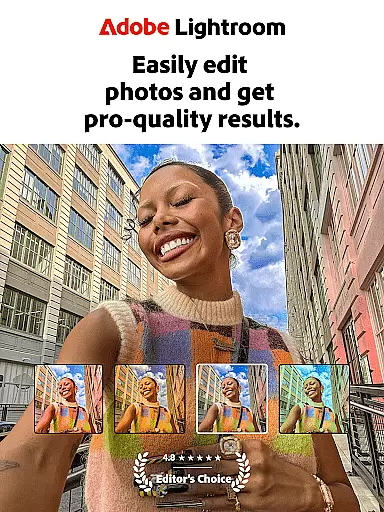
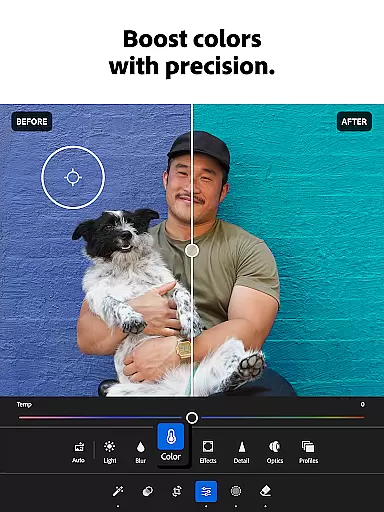
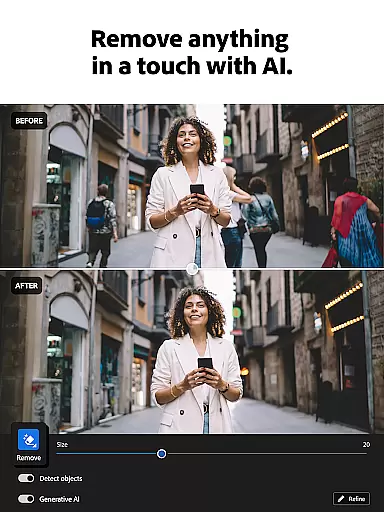
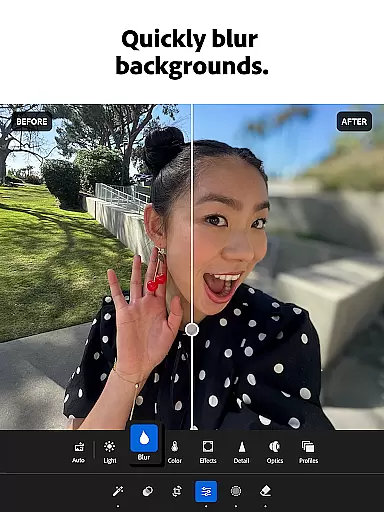

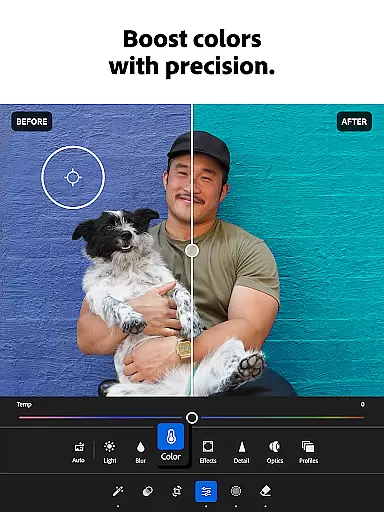
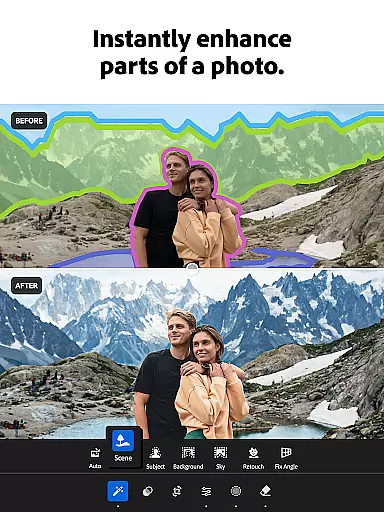

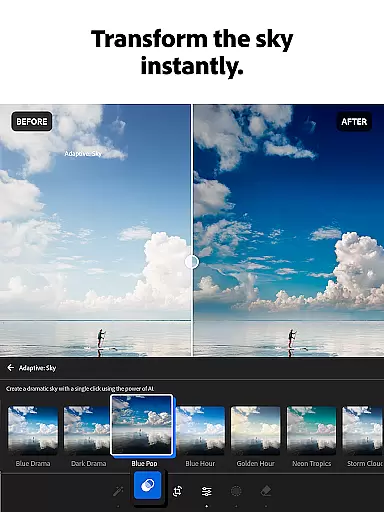
Adobe Lightroom is a comprehensive photo and video editing application designed for both amateur photographers and professionals. This powerful photo editor allows users to enhance their images with intuitive tools that require minimal effort. Whether you're adjusting lighting, applying filters, or retouching blemishes, Lightroom provides all the necessary features in one place.
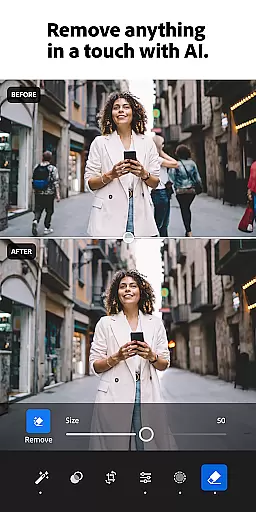
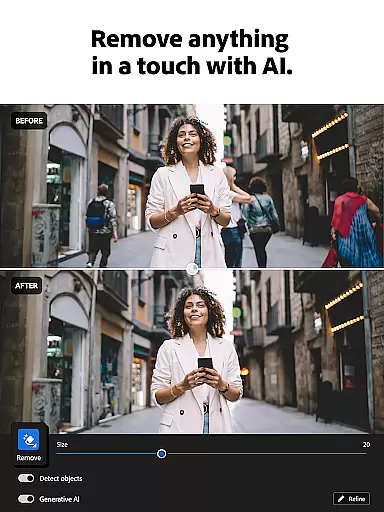
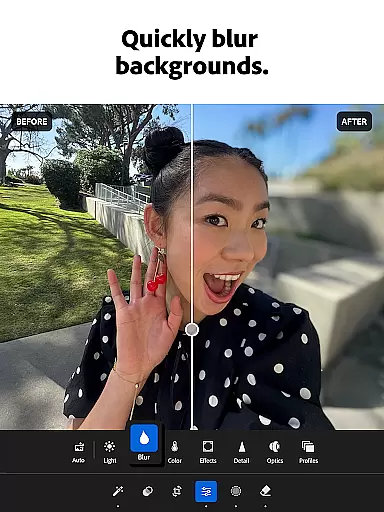
The app stands out with its AI-powered editing capabilities, offering smart suggestions to improve your photos instantly. It also includes advanced options like background blurring, object removal, and color grading. With support for video editing and batch processing, Lightroom ensures a seamless workflow across different types of media. Perfect for social media enthusiasts and professional photographers alike, this app helps you create stunning visuals ready for sharing.
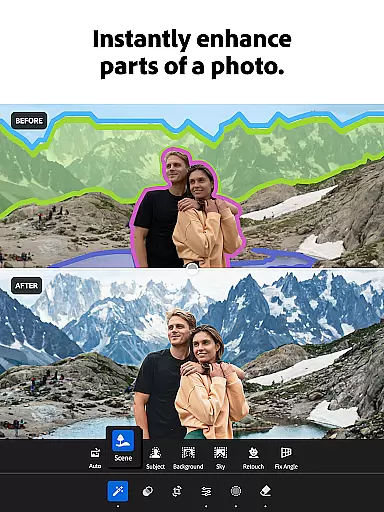
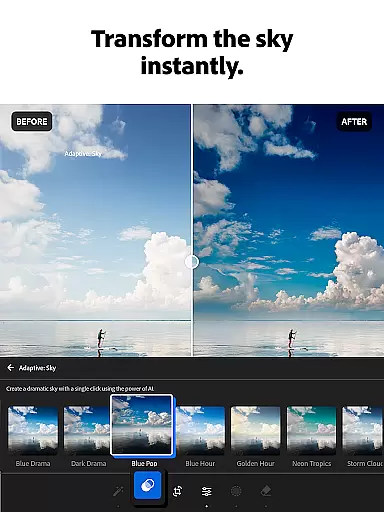
Lightroom offers an impressive array of features that cater to various editing needs. The Quick Actions and Adaptive Presets allow users to enhance photo quality with just one tap, making photo retouching faster than ever. Users can experiment with a wide range of presets and filters or create their own custom looks to give their photos a unique touch.
One of the standout features is the ability to remove distractions and blur backgrounds, giving photos a professional finish. The Generative Remove tool enables users to erase unwanted objects or people from images effortlessly. Additionally, the app's advanced light control tools let users tweak exposure, highlights, shadows, and more, providing complete control over the final image.
For those who work with multiple images, Lightroom supports batch editing, allowing users to apply the same edits across several photos at once. This feature saves time and ensures consistency in photo collections. With its robust set of tools and user-friendly interface, Lightroom is a top choice for anyone looking to elevate their photography game.
Real-time capture and preview functionality is essential for photographers who need to ensure their shots are perfect before committing to post-processing. With Lightroom Photo & Video Editor, users can leverage this feature to make immediate adjustments while shooting.
The app provides a live view of how certain edits will appear on photographs, allowing users to tweak settings like exposure, contrast, and white balance in real time. This ensures that the final image closely matches the photographer's vision without extensive editing later.
Photographers benefit from this instant feedback loop, which helps them learn more about photography techniques and improve their skills over time. The ability to see changes as they happen makes capturing high-quality images more efficient and reliable.
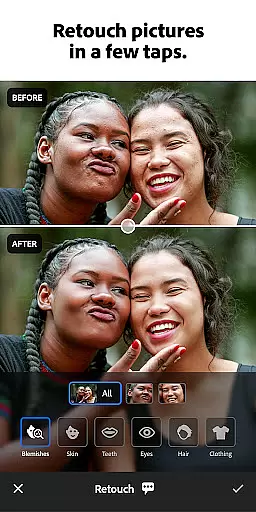
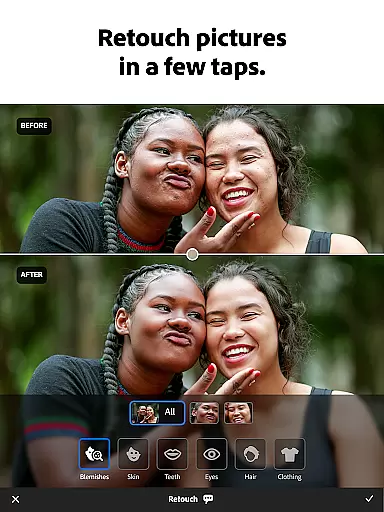
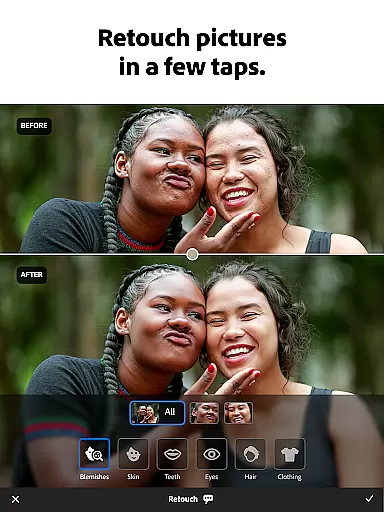
AI beauty and enhancement features have become increasingly popular in photo editing applications, offering users the ability to refine and beautify their images with minimal effort. Lightroom Photo & Video Editor stands out by providing enhancements that maintain a natural look.
Using advanced algorithms, the app intelligently applies skin smoothing, blemish removal, and other retouching effects that enhance the subject's appearance without making them look artificial. This approach respects the authenticity of the original photo while elevating its overall quality.
Users appreciate the balance between enhancement and realism, ensuring that edited photos remain true to life. This feature not only saves time but also empowers users to produce professional-grade results with just a few taps.
User-friendly interface
Powerful AI editing tools
Wide range of presets
Batch editing capabilities
Video editing support
Subscription required
Advanced features may overwhelm beginners
Occasional performance issues
Limited free version
Large app size

Easily stitch panoramas from multiple photos or video.
 4.40
4.40
Natural Beauty, Selfie Retouch
4.30
AI photo editor with hair editor, retouch tools, hair color changer & filters!
4.50
Turn your phone into a professional camera - full DSLR manual photography
4.30
AI photo enhancer with Sora 2! Enhance, descratch, and colorize your old photos.
4.50
Easily view, share, delete photos with Gallery.
4.70
Pro version: AR sun/moon tracker for any date. Tool for photographers & planners
4.90
RAW video capture with advanced controls
4.40
Try an anime version, cartoon yourself, and generate AI hug or aging videos!
3.70
Cut and paste photo editor & eraser to customize photos easy and swap faces fun
4.50
Fit multiple photos on one post. Create carousels & scroll layouts for Instagram
4.50
[3DSteroid Pro] is a stereoscopic application for Android.
4.30
Virtual makeup, hair filters & body tuner—edit from face to full body!
4.20
Create & Edit with AI: AI Remove, Enhance, Retouch, Filter
4.10
The #1 app for B&W film developing featuring an advanced darkroom timer.
4.10
Create amazing frames with up to five photos. Rounded corners, effects and more!
3.60
Application for remote controlling DSLR
3.00
Long exposure camera with computational photography
2.60
Over 800 film simulation recipes for Fujifilm. Black Friday Offer!
4.2


User Reviews