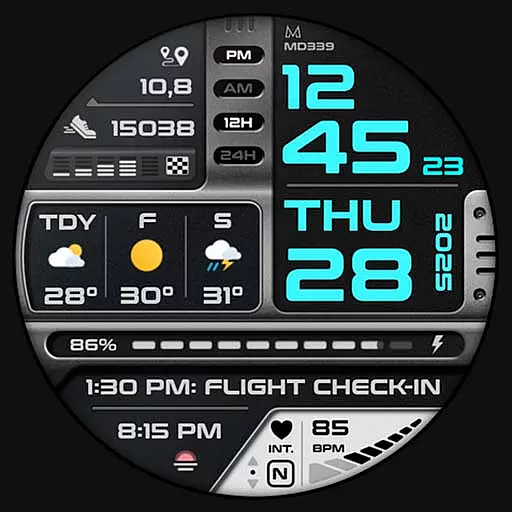
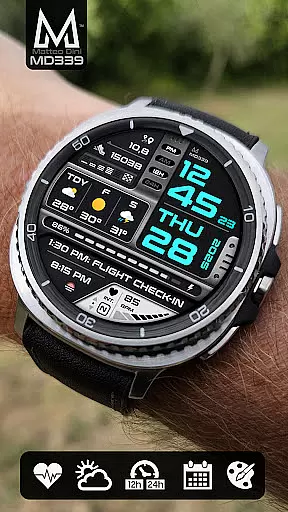
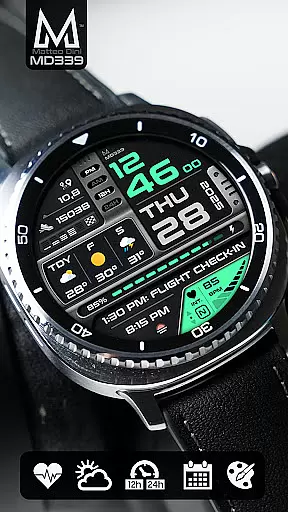
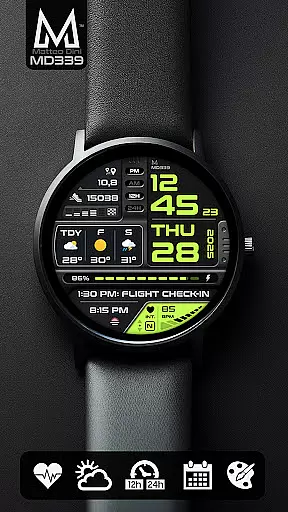
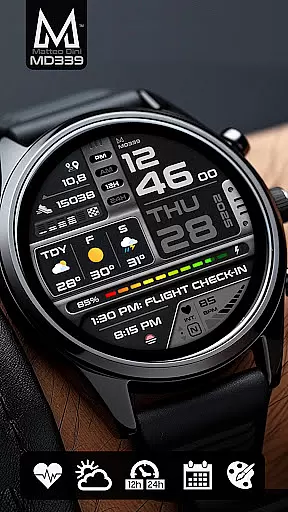
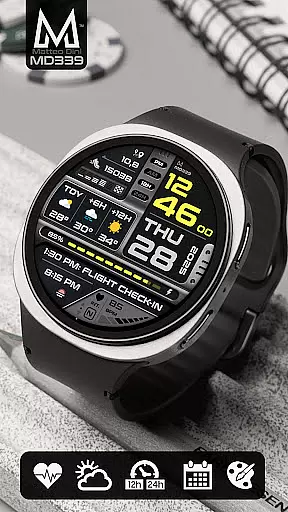
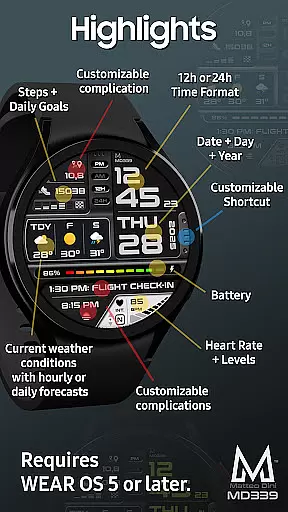
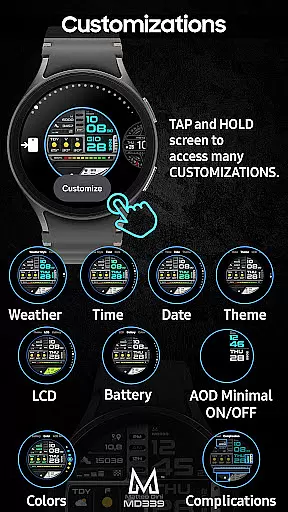
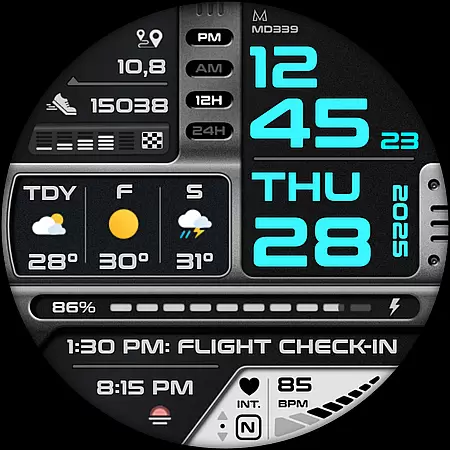
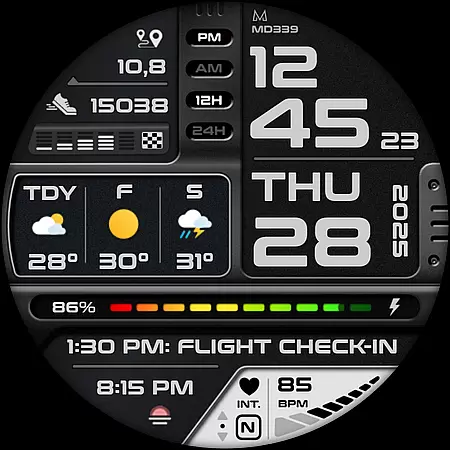
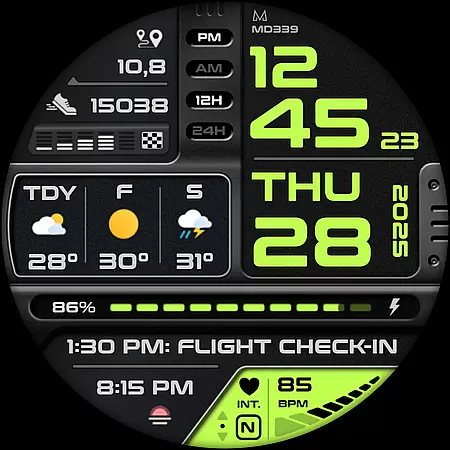
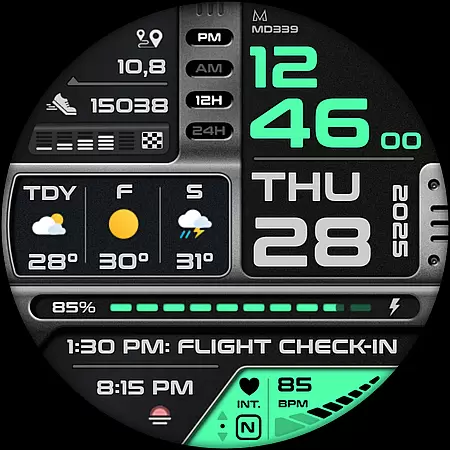
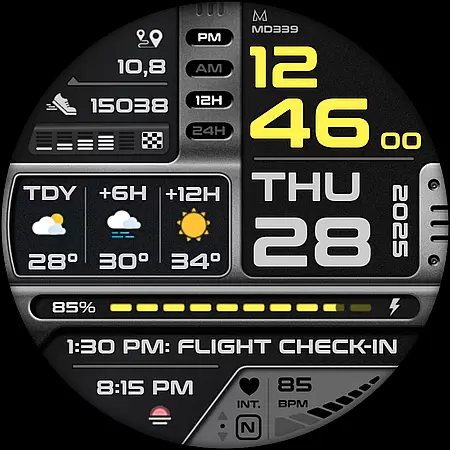
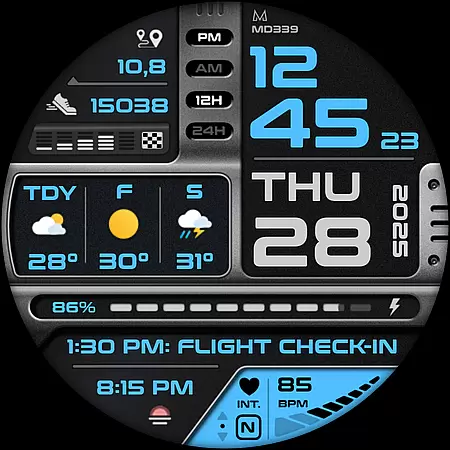
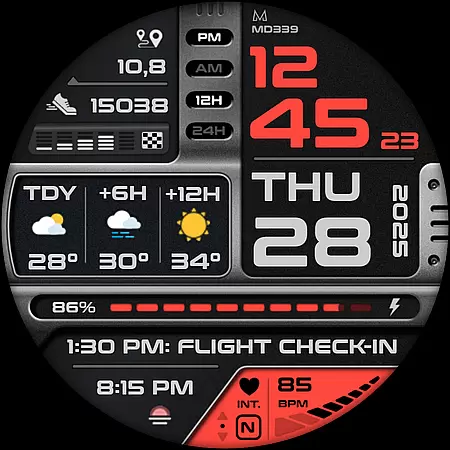
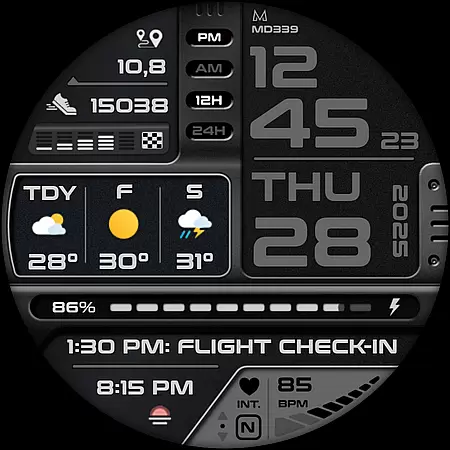
MD339 Digital watch face is a cutting-edge Wear OS watch face designed for users seeking advanced customization and functionality. It supports all Wear OS devices with API Level 34+ and offers features like customizable complications, app shortcuts, and weather forecasts.
This digital watch face syncs seamlessly with your phone settings, displaying time, date, heart rate, steps, battery status, and more. With its modern design and compatibility with Samsung Galaxy Watches, Pixel Watches, and other Wear OS devices, it provides a personalized and versatile experience tailored to your needs.
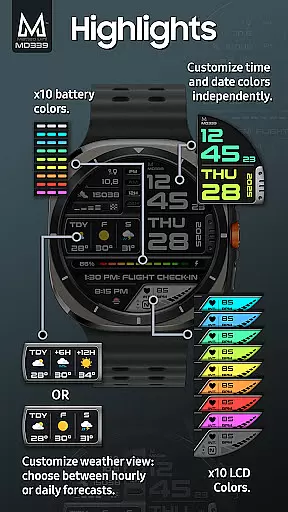
MD339 stands out with its rich feature set, including 6 preset app shortcuts and 1 customizable shortcut, allowing quick access to essential functions like calendar, alarms, and weather. The inclusion of 3 customizable complications enables users to display preferred data such as barometer readings, distance walked, calories burned, and UV index.
Its advanced weather integration lets users toggle between daily or hourly forecasts, while the always-on display mode ensures minimal disruption. Users can fully customize the appearance by adjusting colors for time, date, fonts, and even light/dark themes. These capabilities make MD339 both functional and visually adaptable to individual preferences.
Companion app integration is essential for a seamless wearable experience. The MD339 Digital watch face excels in this area by offering deep connectivity with your smartphone. This ensures that all your important notifications, health data, and customization settings are synchronized effortlessly between devices.
The watch face supports advanced features like weather forecasts and customizable complications, which rely on companion app integration to deliver real-time data. Users can choose between daily or hourly forecasts, depending on their preference, and the temperature format automatically adjusts based on phone settings.
This level of integration allows users to personalize their watch face extensively. From changing time and date colors to selecting specific data complications, the companion app provides complete control over the watch's appearance and functionality. This ensures a tailored experience that matches individual preferences and needs.
By maintaining strong companion app integration, MD339 guarantees that users always have access to the most up-to-date information and features. Whether it's receiving notifications, tracking fitness goals, or customizing shortcuts, this digital watch face delivers a comprehensive and cohesive wearable experience.
Device compatibility is crucial when selecting a digital watch face, and MD339 offers broad support across Wear OS devices. This watch face is optimized for devices running API Level 34 and above, including popular models like Samsung Galaxy Watch 4-8, Ultra, and Pixel Watch. Such extensive compatibility ensures that users can enjoy consistent performance regardless of their specific device.
MD339 takes full advantage of advanced Wear OS features, providing users with numerous customization options. These include 6 preset app shortcuts, 1 customizable shortcut, and 3 customizable complications. Each feature is designed to work seamlessly across supported devices, delivering a uniform experience whether you're using a Samsung or Pixel smartwatch.
While older Galaxy Watch models may encounter issues due to hardware limitations, MD339 remains committed to supporting the latest Wear OS technologies. This forward-thinking approach guarantees that users benefit from cutting-edge functionalities like Always On Display modes and detailed health metrics tracking.
For those seeking a versatile digital watch face that maintains high performance standards across various devices, MD339 stands out as an excellent choice. Its commitment to Wear OS compatibility ensures that users can enjoy a feature-rich experience without worrying about device restrictions or performance inconsistencies.
Highly customizable
Advanced weather options
Wide device compatibility
Always-on display modes
Syncs with phone settings
Older models unsupported
Weather data occasional gaps
Complications require extra apps
No internal weather app
Limited on non-Samsung watches

Christmas Theme Watch Face for Wear Os
 5.00
5.00
Animated Watch Face and Customizable with 24 Backgrounds. Perfect for Christmas!
3.90
Snowflake Rose Gold Watch Face - Digital, modern, & sleek with GYRO effect.
4.10
Artistic Digital Watchface
4.3
A modern premium sporty hybrid watch face for Wear OS by Ballozi
4.70
Period, ovulation & pregnancy tracker. Fertility insights & menstrual calendar.
4.90
Real-time weather radar with temperatures, warnings, hurricanes, and widgets
4.80
Fast and smart typing with Emojis, GIFs, and more
4.50
Toyota app currently supports 2010 or newer vehicles (2018 or newer for Hawaii).
4.50
Be an elegant and classy secret agent, with this carefully detailed watch face
4.70
Simple, helpful messaging by Google
4.60
Stylish, Energizing and Modern Watch Face crafted by Dominus Mathias.
4.50
Bold, Modern Hybrid Watch Face for Wear OS. 10 Colors, Rich Info Display.
4.30
Watch the sharpness of the sky on your wrist..
3.70
Your local weather forecast, storm tracker, radar maps & live weather news
3.40
Wear Os Watch Face - Animated Snow Effect & Christmas Lights
4.1
Precision analog watch face with 7 complications and style options
4.4
Contemporary digital watch face with five complications
4.2
Stunning modern digital watch face with 7 complications and strong contrast
4.4


User Reviews