
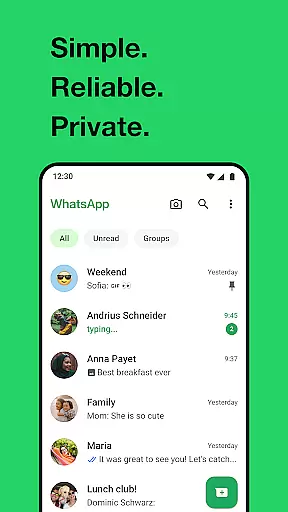
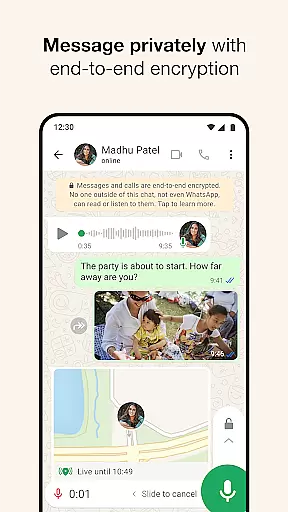
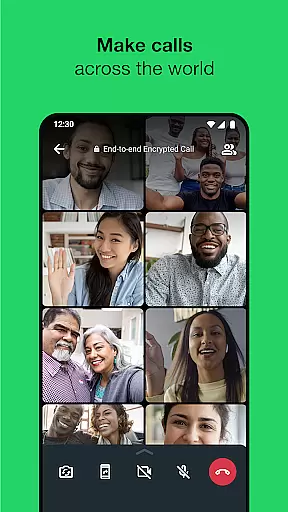
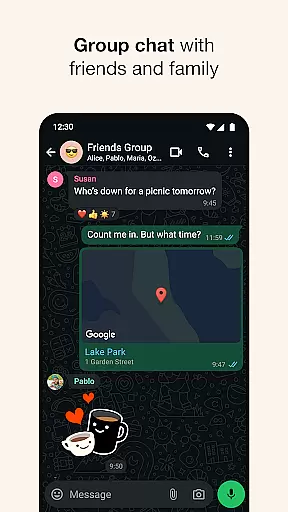
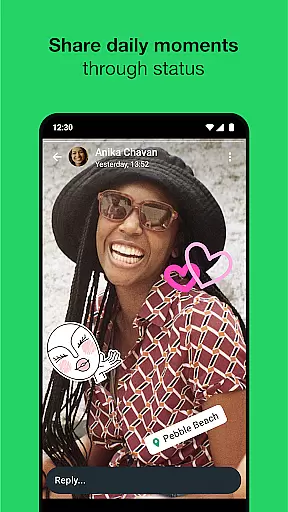
WhatsApp Messenger is a leading communication app that allows users to send messages, make voice and video calls, and share media across mobile and desktop platforms. Its core functionality lies in providing secure, end-to-end encrypted conversations, ensuring privacy for personal and group chats. The app also supports features like Status updates, location sharing, and high-quality group calls with up to 32 participants.
Designed for seamless usability, WhatsApp requires only a phone number to get started, eliminating the need for usernames or additional logins. It operates efficiently even on slower internet connections, making it accessible worldwide. With over 2 billion users globally, it serves as an essential tool for staying connected with friends and family while maintaining robust security standards.
WhatsApp stands out through its combination of simplicity, reliability, and advanced security measures. One key feature is end-to-end encryption, which ensures that only the sender and recipient can access messages or calls—no third parties, including WhatsApp itself, have access. This makes it ideal for private communication.
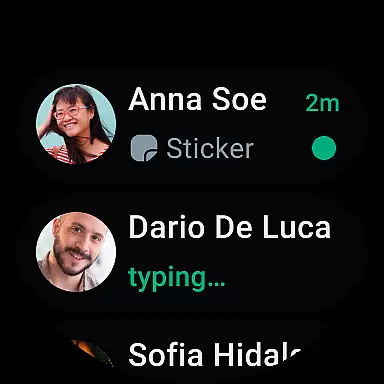
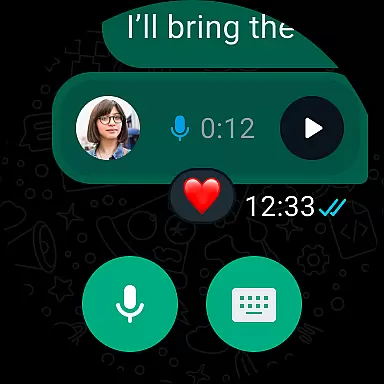
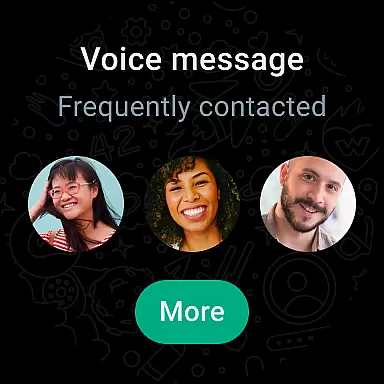
In addition to direct messaging, WhatsApp offers group chats where users can collaborate by sharing texts, photos, videos, and documents securely. Another notable capability is Status, allowing users to post updates visible for 24 hours. Voice and video calls support groups of up to 32 people, all without extra charges beyond data costs. Furthermore, integration with Wear OS enables smartwatch functionality such as quick replies and call management directly from your wrist.
Companion app integration is essential for a seamless user experience across multiple devices. WhatsApp Messenger excels in this area by offering robust synchronization between mobile and desktop platforms. This ensures that users can transition effortlessly between devices without losing any data or functionality.
The app employs end-to-end encryption to secure messages and calls, maintaining privacy even when data is synced across devices. Users can access their chats, media, and documents on any device with the companion app installed, ensuring continuity and convenience. This level of integration provides peace of mind, knowing that personal communications remain private and accessible only to the intended recipients.
WhatsApp's companion app feature also supports high-quality voice and video calls, extending the capability to connect with up to 32 people simultaneously. The application optimizes these calls to work efficiently even on slower internet connections, making it versatile for various environments. This ensures that communication remains fluid and reliable, regardless of the user's location or network conditions.
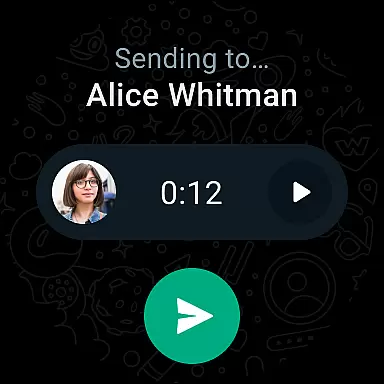
Wear OS/device compatibility is crucial for users who want to stay connected on the go. WhatsApp Messenger offers excellent support for Wear OS, allowing users to continue conversations directly from their smartwatches. This compatibility ensures that users can read and reply to messages, take calls, and even send voice notes without needing to reach for their phones.
The integration with Wear OS extends beyond basic messaging. WhatsApp leverages tiles and complications to provide quick access to chats and essential features right from the watch face. This intuitive design enhances usability, enabling users to interact with the app more efficiently and conveniently.
Moreover, WhatsApp ensures that its Wear OS compatibility does not compromise security. All interactions on the smartwatch are protected by the same end-to-end encryption used on mobile and desktop versions. This guarantees that whether you're sending a text or sharing your location, your data remains secure and private, providing a worry-free experience while using wearable technology.
End-to-end encryption
User-friendly interface
Free voice and video calls
Cross-platform compatibility
Wide global adoption
Limited customization options
No built-in GIF search
Heavy battery usage
Requires constant internet
Status limited to 24 hours

Walking app for weight loss: walk & step tracker, pedometer, indoor treadmill
 4.60
4.60
Christmas watch face. For Wear OS devices.
4.30
Watch face for Wear OS.
4.20
Digital watch face. For Wear OS devices.
4.40
Fast and smart typing with Emojis, GIFs, and more
4.50
Simple, helpful messaging by Google
4.60
Want to take charge of your health? Let Google Fit help you reach your goals.
3.50
Fitbit is dedicated to helping people lead healthier, more active lives.
4.10
Control your Samsung Smart TVs, appliances, and SmartThings-compatible devices
4.60
The Chevron App allows you to pay for fuel from the comfort of your car!
4.80
The most customizable hybrid watch face. For Wear OS 5.0, API 34+ and later
4.70
Beautiful artistic animated digital watch face, with a customizable layout!
4.40
"PER27 Galaxy Digital" is a digital Wear OS watch face designed by PERSONA
4.10
Viewer for Wyze/Yi/Eufy/Arlo/ONVIF/RTSP/P2P IP cams w/ adv. features & DIY DVR
4.00
Animated Watch Face and Customizable with 24 Backgrounds. Perfect for Christmas!
3.90
Get helpful reminders, take progress photos and find answers to your questions.
3.90
Analog watch face with 8 complications and expedition styling
4.4
A watch face that fuses motorsport precision with contemporary smartwatch design
4.4
Funny animated watch face for Thanksgiving
4.3


User Reviews