

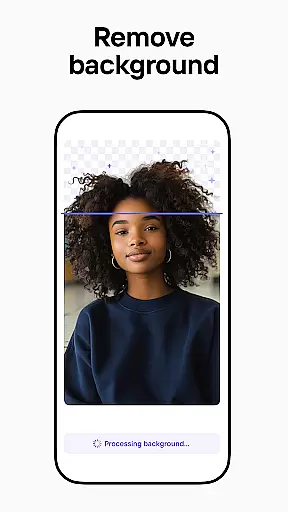
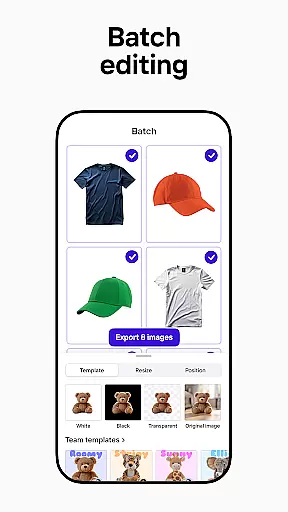

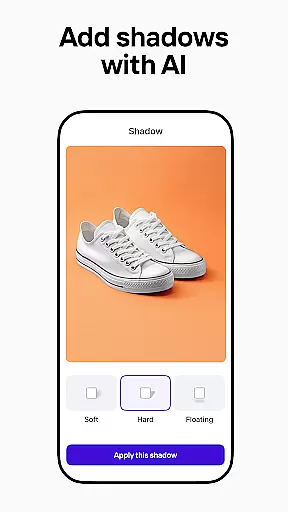
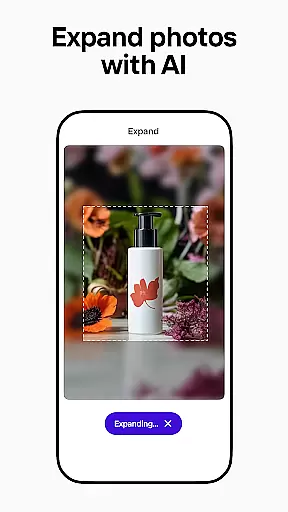
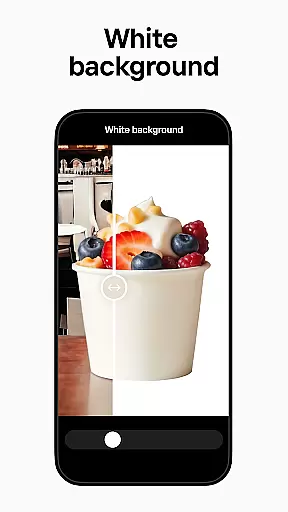
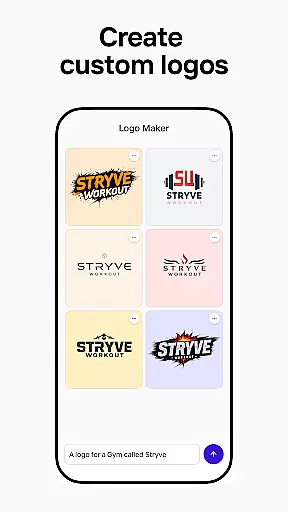
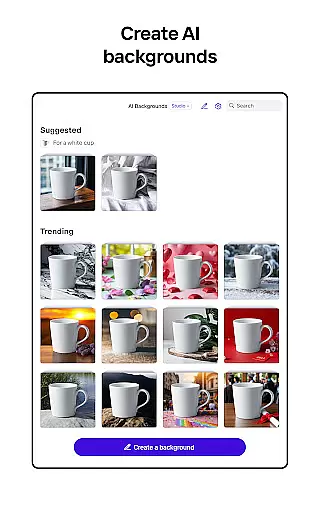
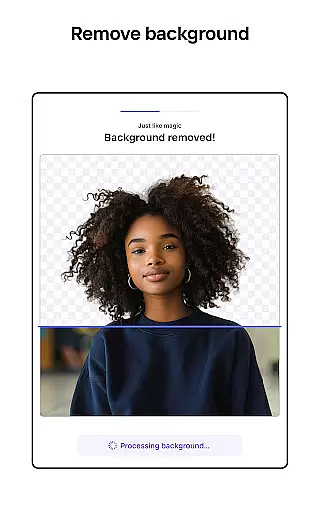

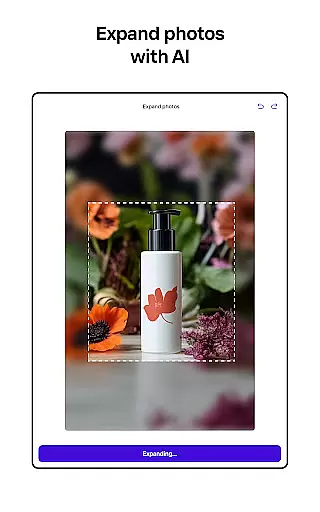
Photoroom AI Photo Editor is a powerful mobile application designed for creating professional-quality images with ease. The app utilizes advanced AI technology to help users design, edit, and enhance photos by removing or replacing backgrounds, erasing unwanted objects, and adjusting lighting and shadows. Whether you're an e-commerce seller, content creator, or social media manager, Photoroom provides the tools needed to produce engaging visuals that elevate your brand and drive sales.
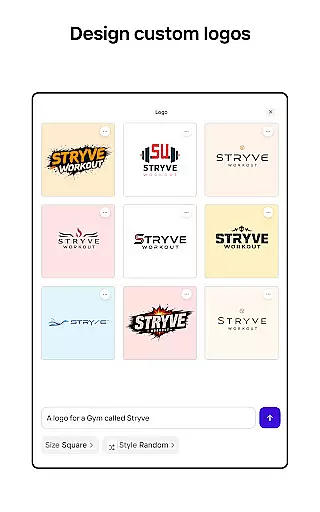
The app offers specialized features such as AI-powered design assistance, batch editing for multiple images, and customizable templates for various platforms like Instagram, Facebook, and Amazon. With its intuitive interface, Photoroom makes it simple for anyone to achieve pro-level results without requiring extensive design experience. From virtual models to polished product shots, this app transforms ordinary images into stunning visuals that captivate audiences across digital platforms.
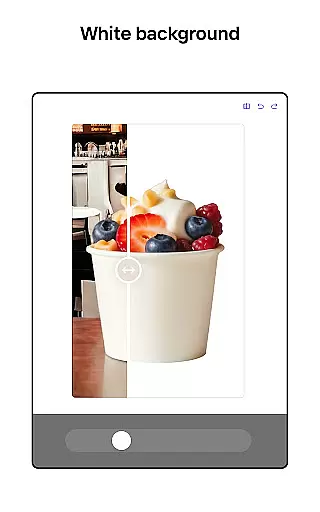
Photoroom stands out with its comprehensive suite of AI-powered photo editing tools. One of its key features is the ability to remove and replace backgrounds effortlessly using smart AI algorithms. This allows users to create clean, professional images ideal for e-commerce listings, advertisements, or social media posts. Additionally, the app includes an advanced eraser tool that can eliminate distractions or imperfections from photos while maintaining high-quality results.
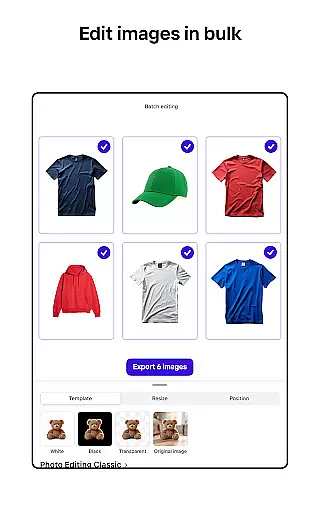
Another notable feature is the batch editing capability, which enables users to apply consistent edits across multiple images simultaneously. This is particularly beneficial for businesses managing large volumes of product photos. The app also offers customizable templates powered by AI, making it easy to design promotional materials tailored to specific events or campaigns. With real-time collaboration options, teams can work together seamlessly on projects, ensuring cohesive branding and efficient workflows.
Real-time capture and preview functionality is essential for ensuring that every photo taken meets professional standards. With Photoroom AI Photo Editor, users can instantly see the results of their edits as they make them, providing immediate feedback on changes to backgrounds or object removals.
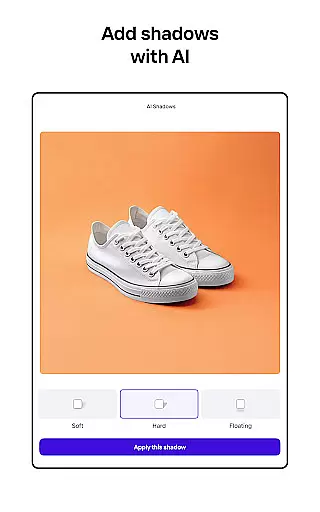
This feature allows photographers and content creators to adjust lighting, shadows, and other elements in real time, ensuring that the final image aligns with their vision. The ability to preview edits without delays enhances workflow efficiency, particularly when working on multiple images simultaneously.
For e-commerce sellers, this means product photos can be perfected on the spot, reducing the need for post-processing. Social media managers can also benefit by quickly creating engaging posts that are optimized for various platforms like Instagram and Facebook.
The real-time capture and preview feature in Photoroom ensures that users can achieve high-quality results effortlessly, making it an indispensable tool for anyone looking to elevate their visual content.
AI beauty and enhancement features focus on improving the natural appearance of photos without making them look overly edited. Photoroom's AI technology excels in this area by offering tools that enhance images while maintaining their authenticity.
Users can leverage the smart eraser to remove unwanted objects or distractions from photos seamlessly. This tool ensures that edits are undetectable, preserving the original quality and feel of the image. Additionally, the AI photo editor helps adjust lighting and shadows to create polished, professional results.
For those showcasing clothing on virtual models or placing items in staged scenes, the Product Beautifier feature transforms visuals instantly. It enhances the natural beauty of products, making them more appealing to potential customers without appearing artificial.
Overall, Photoroomu2019s AI beauty and enhancement capabilities ensure that every edit looks natural, helping users produce stunning, professional-quality images that resonate with their audience.
User-friendly interface
Advanced AI tools
Batch editing support
Customizable templates
Real-time collaboration
Premium features locked
Subscription required
Limited free exports
Occasional glitches
Learning curve

Create & Edit with AI: AI Remove, Enhance, Retouch, Filter
 4.10
4.10
Create Business Headshots, Polaroid Filter, Retake Photos,Profile Pics,AI Photos
4.50
Cartoon and artistic effects for your photos and videos
4.70
Turn your phone into a professional camera - full DSLR manual photography
4.30
HD Camera Pro with HD Video shooting, Panorama, Photo editor , Beauty Camera.
4.50
Professional photography on your mobile phone
4.20
Use AI Video Generator to turn your words to ai generated videos.
4.50
Catch sunlight, sunrise sunset times and sun phases with the AR sun tracker.
4.10
Effortlessly make high-quality GIFs from images & videos without any watermarks.
4.70
Easily view, share, delete photos with Gallery.
4.70
Automatically backup your photos and videos to computer, NAS and Cloud services
4.60
Add Watermark - Sign your pictures with a text or logo. Effective, quick, easy!
4.50
Cut and paste photo editor & eraser to customize photos easy and swap faces fun
4.50
Fit multiple photos on one post. Create carousels & scroll layouts for Instagram
4.50
RAW video capture with advanced controls
4.40
Natural Beauty, Selfie Retouch
4.30
All-in-One Editor & AI Photo Enhancer, Beautify & Retouch, Collage, Cartoonify
4.20
HD Photo gallery and photo manager to edit, hide private photos, videos & albums
4.3
Snap photos remotely using your Garmin watch as the camera trigger
4.1


User Reviews